Overview
This chapter describes the error codes that are displayed when a failure has occurred on the product. These codes are classified
in 3 categories.
Each code can be checked by printing the device log list.
Code type Description
Error Code This code is displayed when a failure occurs which affects printing (causing the host machine to stop
operating).
Jam code This code is displayed when a jam occurs inside the machine.
Alarm code This code is displayed when some features of the host machine malfunction (while the host machine
can operate) or the status of consumables changes.
How to Print Out Device Log List
"Job Status/Cancel Key" + "Utility Menu" > [Device Log List]
Outbreaktime
Outbreaktime
Outbreaktime
Outbreaktime
Returntime
Returntime
PapersizePapertype
Log3
No.DateTimeCodeTotalPrintedPages
00201706/2213:31080500000045
Log4
No.DateTimeTimeCodeTotalPrintedPages
00201706/1415:2415:30007300000029
Log2
No.DateTimeTimeCodeSizeTypeTotalPrintedPages
00201706/2116:2416:30
7107000000320203
Log1
No.
00201706/2116:24710700000032
DateTimeCodeTotalPrintedPages
JamLog1
JamLog2
ErrorLog
AlarmLog
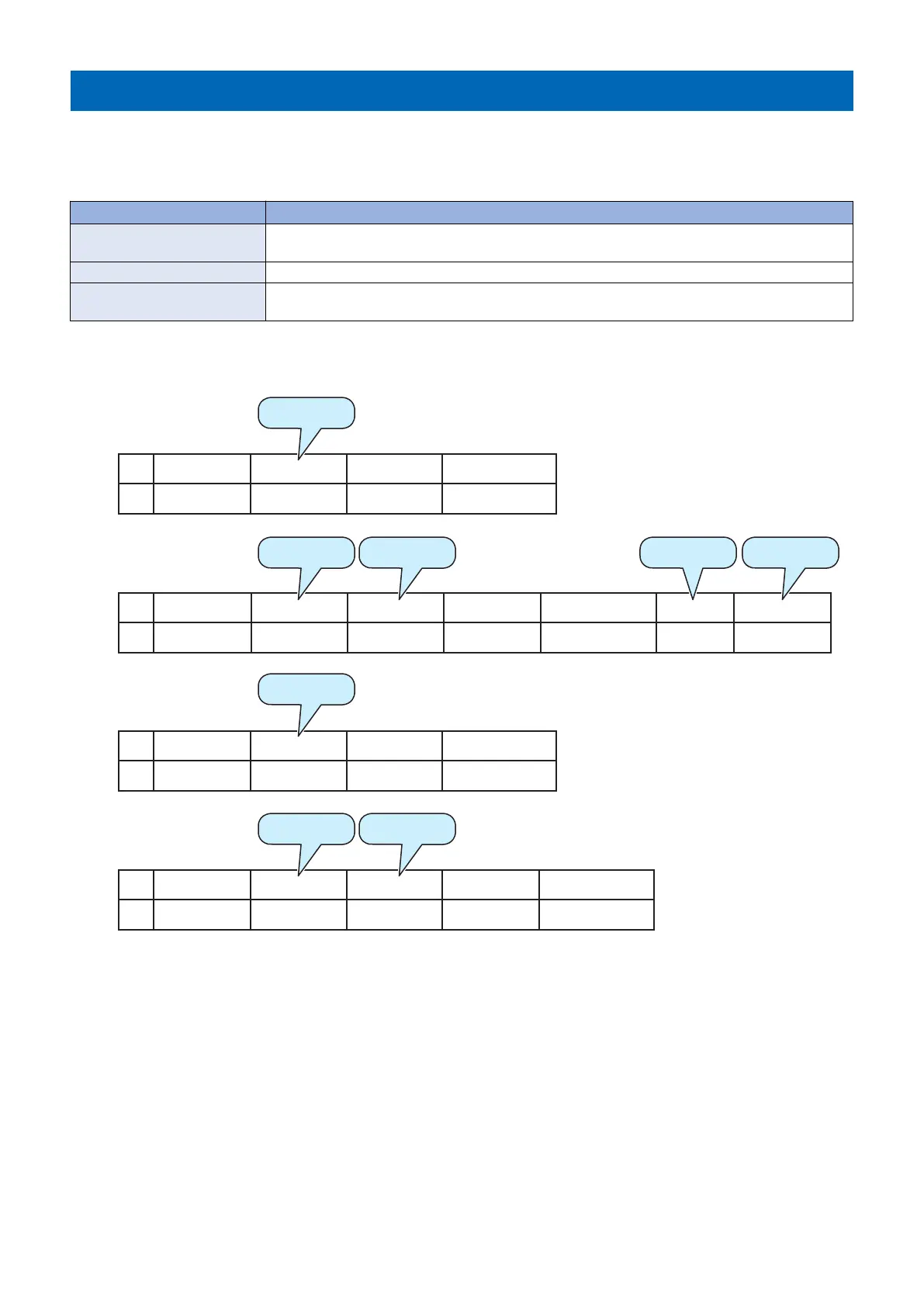
Display Example of Device Log List
8. Error/Jam/Alarm
195














 To Next Page