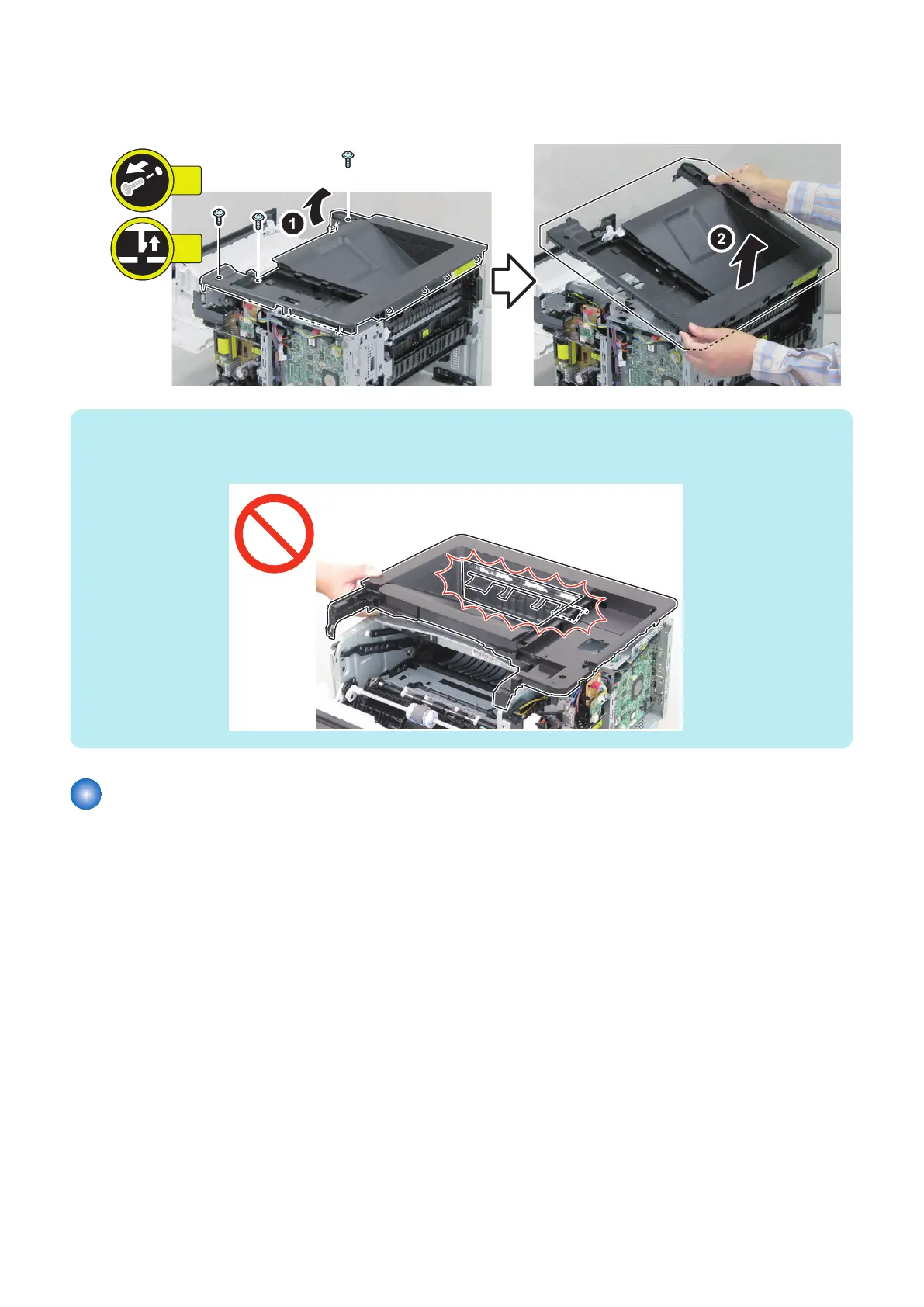
■ Procedure
1. Remove the Upper Cover Unit.
NOTE:
Points to Note at Installation/Removal
Be sure not to let it come in contact with the Full Detection Flag.
Removing the Cartridge Cover
■ Preparation
1. Remove the cassette.
2. “Removing the Cartridge” on page 127
5. Parts Replacement and Cleaning
137














 To Next Page