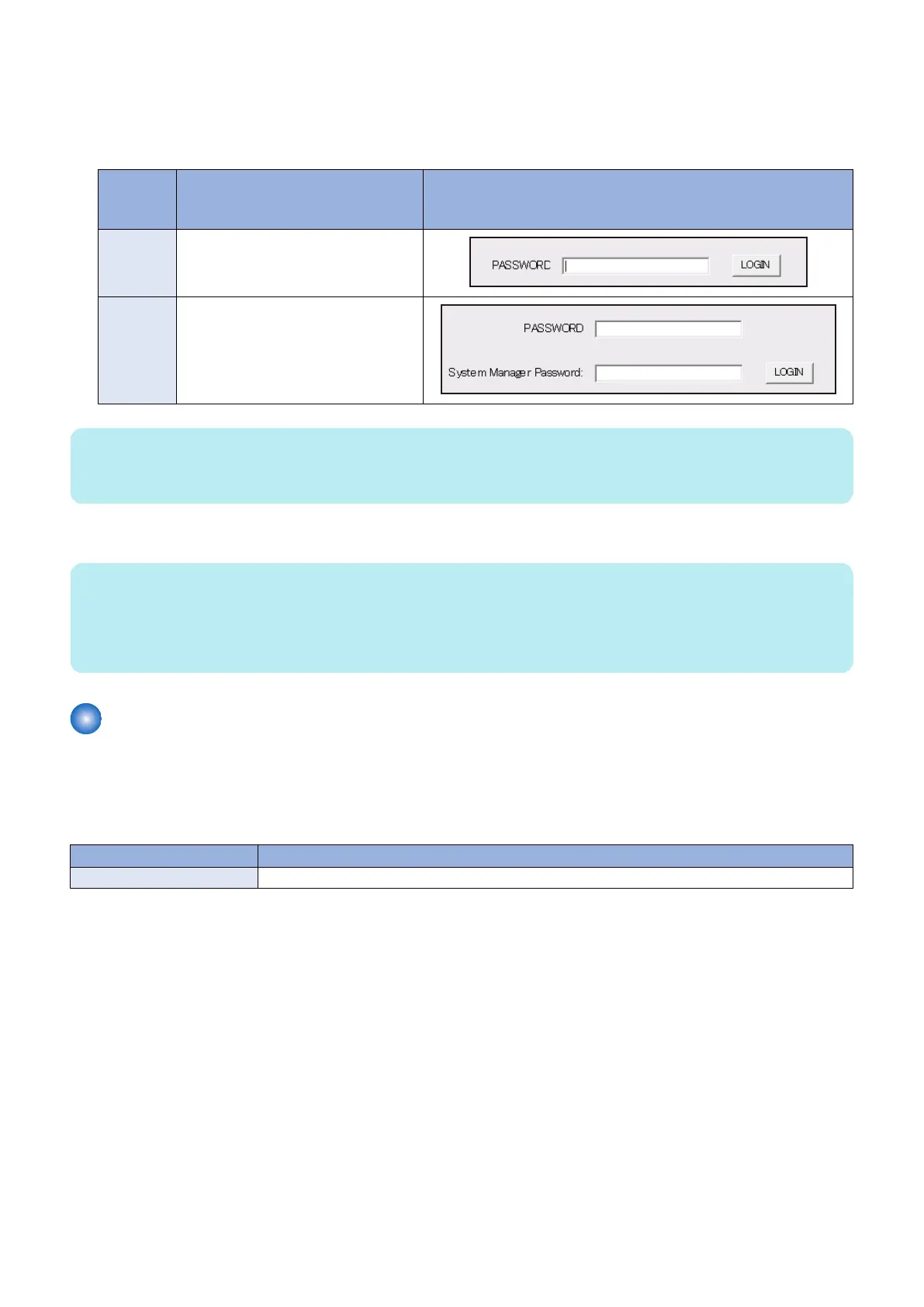
2. Enter the password, and click [LOGIN].
Password required for authentication differs depending on the following service mode setting:
SERVICE MODE > OPTION GR. > PSWD-SW
Combinations of service mode settings and required passwords
PSWD-SW
setting
value
Password required for authentica-
tion
Authentication screen
0 • Password of remote UI service mode
1 • Password of remote UI service mode
• Password of system administrator
NOTE:
• If you do not know the password of remote UI service mode, contact the Support Dept. of the sales company.
• Password of service mode cannot be changed.
3. When finishing the operation, click [REBOOT] or [Log Out].
NOTE:
If the user logged in and then closed the browser without logging out, connection status remains as "LOGIN". If the user attempts
to log in to service mode under "LOGIN" status, exclusive control is executed so that the user cannot access service mode. In that
case, wait for a fixed time (3 minutes) from the last access to let the user be automatically logged out, or turn OFF/ON the power
of the machine to be forcibly logged out.
Service Report
■ Output of Service Report Data
This machine has a function for outputting service reports such as P-PRINT.
Service Print and Data File Name Supported for File Output
Report Description
P-PRINT Output of service mode setting values
9. Service Mode
211














 To Next Page