Flow of Copy Operations
1-10
1
Introduction to the Copying Functions
3
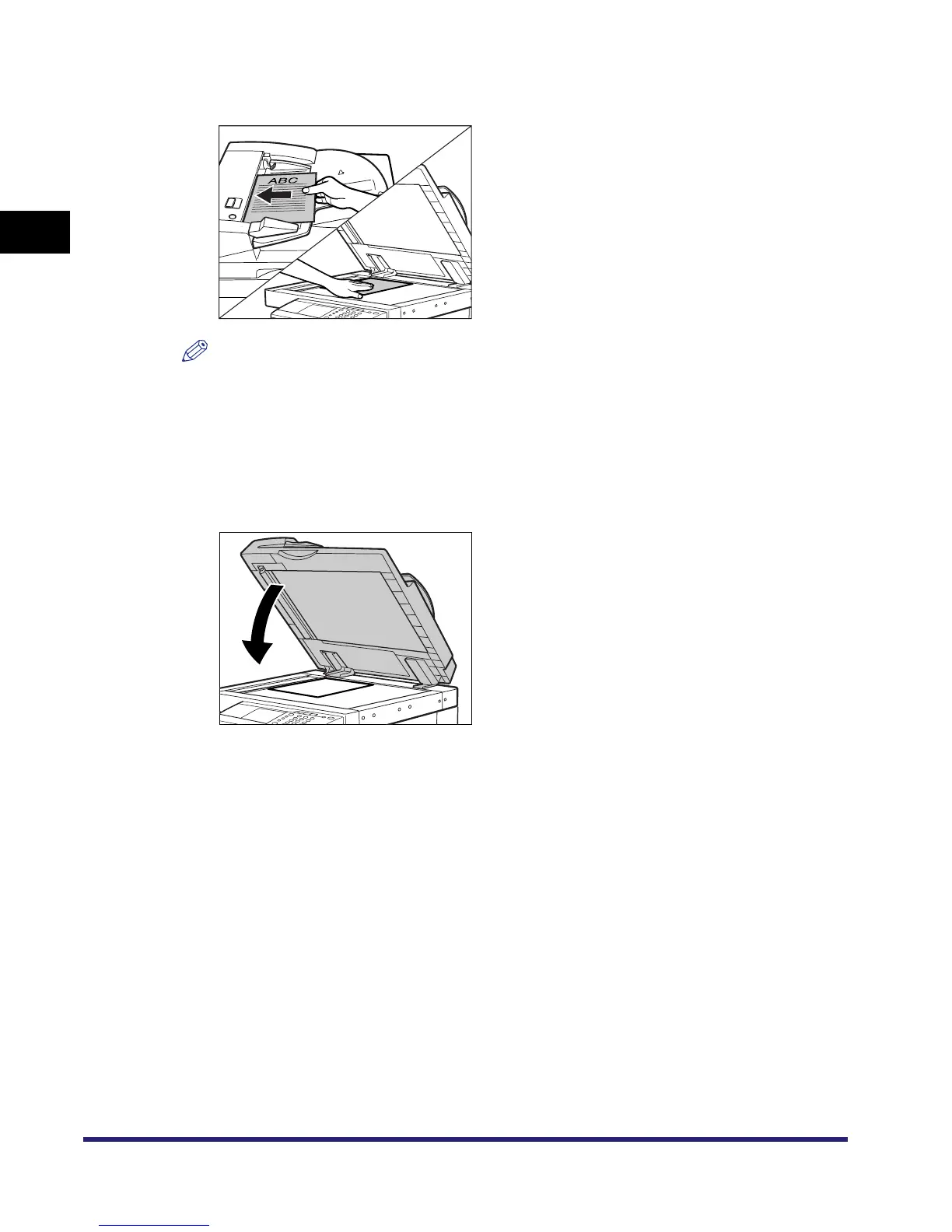
Place your originals.
NOTE
•
For instructions on placing your originals, see Chapter 2, "Basic Operations," in the Reference
Guide.
•
If Auto Collate in Copy Settings (from the Additional Functions screen) is set to 'On', the Collate
or the Offset Collate mode is automatically set when you place your originals in the feeder. (See
"Auto Collate," on p. 6-6.)
4
Gently close the feeder/platen cover.
The paper size is recognized automatically. If the paper size recognized automatically is
different from the paper size you want, press [Paper Select] ➞ select the copy paper size. (See
"Paper Selection," on p. 1-17.)


 To Next Page