Flow of Copy Operations
1-11
1
Introduction to the Copying Functions
5
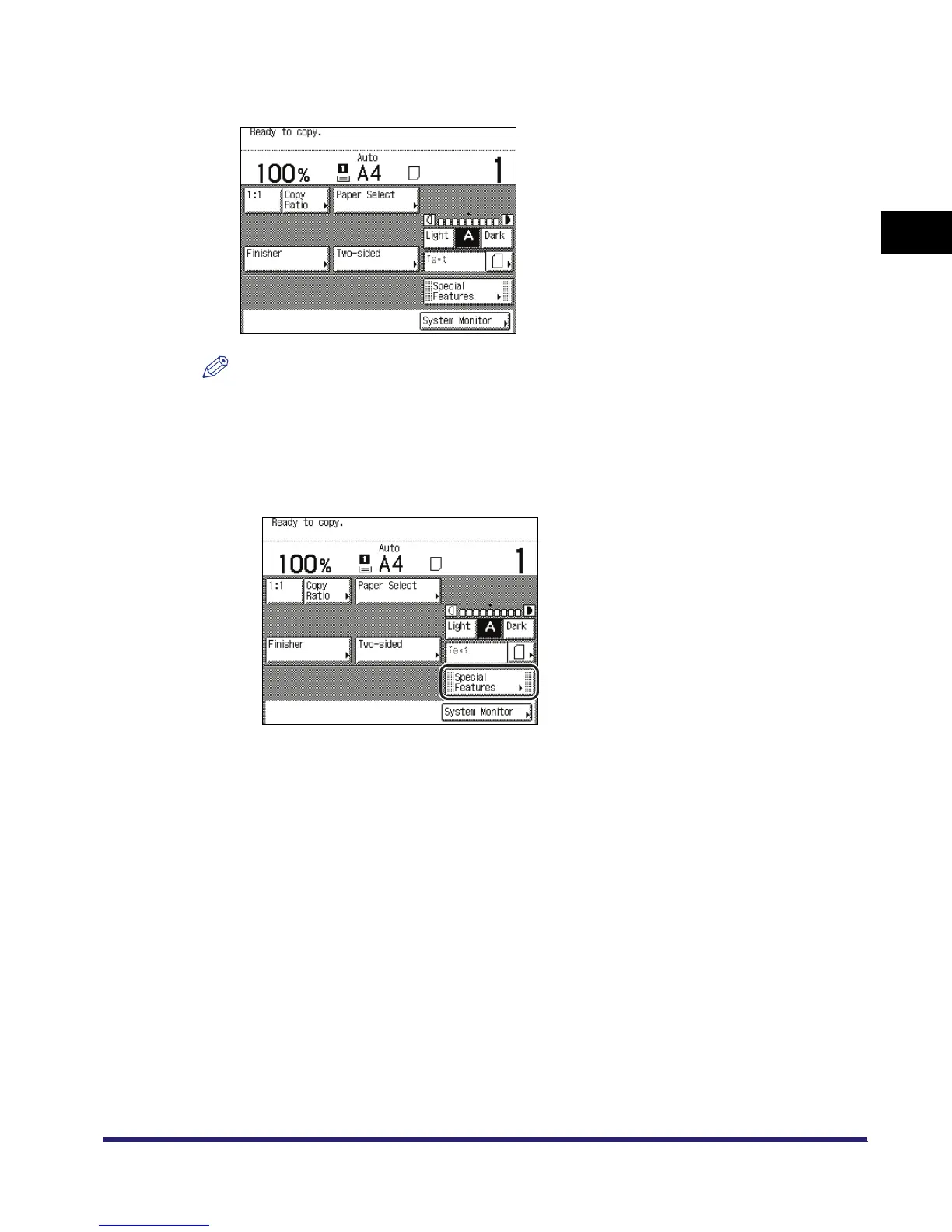
Specify the desired copy modes on the Copy Basic Features screen.
NOTE
On the Copy Basic Features screen, you can select the paper size and type, copy exposure,
original type, copy ratio, two-sided mode, and the desired Finisher mode.
6
Set the desired copy modes on the Special Features screen.
❑
Press [Special Features].


 To Next Page