Flow of Copy Operations
1-13
1
Introduction to the Copying Functions
8
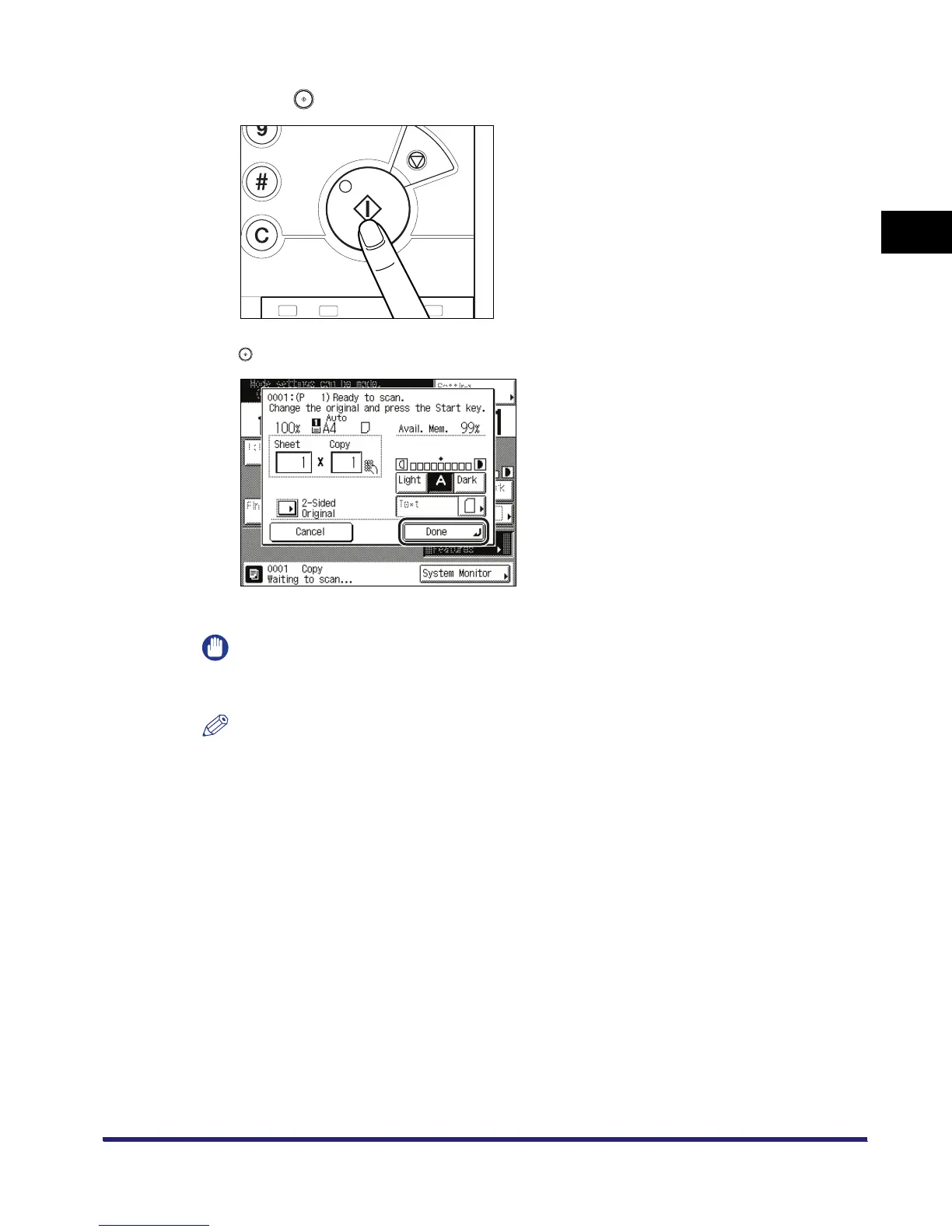
Press .
If the following screen is displayed, follow the instructions on the touch panel display ➞ press
once for each original. When scanning is complete, press [Done].
Copying starts.
IMPORTANT
You cannot change copy mode settings, such as the copy quantity, paper size, and copy ratio,
while the machine is copying.
NOTE
If there is a current job, the machine scans the original, and waits to print it. Printing starts when
the current job is complete.


 To Next Page