Flow of Copy Operations
1-14
1
Introduction to the Copying Functions
9
If you want to stop, interrupt, or copy another original during a copy
job, follow the instructions below.
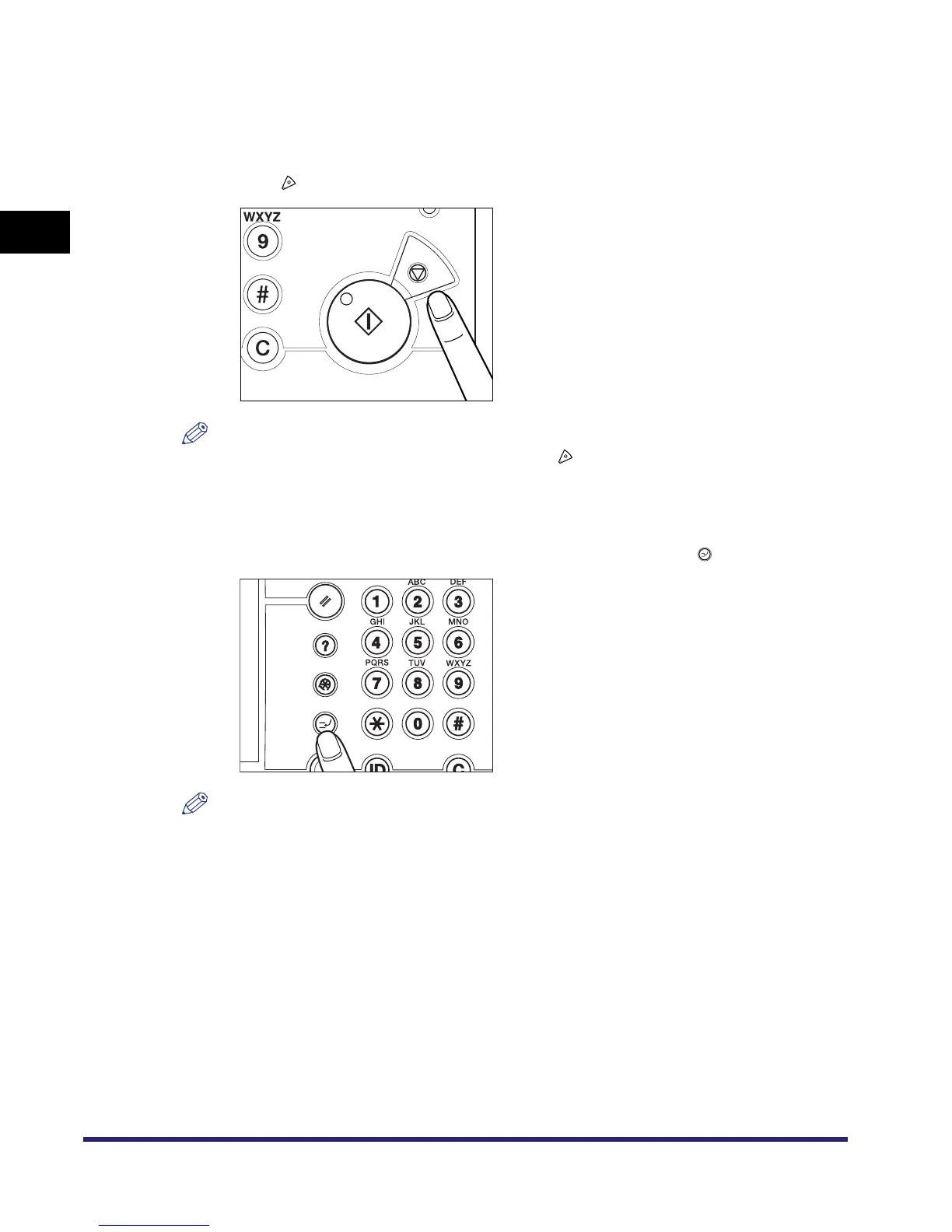
● If you want to stop a copy job:
❑ Press .
NOTE
•
Several copies may be output even after you press .
•
You can also cancel a copy job from the System Monitor screen. (See "Cancelling a Copy Job,"
on p. 1-25.)
● If you want to interrupt a copy job:
❑ To Interrupt a copy job when you need to make priority copies, press .
NOTE
For instructions on interrupting a copy job, see "Interrupt Mode," on p. 1-42.


 To Next Page