Paper Selection
1-18
1
Introduction to the Copying Functions
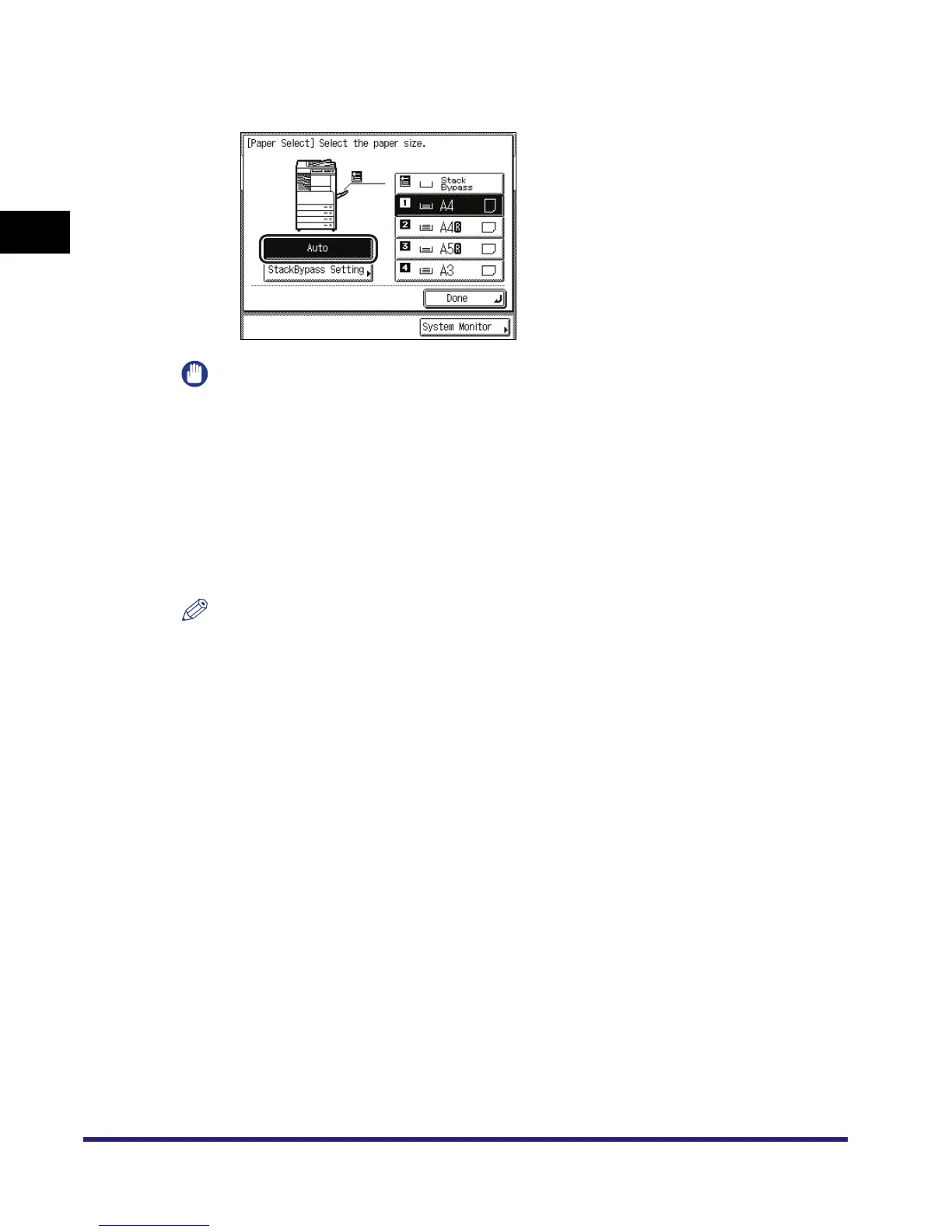
● To set the machine to automatically select the copy paper size:
❑ Press [Auto].
IMPORTANT
•
The Automatic Paper Selection mode cannot be used with the Auto Zoom, Auto XY Zoom, Image
Combination, or Image Repeat (Auto) mode.
•
If the Different Size Originals mode is specified in combination with the Shift mode or the Cover/
Sheet Insertion mode, you cannot use the Automatic Paper Selection mode.
•
You cannot use the Automatic Paper Selection mode when copying the following types of
originals. Copy these originals using the Manual Paper Selection mode.
- Nonstandard size originals
- Highly transparent originals, such as transparencies
- Originals with an extremely dark background
- A6R, and smaller originals
NOTE
If Drawer Eligibility For APS/ADS in Common Settings (from the Additional Functions screen) is
set to 'Off' for a particular paper source, you cannot make copies on paper loaded in that paper
source in the Automatic Paper Selection mode. (See Chapter 4, "Customizing Settings," in the
Reference Guide.)



 To Next Page