Paper Selection
1-19
1
Introduction to the Copying Functions
● To manually select the copy paper size and type:
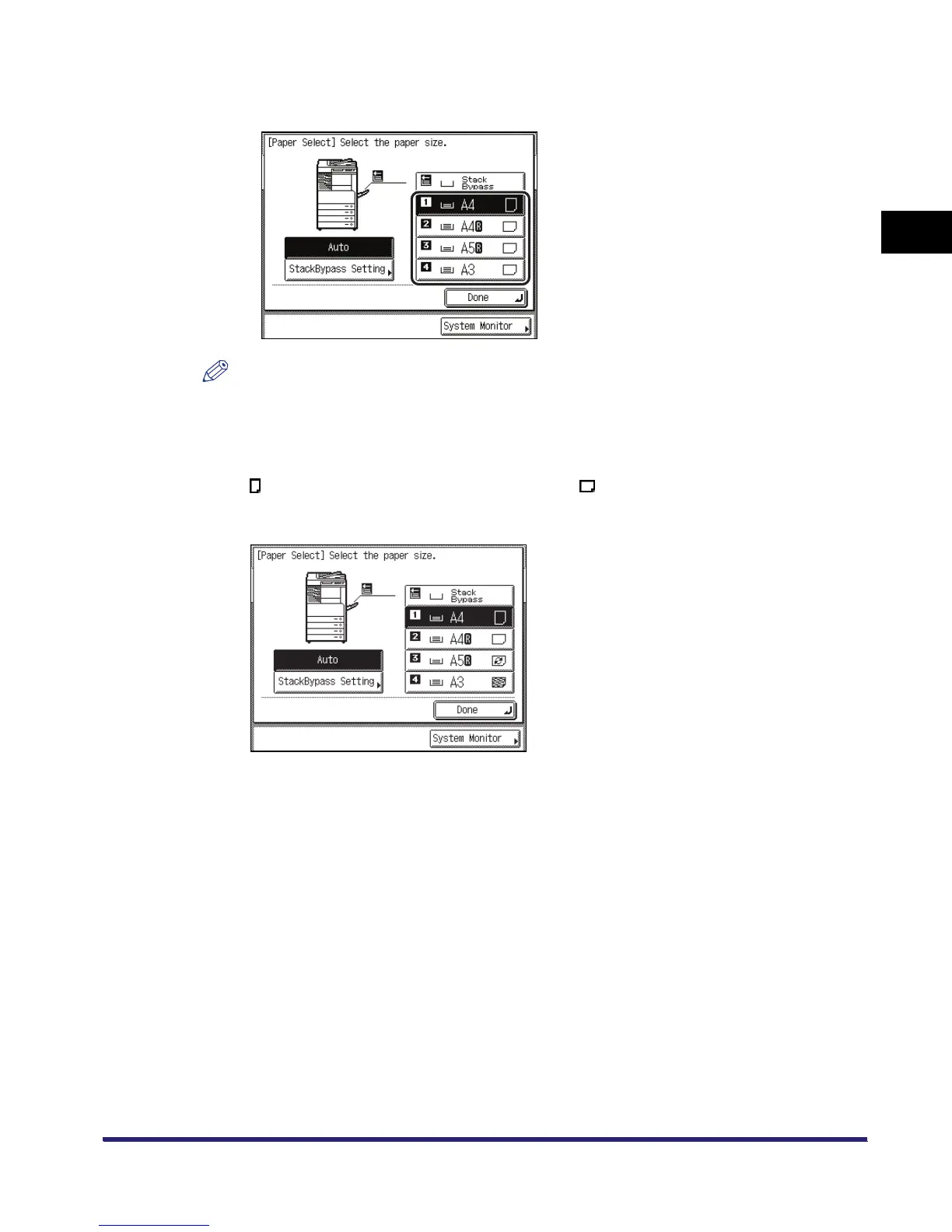
❑ Select the desired paper size.
NOTE
•
The paper sizes/types are indicated by icons on the touch panel display, in the order in which
they are loaded in the paper drawers.
•
Icons indicating the type of paper loaded in each paper drawer can be displayed on paper
selection screens, if you store that information into the machine beforehand. (See Chapter 4,
"Customizing Settings," in the Reference Guide.)
•
indicates that the paper is loaded vertically, and indicates that the paper is loaded
horizontally. The suffix <R> (such as in A4R) used in paper size designations indicates that the
paper is loaded in a paper drawer or the stack bypass horizontally.



 To Next Page