Various Mail Box Functions
2-8
2
Introduction to the Mail Box Functions
➞ See p. 3-2
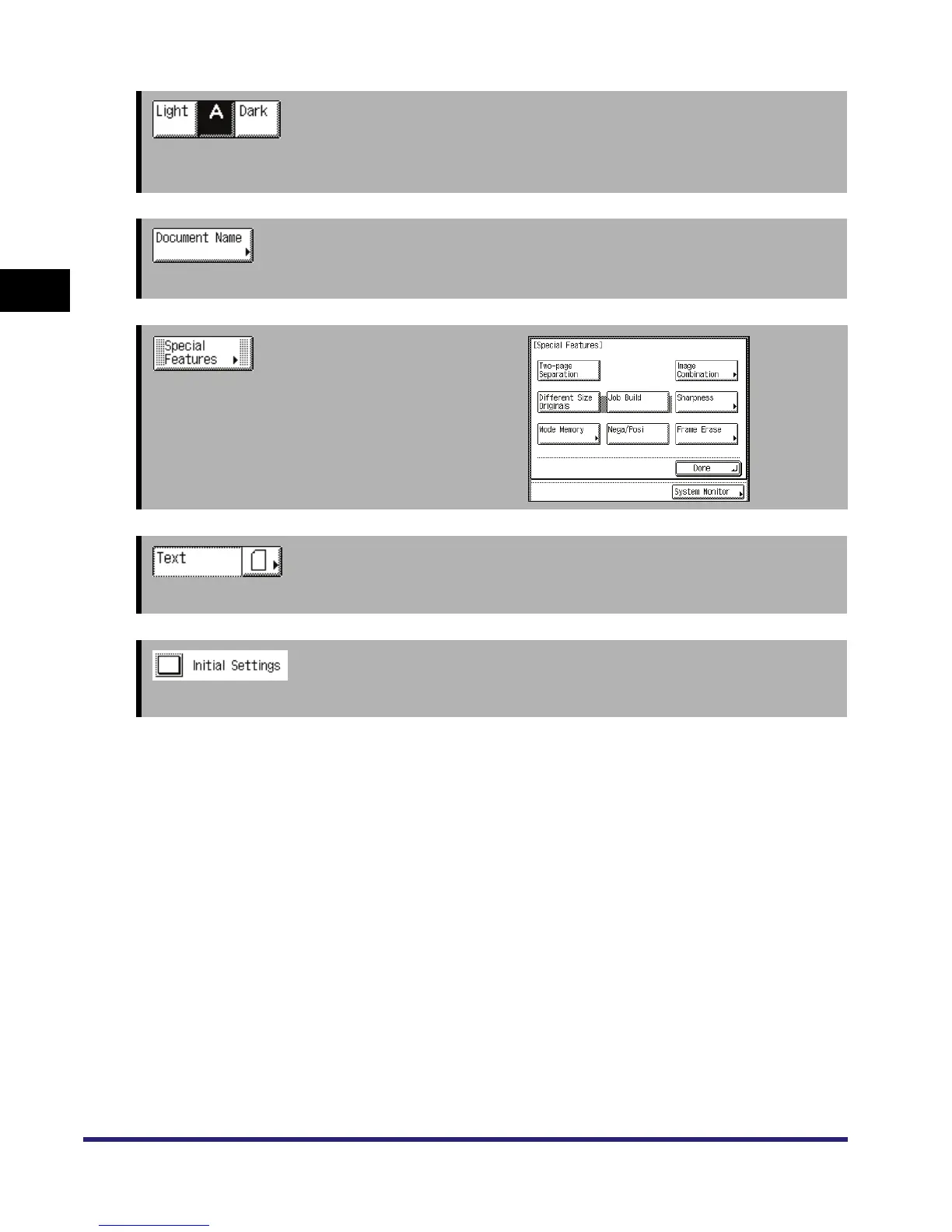
Press [Light] or [Dark] to manually control the exposure. Press [A] to set or cancel the automatic
exposure control.
➞ See p. 2-9
Press to assign the document a name.
➞ See Chapters 4 through 5
Press to select and use Special Features modes
available for scanning.
➞ See p. 3-3
Press to select the type of original ([Text], [Text/Photo], or [Photo]).
Press to cancel all settings and restore the machine to the Standard Scan settings.



 To Next Page