Various Mail Box Functions
2-7
2
Introduction to the Mail Box Functions
Press to cancel the settings that you have changed, and restore the original settings of the document.
➞ See p. 3-58
Press to merge and print multiple documents as one document. This key is displayed only when multiple
documents are selected.
Press to cancel all settings and restore the machine to Standard Local Print Settings.
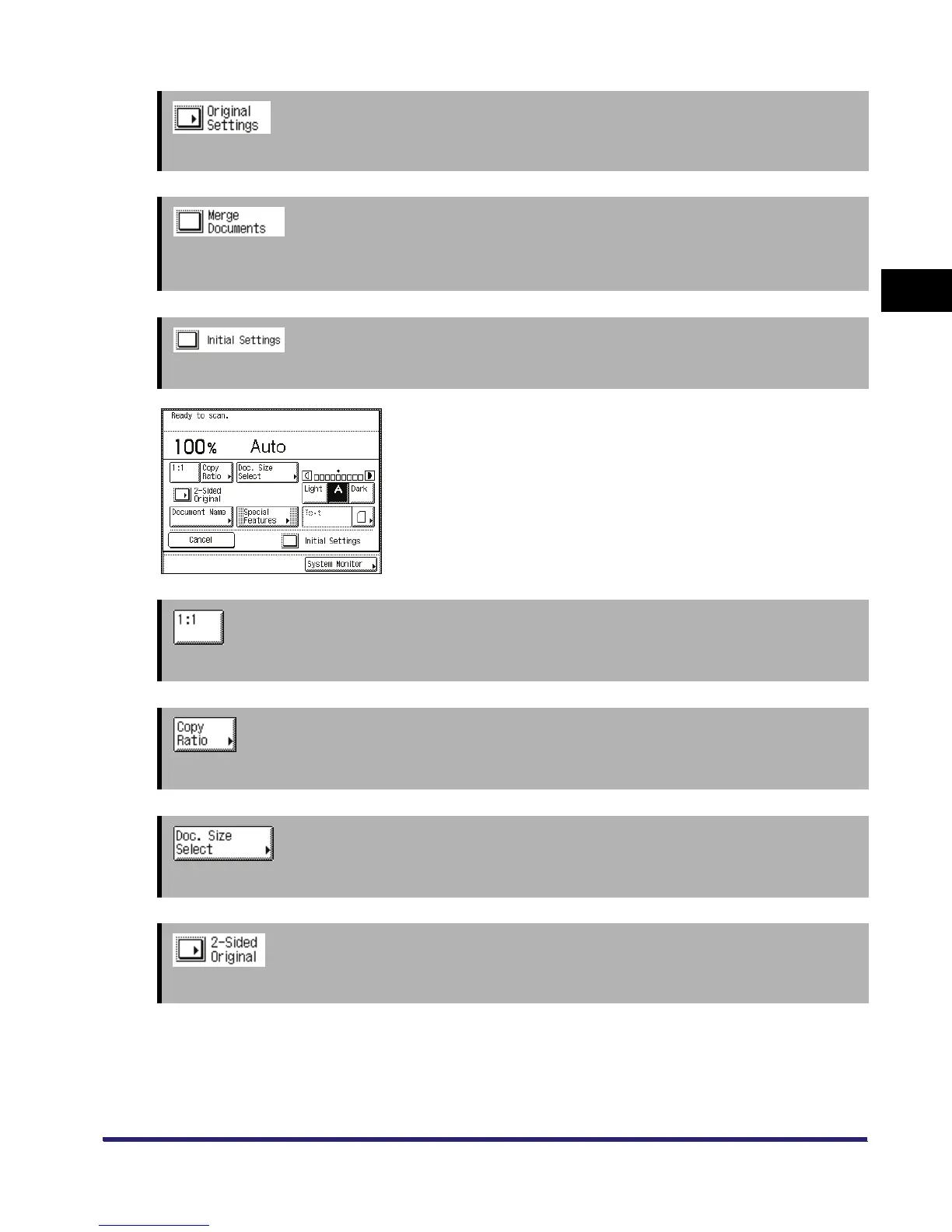
Scan Screen
The screen on the left, which appears when you press [Scan] on
the Document Selection screen of an inbox, is called the Scan
screen.
Display this screen when you want to scan an original and store it
as a document in the selected inbox.
➞ See p. 3-9
Press to scan your document in the same size as your original.
➞ See p. 3-9
Press to reduce or enlarge the scanning size of the original.
➞ See p. 2-9
Press to set the size of the original that you are going to scan.
➞ See p. 3-56
Press if you are scanning a two-sided original.



 To Next Page