Flow of Mail Box Operations
2-10
2
Introduction to the Mail Box Functions
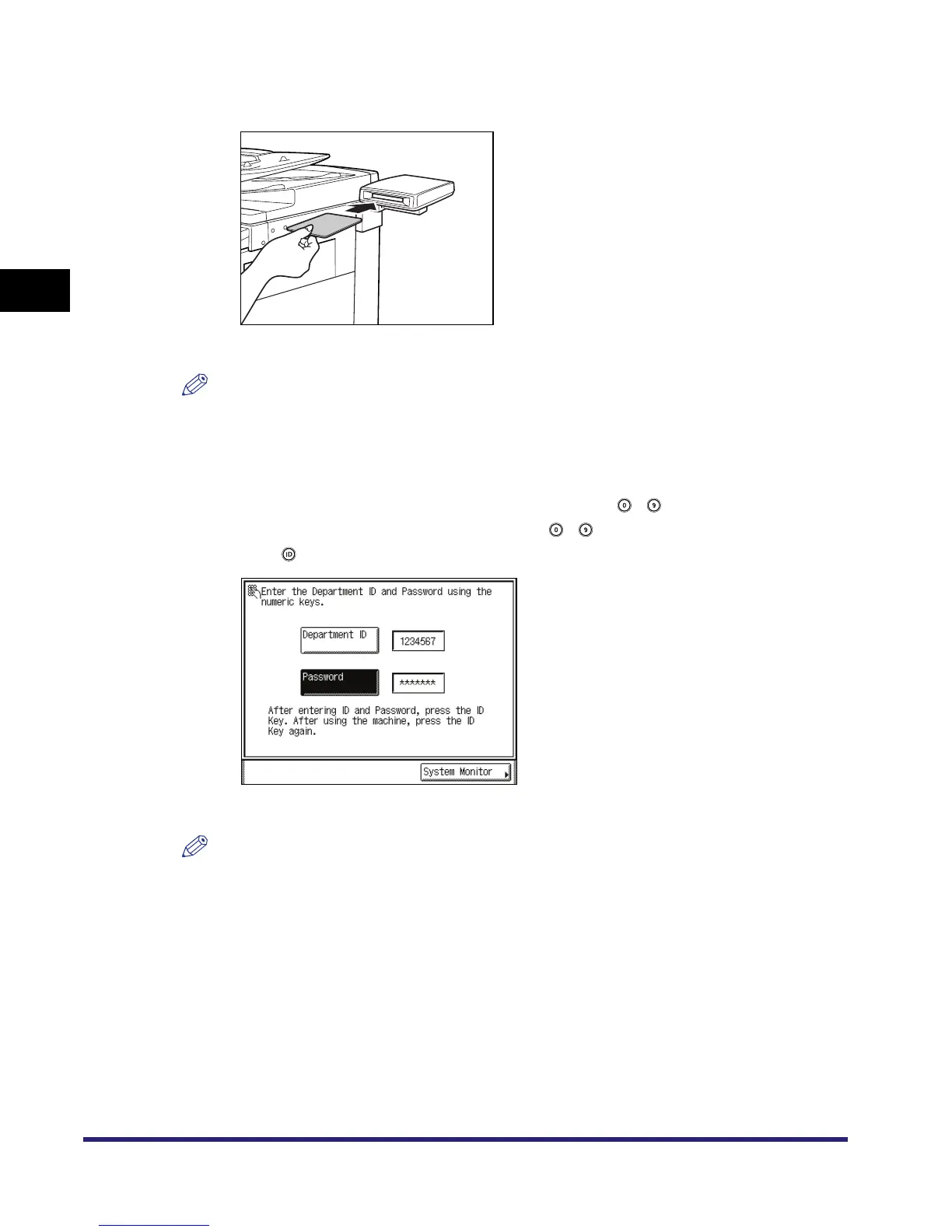
● If the message <You must insert a control card.> appears:
❑ Insert a control card into the optional Card Reader-C1.
The Basic Features screen is displayed.
NOTE
For instructions on using the optional Card Reader-C1, see Chapter 3, "Optional Equipment," in
the Reference Guide.
● If the message <Enter the Department ID and Password using the numeric
keys.> appears:
❑ Press [Department ID] ➞ enter the Department ID using - (numeric keys).
❑ Press [Password] ➞ enter the password using - (numeric keys).
❑ Press .
The Basic Features screen is displayed.
NOTE
For instructions on using Department ID Management, see Chapter 6, "System Manager
Settings," in the Reference Guide.



 To Next Page