Flow of Mail Box Operations
2-13
2
Introduction to the Mail Box Functions
6
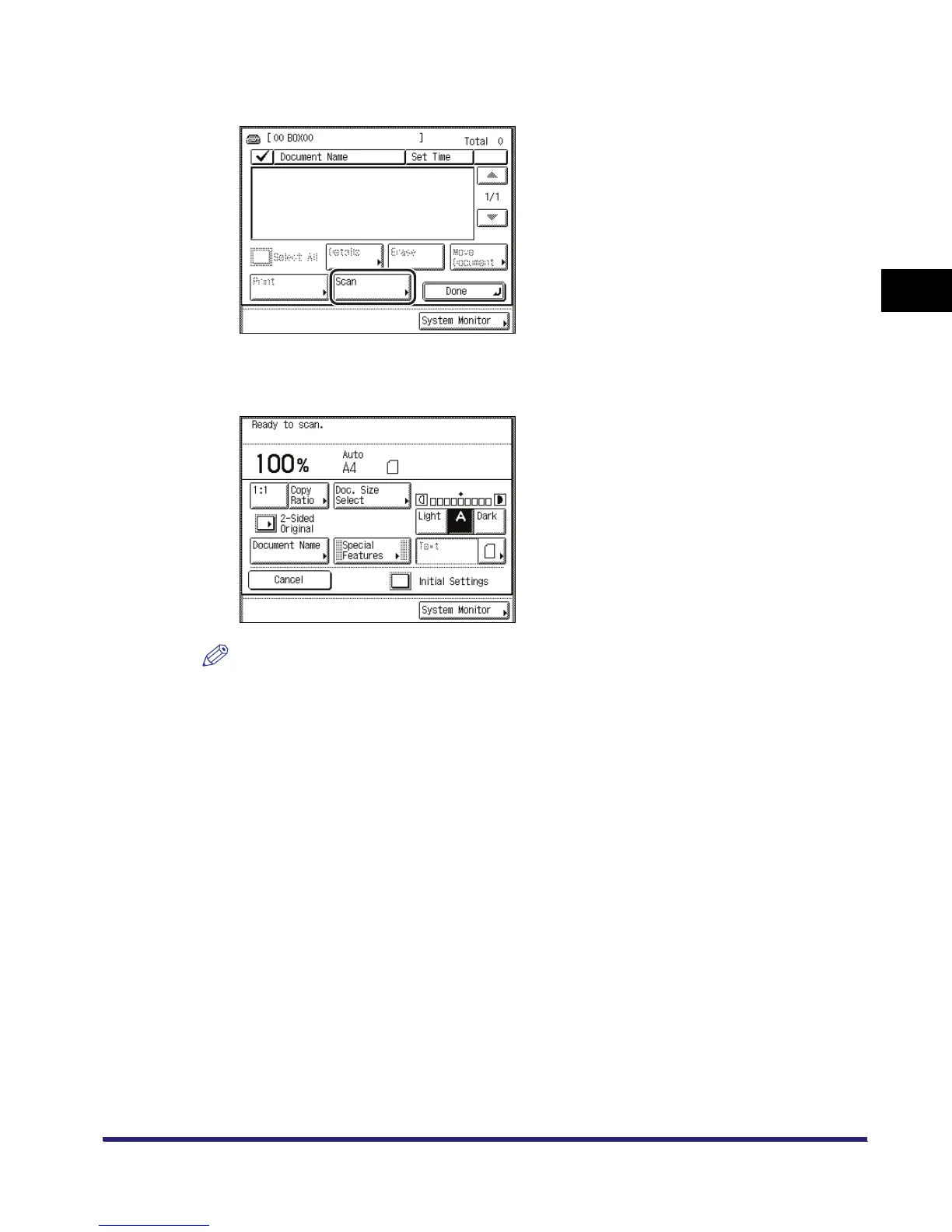
Press [Scan].
7
Specify the desired scan settings.
NOTE
•
To adjust scan exposure and select original type, see "Exposure and Original Type Settings," on
p. 3-2.
•
To change zoom ratio, see "Changing the Copy (Zoom) Ratio," on p. 3-9.
•
To scan two-sided originals, see "Scanning Two-Sided Originals," on p. 3-56.
•
Additional scan settings are available by pressing [Special Features].
•
You can set various modes when scanning originals, similar to the Copy function.
•
If you want to give the document a name, press [Document Name].



 To Next Page