Flow of Mail Box Operations
2-12
2
Introduction to the Mail Box Functions
4
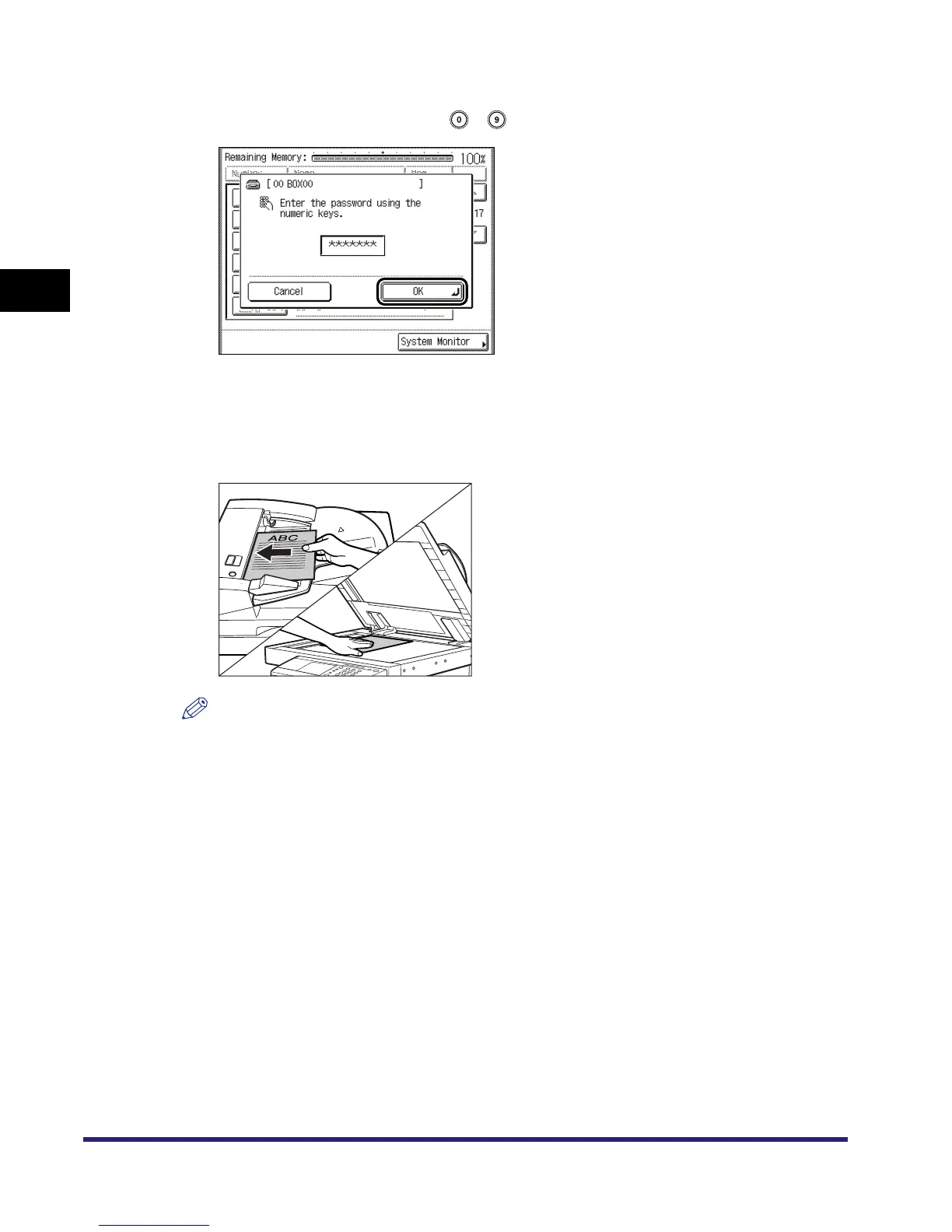
If the message <Enter the password using the numeric keys.> appears,
enter the password using - (numeric keys) ➞ press [OK].
Enter the password set for the selected inbox. (See "Setting/Storing an Inbox," on p. 6-12.)
If a password is not set for the selected inbox, this step is not necessary.
5
Place your originals.
NOTE
For instructions on placing originals, see Chapter 2, "Basic Operations," in the Reference Guide.



 To Next Page