Flow of Mail Box Operations
2-15
2
Introduction to the Mail Box Functions
8
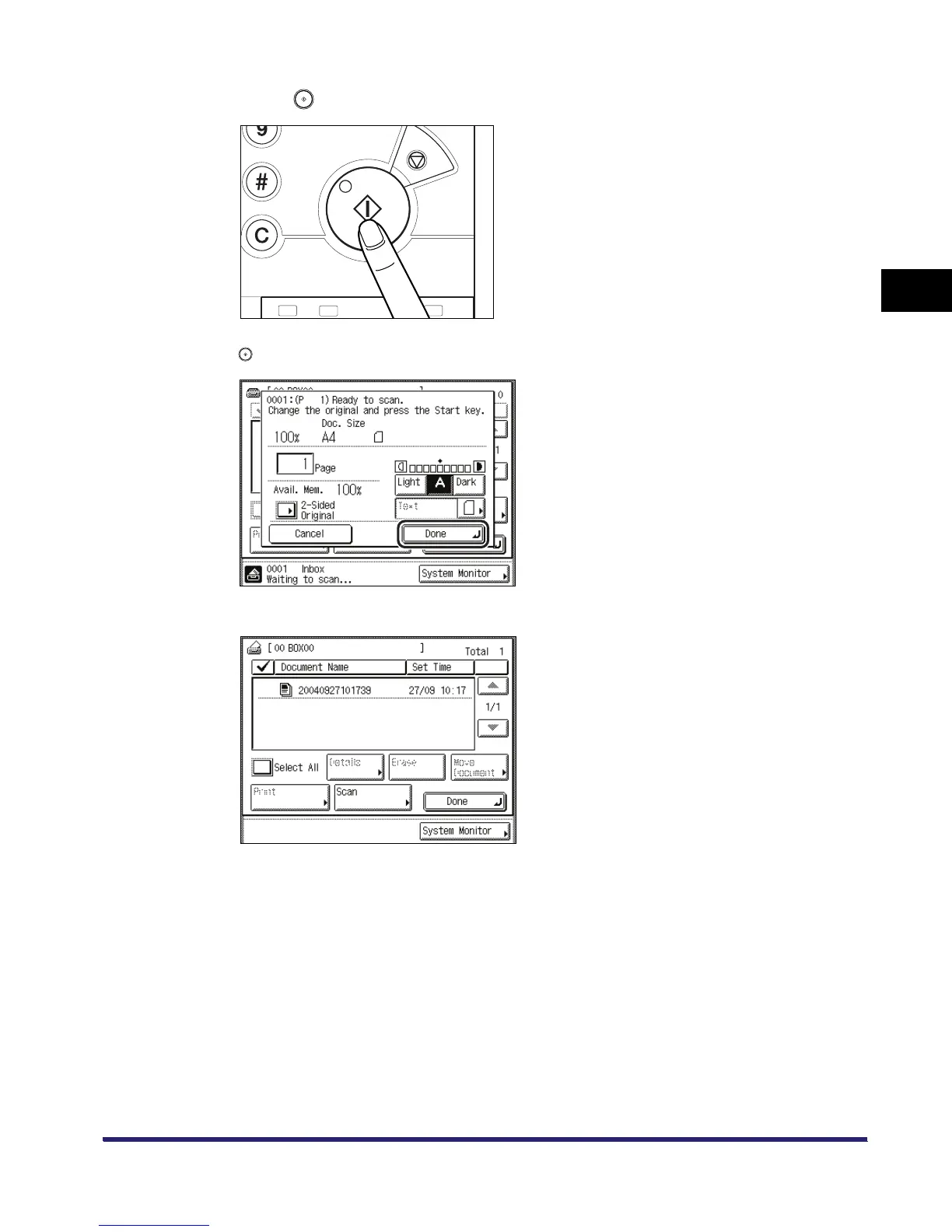
Press .
If the following screen is displayed, follow the instructions on the touch panel display ➞ press
once for each original. When scanning is complete, press [Done].
When scanning is complete, the scanned data is stored in the selected inbox.


 To Next Page