Flow of Mail Box Operations
2-16
2
Introduction to the Mail Box Functions
IMPORTANT
•
You cannot change settings, such as the document size or the scanning ratio, while the machine
is scanning.
•
The stored data is deleted after three days (default setting). This setting can be changed to any
time period between 1 hour and 30 days. Also, data can be stored indefinitely if the time period is
set to '0' (Off). (See "Setting/Storing an Inbox," on p. 6-12.)
NOTE
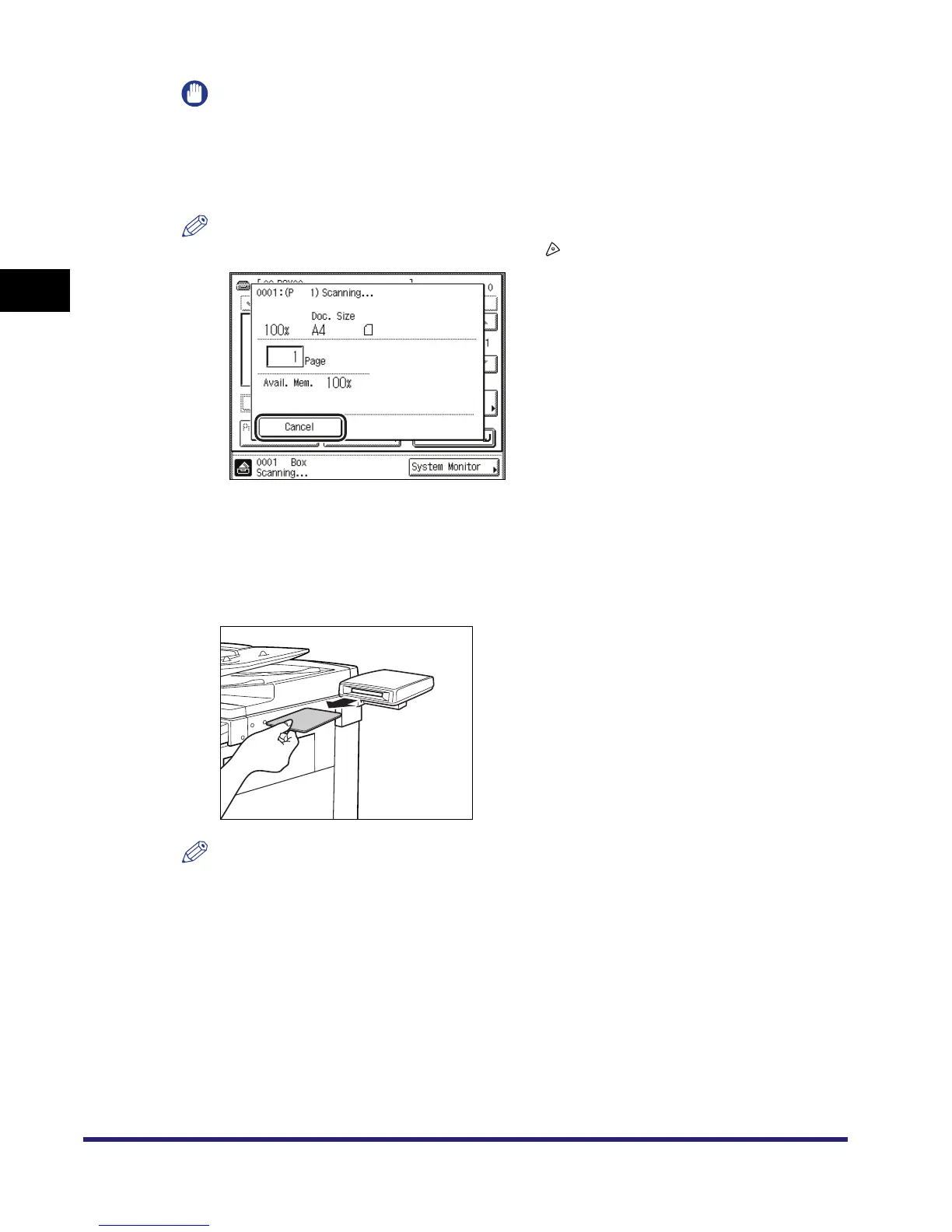
If you want to cancel scanning, press [Cancel] or .
9
When scanning is complete, remove your originals.
10
If the optional Card Reader-C1 is installed, remove the control card.
NOTE
For instructions on using the optional Card Reader-C1, see Chapter 3, "Optional Equipment," in
the Reference Guide.


 To Next Page