EasyManua.ls Logo

Canon MV430 - Page 107

Canon MV430
152 pages
Print Icon
To Next Page IconTo Next Page
To Previous Page IconTo Previous Page
Loading...
Erase
images
singly
or
all
at
once.
You
cannot
erase
protected
images.
Cancel
image
protection
(CD
106)
first
in
order
to
erase
an
image.
Erase
images
with
caution.
Once
an
image
has
been
erased
it
cannot
be
restored.
Make
sure
a
memory
card
that
has
images
recorded
on
it
is
inserted
into
the
camcorder.
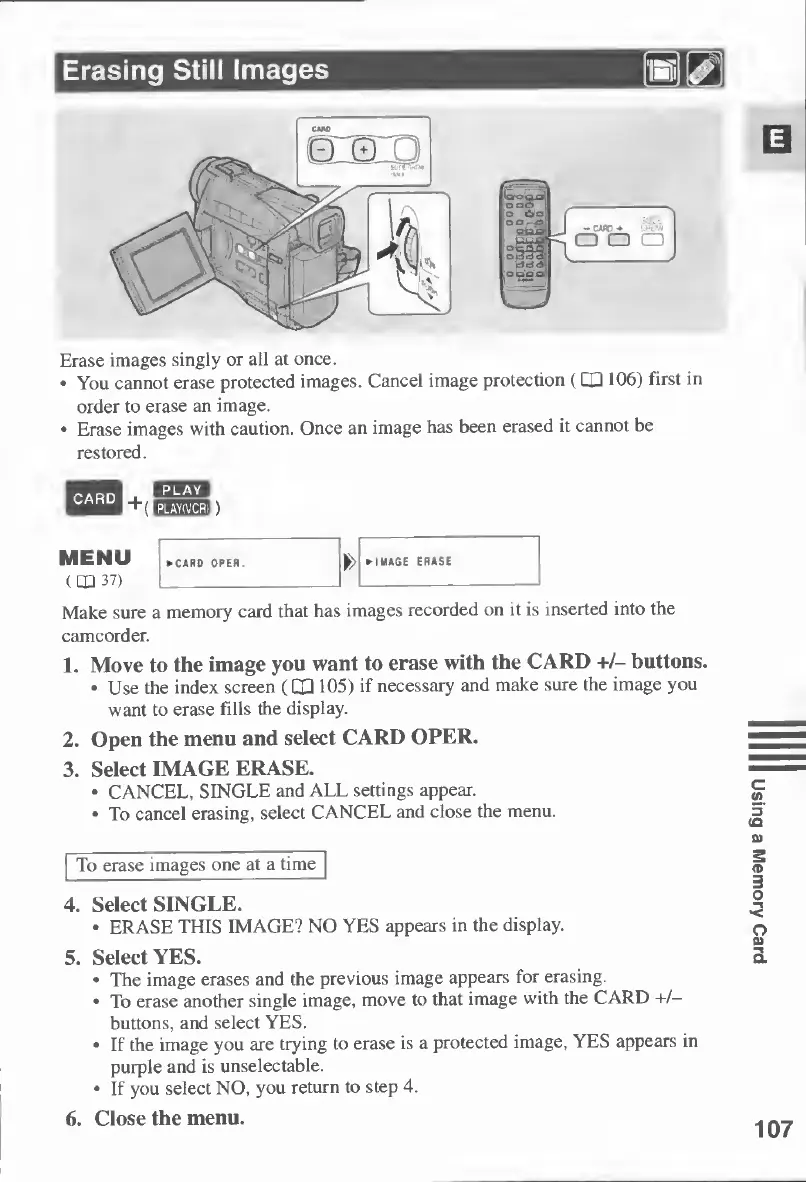
1.
Move
to
the
image
you
want
to
erase
with
the
CARD
+/-
buttons.
Use
the
index
screen
(CHI
105)
if
necessary
and
make
sure
the
image
you
want
to
erase
fills
the
display.
2.
Open
the
menu
and
select
CARD
OPER.
3.
Select
IMAGE
ERASE.
CANCEL,
SINGLE
and
ALL
settings
appear.
To
cancel
erasing,
select
CANCEL
and
close
the
menu.
To
erase
images
one
at
a
time
4.
Select
SINGLE.
ERASE
THIS
IMAGE?
NO
YES
appears
in
the
display.
5.
Select
YES.
The
image
erases
and
the
previous
image
appears
for
erasing.
To
erase
another
single
image,
move
to
that
image
with
the
CARD
+/—
buttons,
and
select
YES.
If
the
image
you
are
trying
to
erase
is
a
protected
image,
YES
appears
in
purple
and
is
unselectable.
If
you
select
NO,
you
return
to
step
4.
6.
Close
the
menu.
107
Using
a
Memory
Card

Table of Contents