EasyManua.ls Logo

Canon MV430 - Table of Contents

Canon MV430
152 pages
Print Icon
To Next Page IconTo Next Page
To Previous Page IconTo Previous Page
Loading...
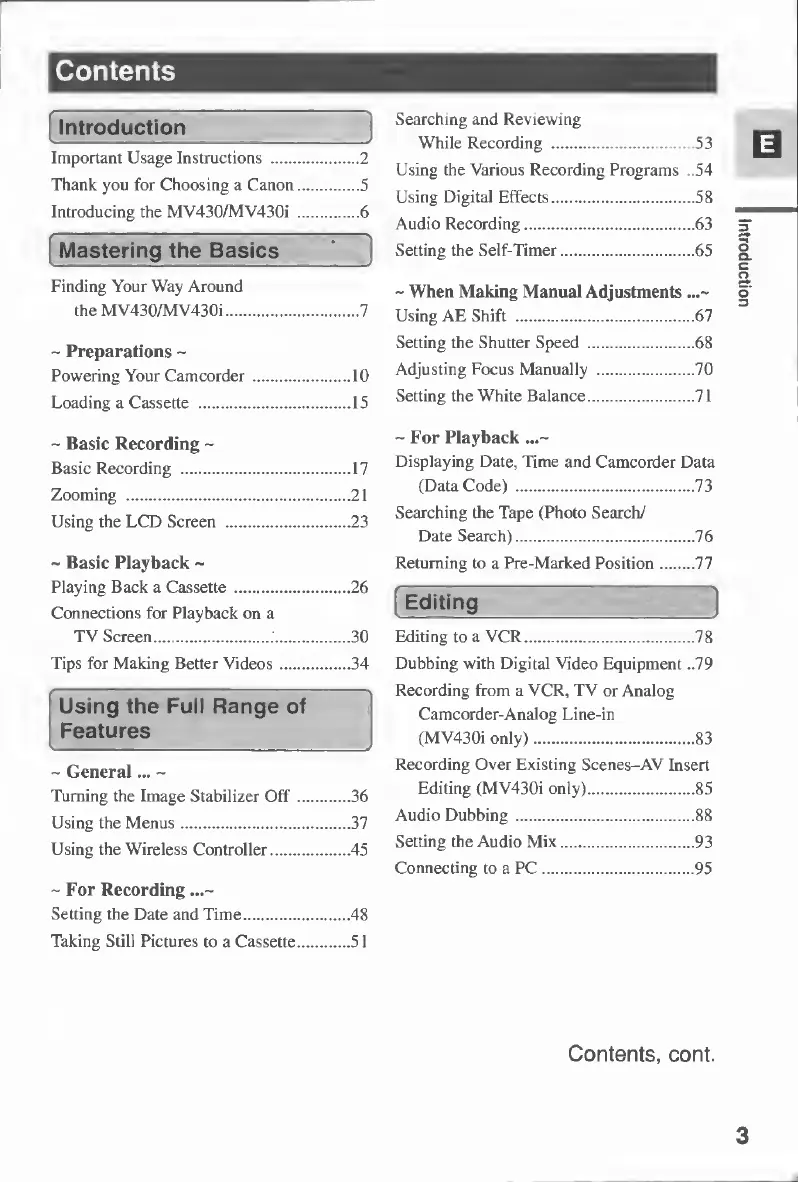
Contents
Introduction
Important
Usage
Instructions
.2
Thank
you
for
Choosing
a
Canon.5
Introducing
the
MV430/MV430i
.6
Mastering
the
Basics
Searching
and
Reviewing
While
Recording
.53
Using
the
Various
Recording
Programs
..54
Using
Digital
Effects.58
Audio
Recording.63
Setting
the
Self-Timer.65
Finding
Your
Way
Around
the
MV430/MV430i.7
~
Preparations
-
Powering
Your
Camcorder.10
Loading
a
Cassette
.15
~
Basic
Recording
~
Basic
Recording
.17
Zooming
.21
Using
the
LCD
Screen
.23
~
Basic
Playback
~
Playing
Back
a
Cassette.26
Connections
for
Playback
on
a
TV
Screen.
30
Tips
for
Making
Better
Videos.34
Using
the
Full
Range
of
Features
J
~
General...
~
Turning
the
Image
Stabilizer
Off.36
Using
the
Menus.37
Using
the
Wireless
Controller.45
-For
Recording
...~
Setting
the
Date
and
Time.48
Taking
Still
Pictures
to
a
Cassette.51
~
When
Making
Manual
Adjustments
...~
Using
AE
Shift
.67
Setting
the
Shutter
Speed
.68
Adjusting
Focus
Manually
.70
Setting
the
White
Balance.71
-For
Playback
...~
Displaying
Date,
Time
and
Camcorder
Data
(Data
Code)
.73
Searching
the
Tape
(Photo
Search/
Date
Search).76
Returning
to
a
Pre-Marked
Position.77
Editing
j
Editing
to
a
VCR.78
Dubbing
with
Digital
Video
Equipment
..79
Recording
from
a
VCR,
TV
or
Analog
Camcorder-Analog
Line-in
(MV430i
only).83
Recording
Over
Existing
Scenes-AV
Insert
Editing
(MV430i
only).85
Audio
Dubbing.88
Setting
the
Audio
Mix.93
Connecting
to
a
PC.95
Contents,
cont.
3
Introduction

Table of Contents

Other manuals for Canon MV430

Related product manuals