EasyManua.ls Logo

Canon MV430 - Formatting a Memory Card.115

Canon MV430
152 pages
Print Icon
To Next Page IconTo Next Page
To Previous Page IconTo Previous Page
Loading...
Formatting
a
Memory
Card
Format
new
memory
cards,
if
you
get
the
message
CARD
ERROR,
or
to
permanently
and
quickly
erase
all
the
images
on
a
memory
card,
including
protected
images
(this
includes
the
pre-recorded
card
mix
sample
images).
The
MultiMediaCard
supplied
with
this
camcorder
has
already
been
formatted
for
you.
Be
cautious
when
formatting
recorded
memory
cards.
All
images
will
be
permanently
erased.
If
you
purchase
additional
memory
cards,
format
them
with
the
camcorder,
not
a
PC
or
other
device.
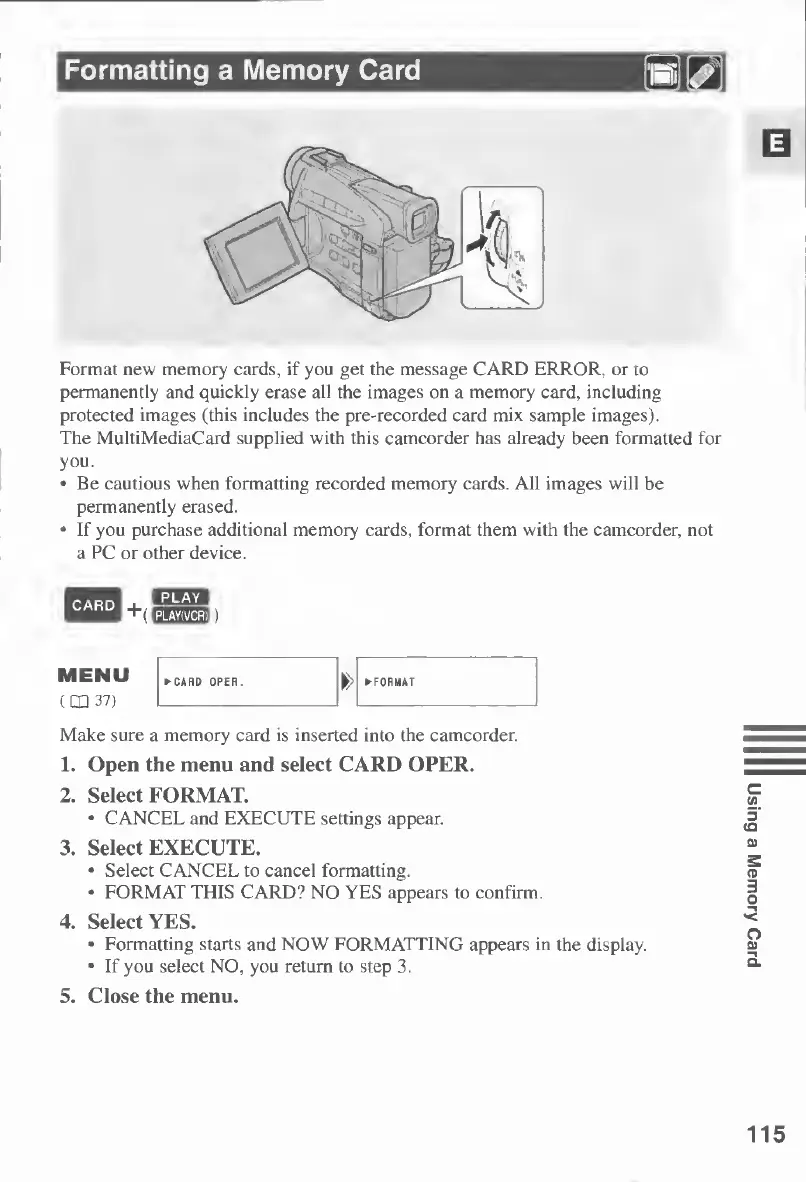
Make
sure
a
memory
card
is
inserted
into
the
camcorder.
1.
Open
the
menu
and
select
CARD
OPER.
2.
Select
FORMAT.
CANCEL
and
EXECUTE
settings
appear.
3.
Select
EXECUTE.
Select
CANCEL
to
cancel
formatting.
FORMAT
THIS
CARD?
NO
YES
appears
to
confirm.
4.
Select
YES.
Formatting
starts
and
NOW
FORMATTING
appears
in
the
display.
If
you
select
NO,
you
return
to
step
3.
5.
Close
the
menu.
115
Using
a
Memory
Card

Table of Contents

Other manuals for Canon MV430

Related product manuals