EasyManua.ls Logo

Canon MV430 - Using the Wireless Controller.45

Canon MV430
152 pages
Print Icon
To Next Page IconTo Next Page
To Previous Page IconTo Previous Page
Loading...
Using
the
Wireless
Controller
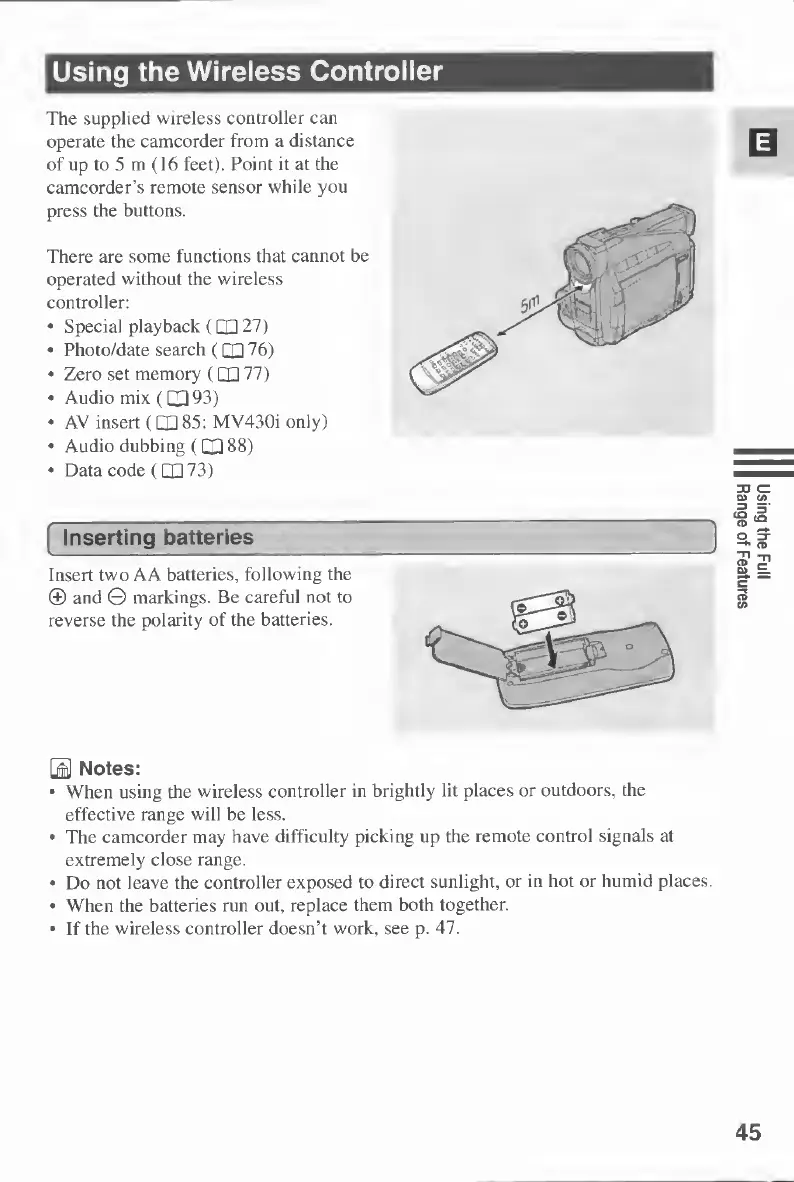
The
supplied
wireless
controller
can
operate
the
camcorder
from
a
distance
of
up
to
5
m
(16
feet).
Point
it
at
the
camcorder’s
remote
sensor
while
you
press
the
buttons.
There
are
some
functions
that
cannot
be
operated
without
the
wireless
controller:
Special
playback
(CQ
27)
Photo/date
search
(QH
76)
Zero
set
memory
(QU
77)
Audio
mix
(093)
AV
insert
(O
85:
MV430i
only)
Audio
dubbing
(O
88)
Data
code
(073)
Inserting
batteries
Insert
two
A
A
batteries,
following
the
®
and
©
markings.
Be
careful
not
to
reverse
the
polarity
of
the
batteries.
Notes:
When
using
the
wireless
controller
in
brightly
lit
places
or
outdoors,
the
effective
range
will
be
less.
The
camcorder
may
have
difficulty
picking
up
the
remote
control
signals
at
extremely
close
range.
Do
not
leave
the
controller
exposed
to
direct
sunlight,
or
in
hot
or
humid
places.
When
the
batteries
run
out,
replace
them
both
together.
If
the
wireless
controller
doesn’t
work,
see
p.
47.
45
Using
the
Full
Range
of
Features

Table of Contents

Other manuals for Canon MV430

Related product manuals