EasyManua.ls Logo

Canon MV430 - Memory Card Introduction.96

Canon MV430
152 pages
Print Icon
To Next Page IconTo Next Page
To Previous Page IconTo Previous Page
Loading...
Using
a
Memory
Card
Memory
Card
Introduction
The
camcorder
can
take,
store
and
manage
still
images
on
2
types
of
memory
cards:
the
MultiMediaCard
(supplied
with
the
camcorder)
or
an
SD
Memory
Card
(commercially
available).
The
MultiMediaCard
is
an
ultra-small,
ultra-light
media
that
can
record
still
images.
About
the
same
size
as
a
MultiMediaCard,
the
SD
(Secure
Digital)
Memory
Card
has
a
large
capacity
for
recording
still
images,
and
fits
into
the
same
slot
as
the
MultiMediaCard.
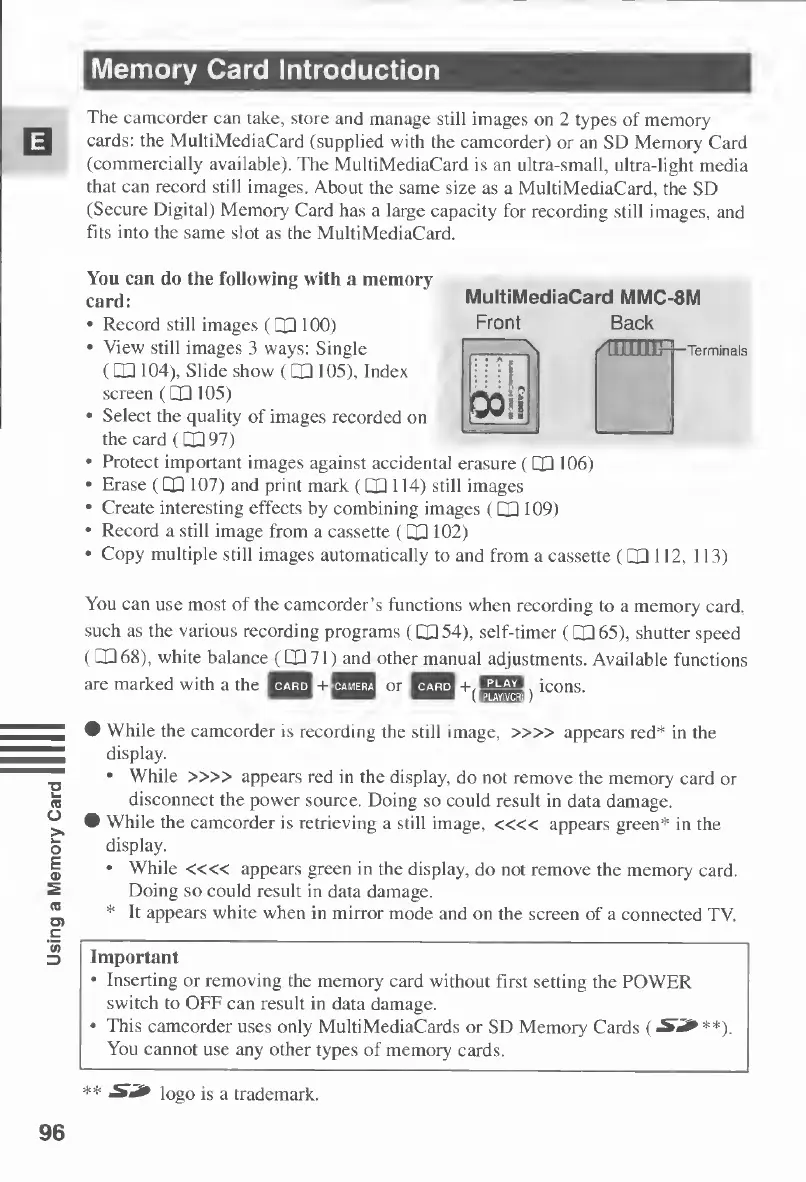
MultiMediaCard
MMC-8M
Front
Back
You
can
do
the
following
with
a
memory
card:
Record
still
images
(CP
100)
View
still
images
3
ways:
Single
(OH
104),
Slide
show
(HQ
105),
Index
screen
(PP
105)
Select
the
quality
of
images
recorded
on
the
card
(QP
97)
Protect
important
images
against
accidental
erasure
(CQ
106)
Erase
(CP
107)
and
print
mark
(CP
114)
still
images
Create
interesting
effects
by
combining
images
(CD
109)
Record
a
still
image
from
a
cassette
(CP102)
Copy
multiple
still
images
automatically
to
and
from
a
cassette
(QP
112,
s
:
i
:
1
fnnmq
Q0i$
113)
You
can
use
most
of
the
camcorder’s
functions
when
recording
to
a
memory
card,
such
as
the
various
recording
programs
(CP54),
self-timer
(CD65),
shutter
speed
(CP68),
white
balance
(CP71)
and
other
manual
adjustments.
Available
functions
are
marked
with
a
the
+
or
+,HSM
icons.
While
the
camcorder
is
recording
the
still
image,
»»
appears
red*
in
the
display.
While
»»
appears
red
in
the
display,
do
not
remove
the
memory
card
or
disconnect
the
power
source.
Doing
so
could
result
in
data
damage.
While
the
camcorder
is
retrieving
a
still
image,
««
appears
green*
in
the
display.
While
««
appears
green
in
the
display,
do
not
remove
the
memory
card.
Doing
so
could
result
in
data
damage.
*
It
appears
white
when
in
mirror
mode
and
on
the
screen
of
a
connected
TV.
Important
Inserting
or
removing
the
memory
card
without
first
setting
the
POWER
switch
to
OFF
can
result
in
data
damage.
This
camcorder
uses
only
MultiMediaCards
or
SD
Memory
Cards
(S3***).
You
cannot
use
any
other
types
of
memory
cards.
**
S3*
logo
is
a
trademark.
96

Table of Contents

Other manuals for Canon MV430

Related product manuals