EasyManua.ls Logo

Canon MV430 - Introducing the Mv430;Mv430 I

Canon MV430
152 pages
Print Icon
To Next Page IconTo Next Page
To Previous Page IconTo Previous Page
Loading...
Introduction
Introducing
the
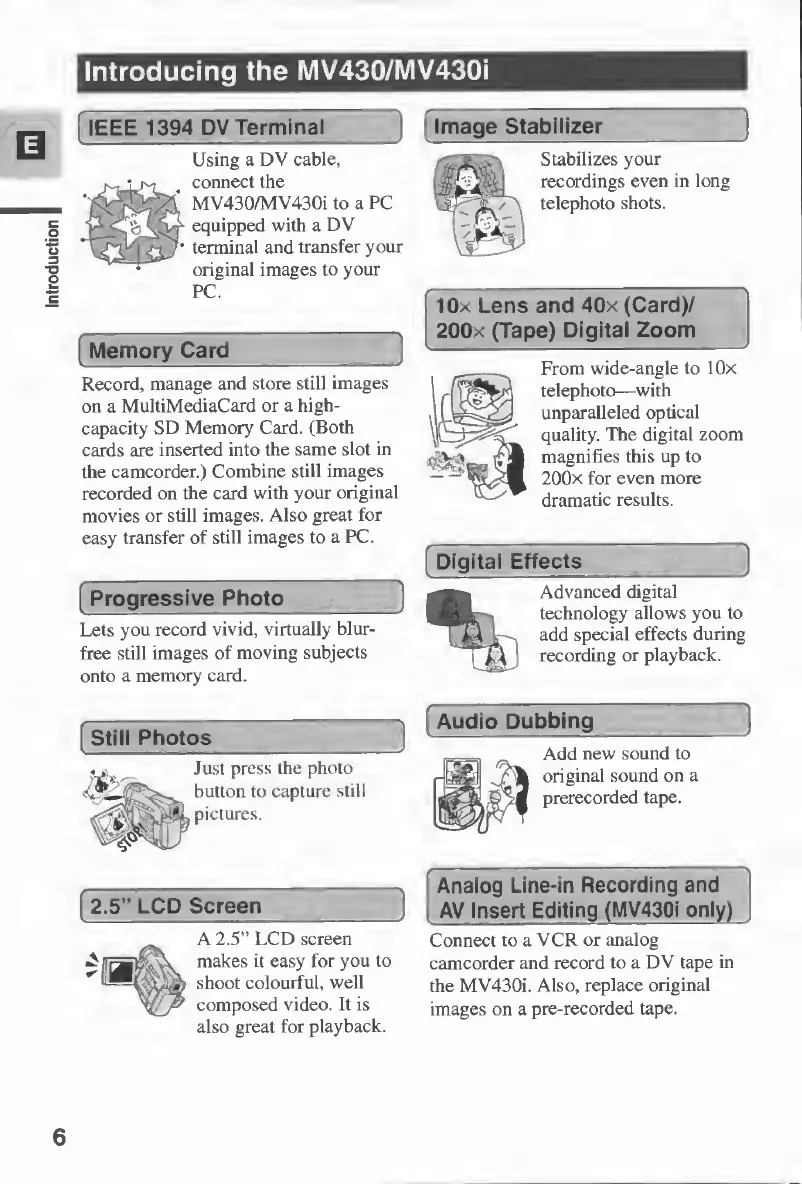
MV430/MV430i
IEEE
1394
DV
Terminal
Using
a
DV
cable,
connect
the
MV430/MV430i
to
a
PC
equipped
with
a
DV
terminal
and
transfer
your
original
images
to
your
PC.
Memory
Card
_
Record,
manage
and
store
still
images
on
a
MultiMediaCard
or
a
high-
capacity
SD
Memory
Card.
(Both
cards
are
inserted
into
the
same
slot
in
the
camcorder.)
Combine
still
images
recorded
on
the
card
with
your
original
movies
or
still
images.
Also
great
for
easy
transfer
of
still
images
to
a
PC.
Progressive
Photo_
Lets
you
record
vivid,
virtually
blur-
free
still
images
of
moving
subjects
onto
a
memory
card.
Image
Stabilizer
_
Stabilizes
your
recordings
even
in
long
telephoto
shots.
lOx
Lens
and
40x
(Card)/
200x
(Tape)
Digital
Zoom
From
wide-angle
to
lOx
telephoto—with
unparalleled
optical
quality.
The
digital
zoom
magnifies
this
up
to
200x
for
even
more
dramatic
results.
Digital
Effects
Advanced
digital
technology
allows
you
to
add
special
effects
during
recording
or
playback.
Still
Photos
Audio
Dubbing_
Add
new
sound
to
original
sound
on
a
prerecorded
tape.
Just
press
the
photo
button
to
capture
still
pictures.
2.5”
LCD
Screen
A
2.5”
LCD
screen
makes
it
easy
for
you
to
shoot
colourful,
well
composed
video.
It
is
also
great
for
playback.
Analog
Line-in
Recording
and
AV
Insert
E
diting
(MV430i
only)
Connect
to
a
VCR
or
analog
camcorder
and
record
to
a
DV
tape
in
the
MV430i.
Also,
replace
original
images
on
a
pre-recorded
tape.
6

Table of Contents

Other manuals for Canon MV430

Related product manuals