EasyManua.ls Logo

Canon MV430 - Searching and Reviewing While Recording

Canon MV430
152 pages
Print Icon
To Next Page IconTo Next Page
To Previous Page IconTo Previous Page
Loading...
Searching
and
Reviewing
While
Recording
Record
search
o
When
the
camcorder
is
in
record
pause
mode,
you
can
use
record
search
to
play
the
tape
forwards
or
backwards
to
find
the
point
where
you
want
to
start
or
resume
recording.
This
is
useful
when
you
want
to
add
a
new
scene
to
a
previously
used
cassette.
By
using
record
search,
you
can
ensure
a
smooth,
noise-free
join
between
the
new
scene
and
the
old
one.
+
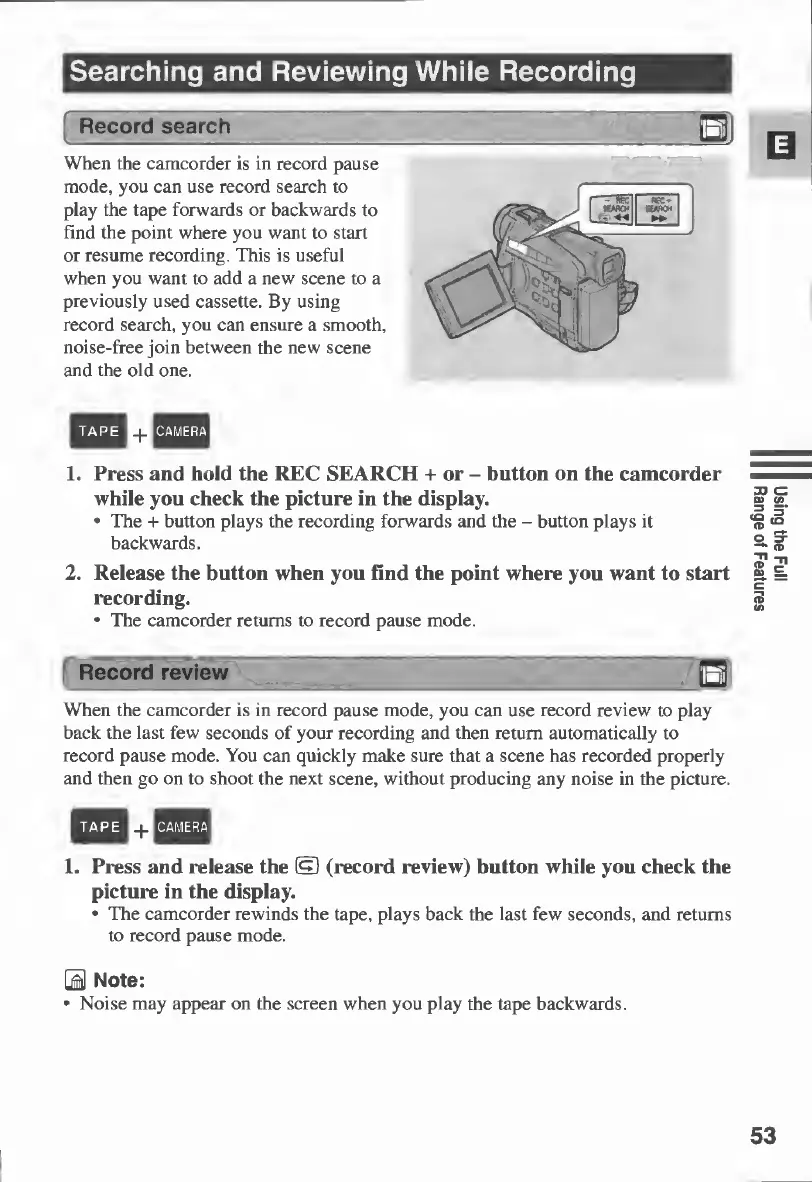
1.
Press
and
hold
the
REC
SEARCH
+
or
-
button
on
the
camcorder
while
you
check
the
picture
in
the
display.
The
+
button
plays
the
recording
forwards
and
the
-
button
plays
it
backwards.
CAMERA
TAPE
2.
Release
the
button
when
you
find
the
point
where
you
want
to
start
recording.
The
camcorder
returns
to
record
pause
mode.
Record
review
When
the
camcorder
is
in
record
pause
mode,
you
can
use
record
review
to
play
back
the
last
few
seconds
of
your
recording
and
then
return
automatically
to
record
pause
mode.
You
can
quickly
make
sure
that
a
scene
has
recorded
properly
and
then
go
on
to
shoot
the
next
scene,
without
producing
any
noise
in
the
picture.
TAPE
nCAMERA
1.
Press
and
release
the
(§)
(record
review)
button
while
you
check
the
picture
in
the
display.
The
camcorder
rewinds
the
tape,
plays
back
the
last
few
seconds,
and
returns
to
record
pause
mode.
B
Note:
Noise
may
appear
on
the
screen
when
you
play
the
tape
backwards.
53
Using
the
Full
Range
of
Features

Table of Contents

Other manuals for Canon MV430

Related product manuals