EasyManua.ls Logo

Canon MV430 - Tips for Making Better Videos.34

Canon MV430
152 pages
Print Icon
To Next Page IconTo Next Page
To Previous Page IconTo Previous Page
Loading...
Mastering
the
Basics
Tips
for
Making
Better
Videos
Holding
the
camcorder
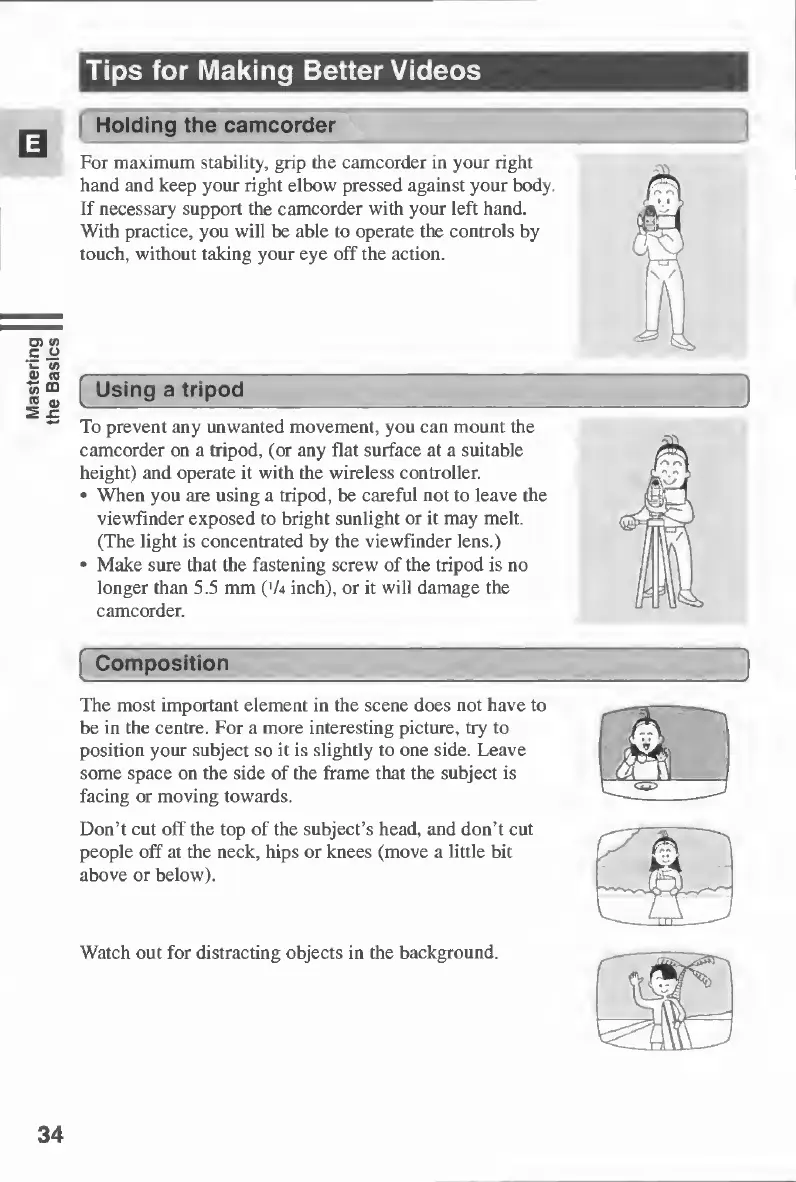
For
maximum
stability,
grip
the
camcorder
in
your
right
hand
and
keep
your
right
elbow
pressed
against
your
body.
If
necessary
support
the
camcorder
with
your
left
hand.
With
practice,
you
will
be
able
to
operate
the
controls
by
touch,
without
taking
your
eye
off
the
action.
Using
a
tripod
To
prevent
any
unwanted
movement,
you
can
mount
the
camcorder
on
a
tripod,
(or
any
flat
surface
at
a
suitable
height)
and
operate
it
with
the
wireless
controller.
When
you
are
using
a
tripod,
be
careful
not
to
leave
the
viewfinder
exposed
to
bright
sunlight
or
it
may
melt.
(The
light
is
concentrated
by
the
viewfinder
lens.)
Make
sure
that
the
fastening
screw
of
the
tripod
is
no
longer
than
5.5
mm
('A
inch),
or
it
will
damage
the
camcorder.
[
Composition
The
most
important
element
in
the
scene
does
not
have
to
be
in
the
centre.
For
a
more
interesting
picture,
try
to
position
your
subject
so
it
is
slightly
to
one
side.
Leave
some
space
on
the
side
of
the
frame
that
the
subject
is
facing
or
moving
towards.
Don’t
cut
off
the
top
of
the
subject’s
head,
and
don’t
cut
people
off
at
the
neck,
hips
or
knees
(move
a
little
bit
above
or
below).
Watch
out
for
distracting
objects
in
the
background.
34

Table of Contents

Other manuals for Canon MV430

Related product manuals