EasyManua.ls Logo

Canon MV430 - Page 117

Canon MV430
152 pages
Print Icon
To Next Page IconTo Next Page
To Previous Page IconTo Previous Page
Loading...
Do
not
leave
memory
cards
in
places
subject
to
high
temperature
or
high
humidity.
Moving
a
memory
card
rapidly
between
hot
and
cold
temperatures
may
cause
condensation
to
form
on
it,
leading
to
malfunctions.
Avoid
this
problem
by
placing
the
memory
card
in
a
plastic
bag
and
letting
it
slowly
adjust
to
temperature
changes
before
removing
it
from
the
bag.
If
condensation
should
occur,
maintain
the
memory
card
at
a
constant
temperature
and
let
the
moisture
evaporate
naturally.
Do
not
touch
the
memory
card’s
terminals
or
let
dust
or
dirt
come
in
contact
with
the
terminals.
Store
and
carry
memory
cards
in
their
case
to
protect
the
terminal
area.
There
is
only
one
correct
way
to
insert
memory
cards
into
the
camcorder.
Do
not
forcefully
insert
the
memory
cards
backwards
or
upside
down.
This
could
damage
the
memory
card
or
the
camcorder.
|
Sample
images
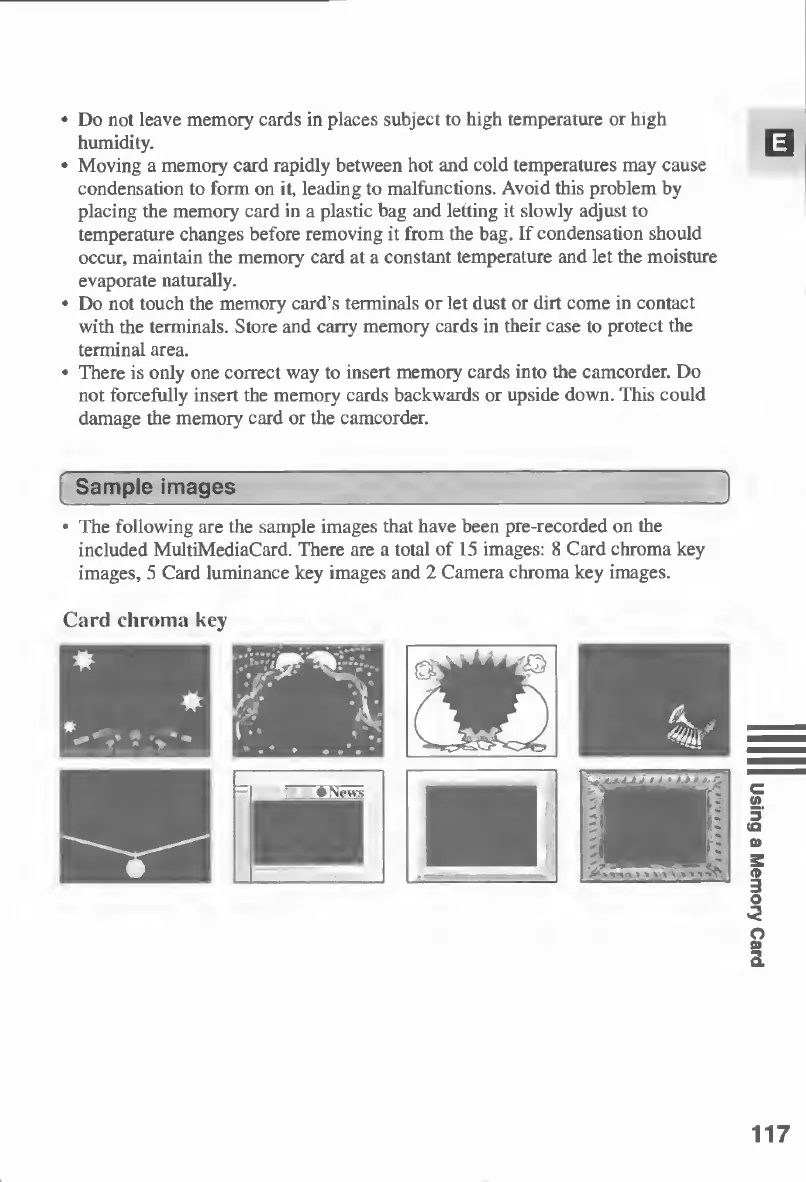
The
following
are
the
sample
images
that
have
been
pre-recorded
on
the
included
MultiMediaCard.
There
are
a
total
of
15
images:
8
Card
chroma
key
images,
5
Card
luminance
key
images
and
2
Camera
chroma
key
images.
Card
chroma
key
117
Using
a
Memory
Card

Table of Contents

Other manuals for Canon MV430

Related product manuals