EasyManua.ls Logo

Canon MV430 - Page 27

Canon MV430
152 pages
Print Icon
To Next Page IconTo Next Page
To Previous Page IconTo Previous Page
Loading...
Other
playback
modes
^
Q!
Playback
pause
Press
the
II
(pause)
button.
To
resume
normal
playback,
press
it
again,
or
press
the
(play)
button.
The
camcorder
automatically
goes
into
stop
mode
after
about
5
minutes’
playback
pause.
Fast
forward
playback
To
play
back
the
recording
at
about
11.5
times
normal
speed,
press
and
hold
the
►►
(fast
forward)
button
during
normal
playback
or
press
and
hold
the
►►
(fast
forward)
button
during
normal
fast
forward.
Rewind
playback
For
reverse
playback
at
about
11.5
times
normal
speed,
press
and
hold
the
(rewind)
button
during
normal
playback
or
press
and
hold
the
(rewind)
button
during
normal
rewind.
Special
playback
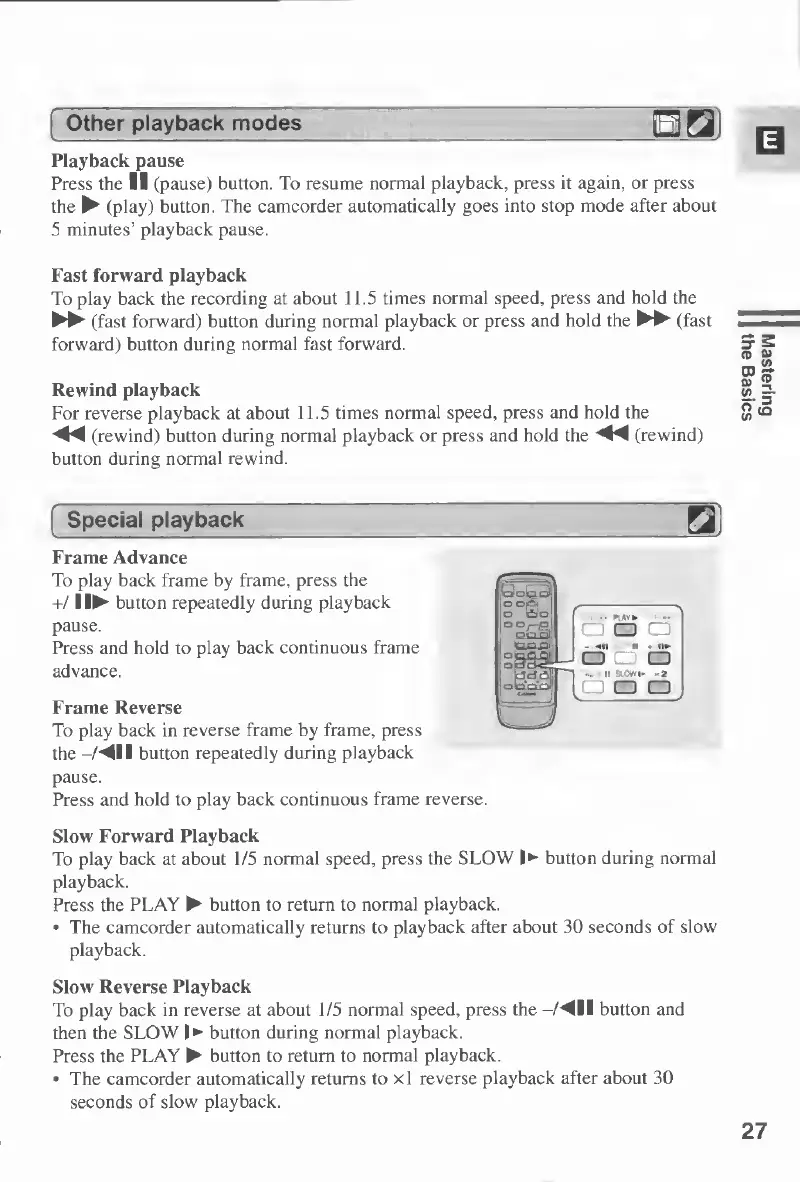
Frame
Advance
To
play
back
frame
by
frame,
press
the
+/1
!
button
repeatedly
during
playback
pause.
Press
and
hold
to
play
back
continuous
frame
advance.
Frame
Reverse
To
play
back
in
reverse
frame
by
frame,
press
the
-fM
II
button
repeatedly
during
playback
pause.
Press
and
hold
to
play
back
continuous
frame
reverse.
Slow
Forward
Playback
To
play
back
at
about
1/5
normal
speed,
press
the
SLOW
!
button
during
normal
playback.
Press
the
PLAY
button
to
return
to
normal
playback.
The
camcorder
automatically
returns
to
playback
after
about
30
seconds
of
slow
playback.
Slow
Reverse
Playback
To
play
back
in
reverse
at
about
1/5
normal
speed,
press
the
-/^ll
button
and
then
the
SLOW
I
button
during
normal
playback.
Press
the
PLAY
button
to
return
to
normal
playback.
The
camcorder
automatically
returns
to
xl
reverse
playback
after
about
30
seconds
of
slow
playback.
27
Mastering
the
Basics

Table of Contents

Other manuals for Canon MV430

Related product manuals