EasyManua.ls Logo

Canon MV430 - Page 72

Canon MV430
152 pages
Print Icon
To Next Page IconTo Next Page
To Previous Page IconTo Previous Page
Loading...
Using
the
Full
Range
of
Features
Setting
the
white
balance
manually
will
probably
work
better
than
auto
white
balance
when
shooting:
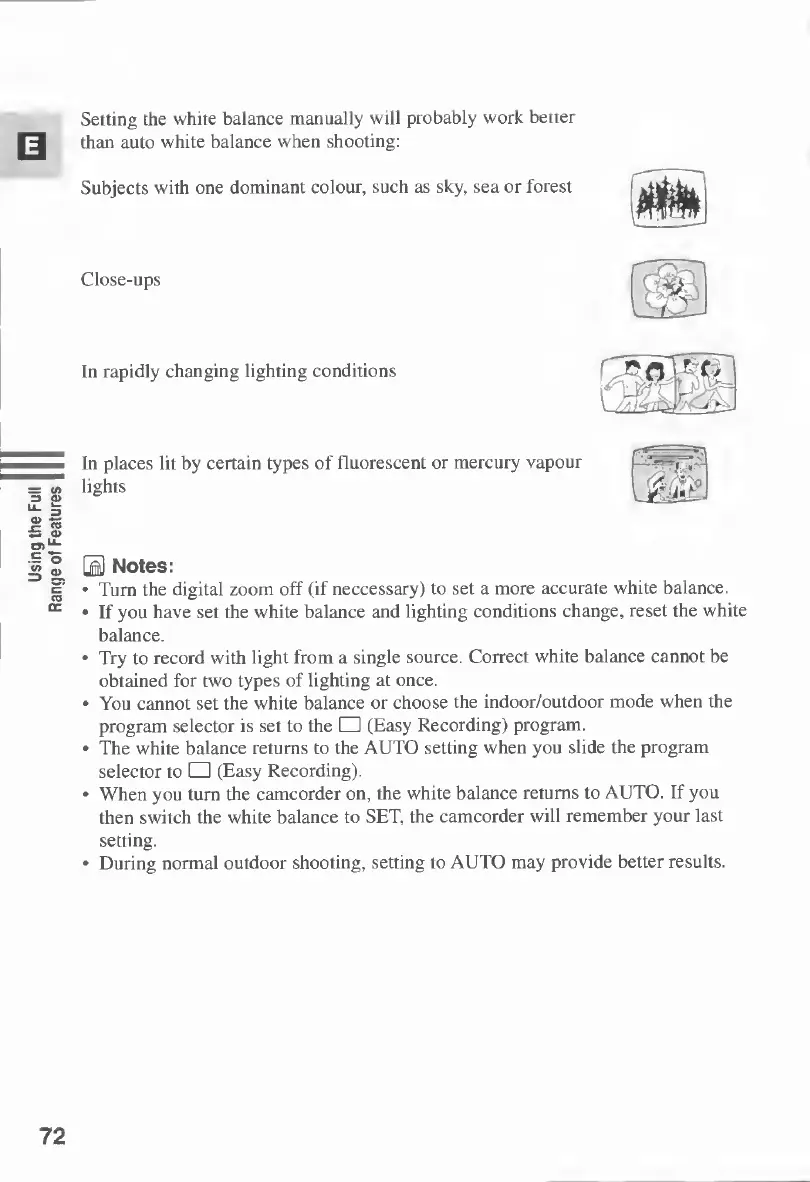
Subjects
with
one
dominant
colour,
such
as
sky,
sea
or
forest
Close-ups
In
rapidly
changing
lighting
conditions
§§
In
places
lit
by
certain
types
of
fluorescent
or
mercury
vapour
lights
0
Notes:
Turn
the
digital
zoom
off
(if
neccessary)
to
set
a
more
accurate
white
balance.
If
you
have
set
the
white
balance
and
lighting
conditions
change,
reset
the
white
balance.
Try
to
record
with
light
from
a
single
source.
Correct
white
balance
cannot
be
obtained
for
two
types
of
lighting
at
once.
You
cannot
set
the
white
balance
or
choose
the
indoor/outdoor
mode
when
the
program
selector
is
set
to
the
(Easy
Recording)
program.
The
white
balance
returns
to
the
AUTO
setting
when
you
slide
the
program
selector
to
(Easy
Recording).
When
you
turn
the
camcorder
on,
the
white
balance
returns
to
AUTO.
If
you
then
switch
the
white
balance
to
SET,
the
camcorder
will
remember
your
last
setting.
During
normal
outdoor
shooting,
setting
to
AUTO
may
provide
better
results.
72

Table of Contents

Other manuals for Canon MV430

Related product manuals