EasyManua.ls Logo

Canon MV430 - Page 93

Canon MV430
152 pages
Print Icon
To Next Page IconTo Next Page
To Previous Page IconTo Previous Page
Loading...
When
you
play
back
a
tape
that
was
recorded
in
12-bit
mode,
you
can
set
the
audio
output
to
play:
stereo
1
(the
original
sound),
stereo
2
(any
new
sound,
dubbed
to
the
tape
after
recording),
or
mix
the
balance
between
the
two.
Audio
from
the
16-bit
mode
only
contains
stereo
1
sound
and
so
you
cannot/do
not
need
to
select
the
audio
mix.
The
same
is
true
for
the
12-bit
stereo
1
mode,
unless
new
sound
has
been
added
post-recording.
PLAY
+(EEEED)
1.
Choose
the
output.
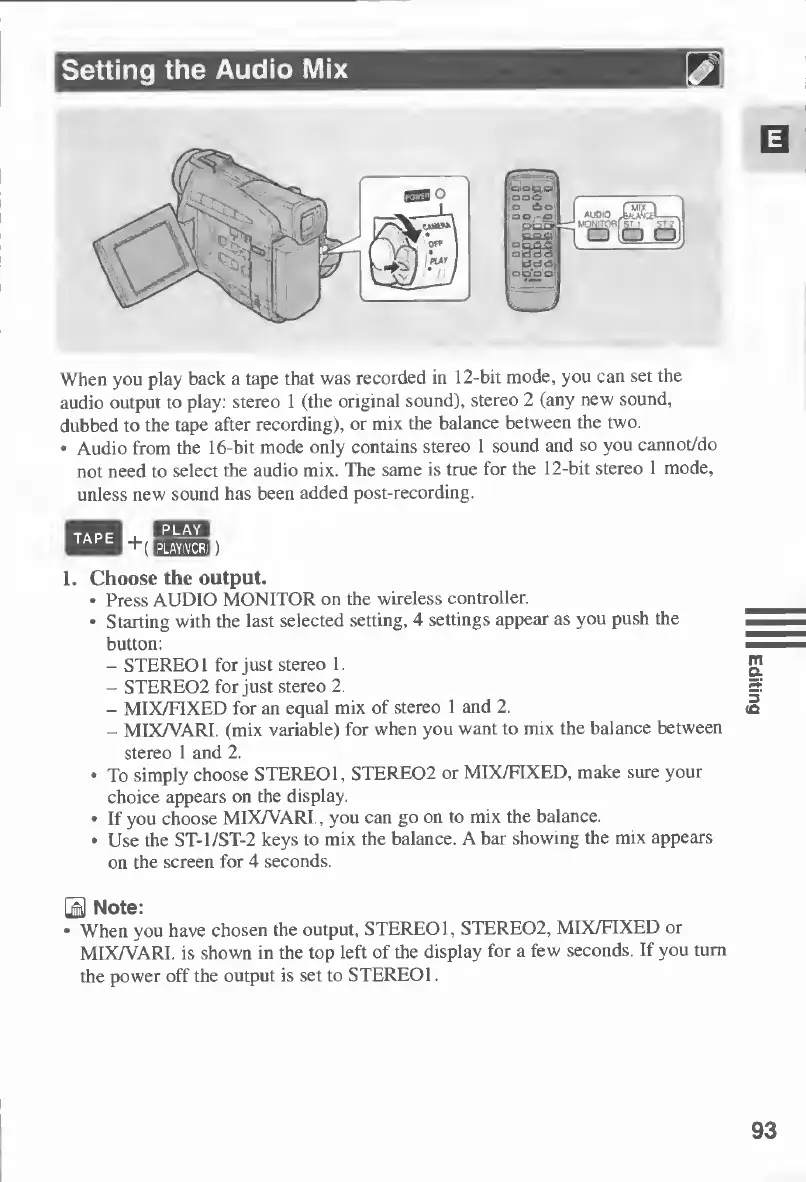
Press
AUDIO
MONITOR
on
the
wireless
controller.
Starting
with
the
last
selected
setting,
4
settings
appear
as
you
push
the
button:
-
STEREO
1
for
just
stereo
1.
-
STERE02
for
just
stereo
2.
-
MIX/FIXED
for
an
equal
mix
of
stereo
1
and
2.
-
MIX/VARI.
(mix
variable)
for
when
you
want
to
mix
the
balance
between
stereo
1
and
2.
To
simply
choose
STEREO
1,
STERE02
or
MIX/FIXED,
make
sure
your
choice
appears
on
the
display.
If
you
choose
MIX/VARI.,
you
can
go
on
to
mix
the
balance.
Use
the
ST-l/ST-2
keys
to
mix
the
balance.
A
bar
showing
the
mix
appears
on
the
screen
for
4
seconds.
TAPE
B
Note
;
When
you
have
chosen
the
output,
STEREO
1,
STERE02,
MIX/FIXED
or
MIX/VARI.
is
shown
in
the
top
left
of
the
display
for
a
few
seconds.
If
you
turn
the
power
off
the
output
is
set
to
STEREO
1.
93
Editing

Table of Contents

Other manuals for Canon MV430

Related product manuals