2.
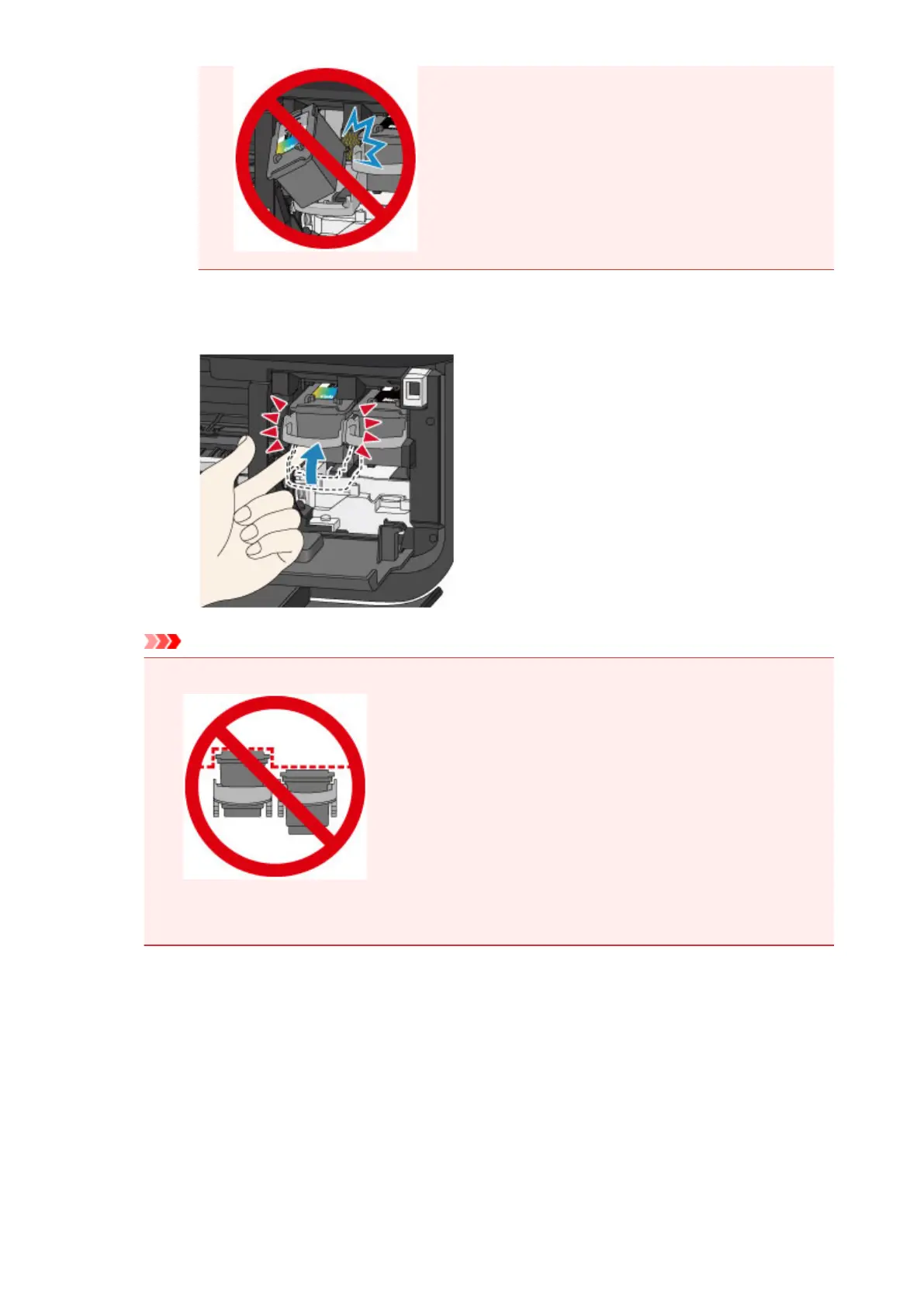
Push up the ink cartridge lock lever to lock the FINE cartridge into place.
The FINE cartridge is locked into place when the ink cartridge lock lever clicks.
Important
• Check if the FINE cartridge is installed correctly.
•
The machine cannot print unless both the color FINE cartridge and black FINE cartridge are
installed. Be sure to install both cartridges.
6. Close the paper output cover (H).
108













 To Next Page