Note
•
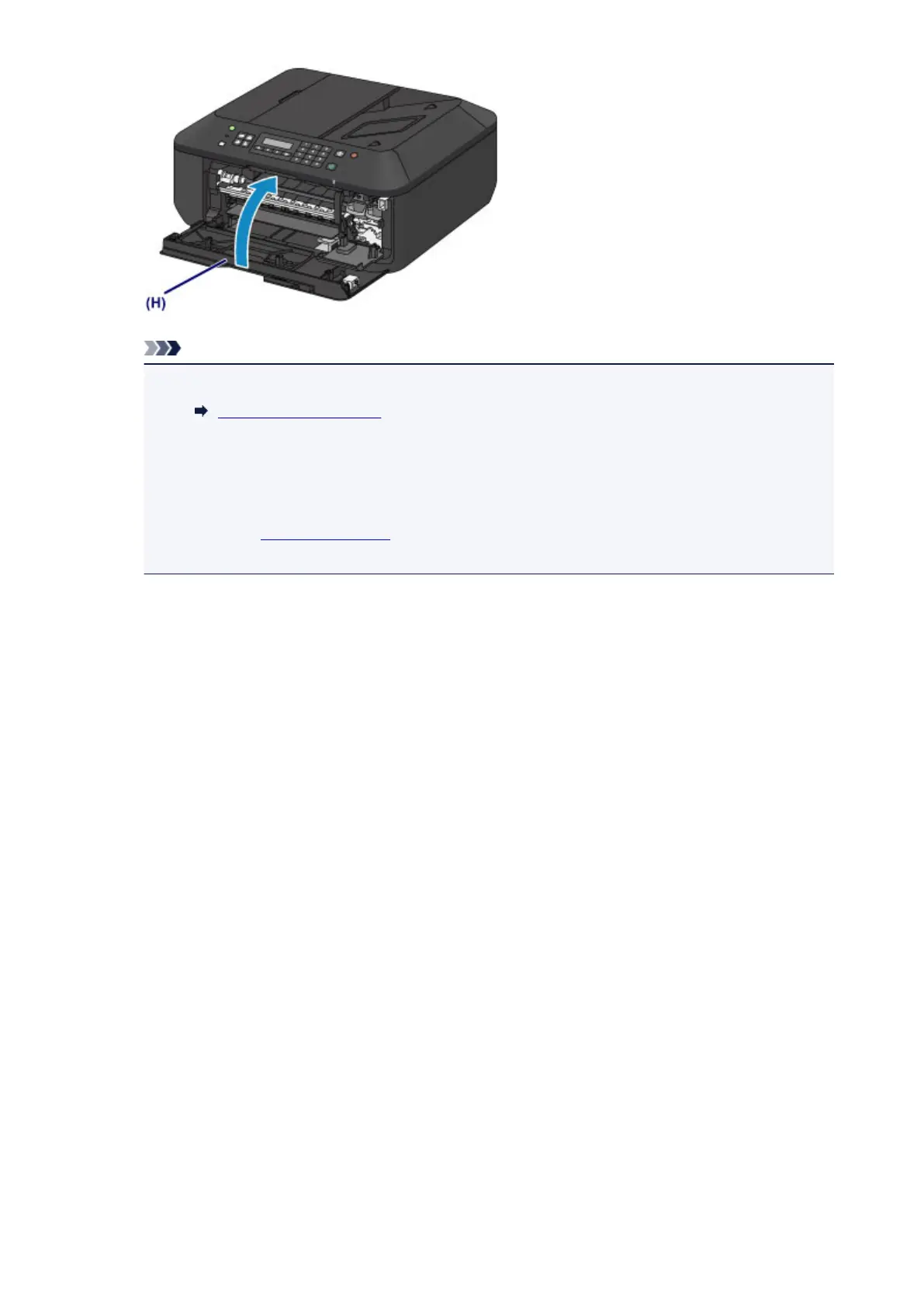
If the error message appears after the paper output cover is closed, take appropriate action.
A Message Is Displayed
•
When you start printing after replacing the FINE cartridge, the machine starts cleaning the print
head automatically. Do not perform any other operations until the machine completes the
cleaning of the print head.
• If the print head is out of alignment, as indicated by misaligned printed ruled lines or similar
symptoms, align the print head.
• The machine may make noise during operation.
109













 To Next Page