Adjusting Cropping Frames in the Image Stitch Window
• To scan an item again, select the image in the Preview area or the thumbnail at the top of the
screen, then click (Delete). The selected image is deleted, allowing you to scan the item
again.
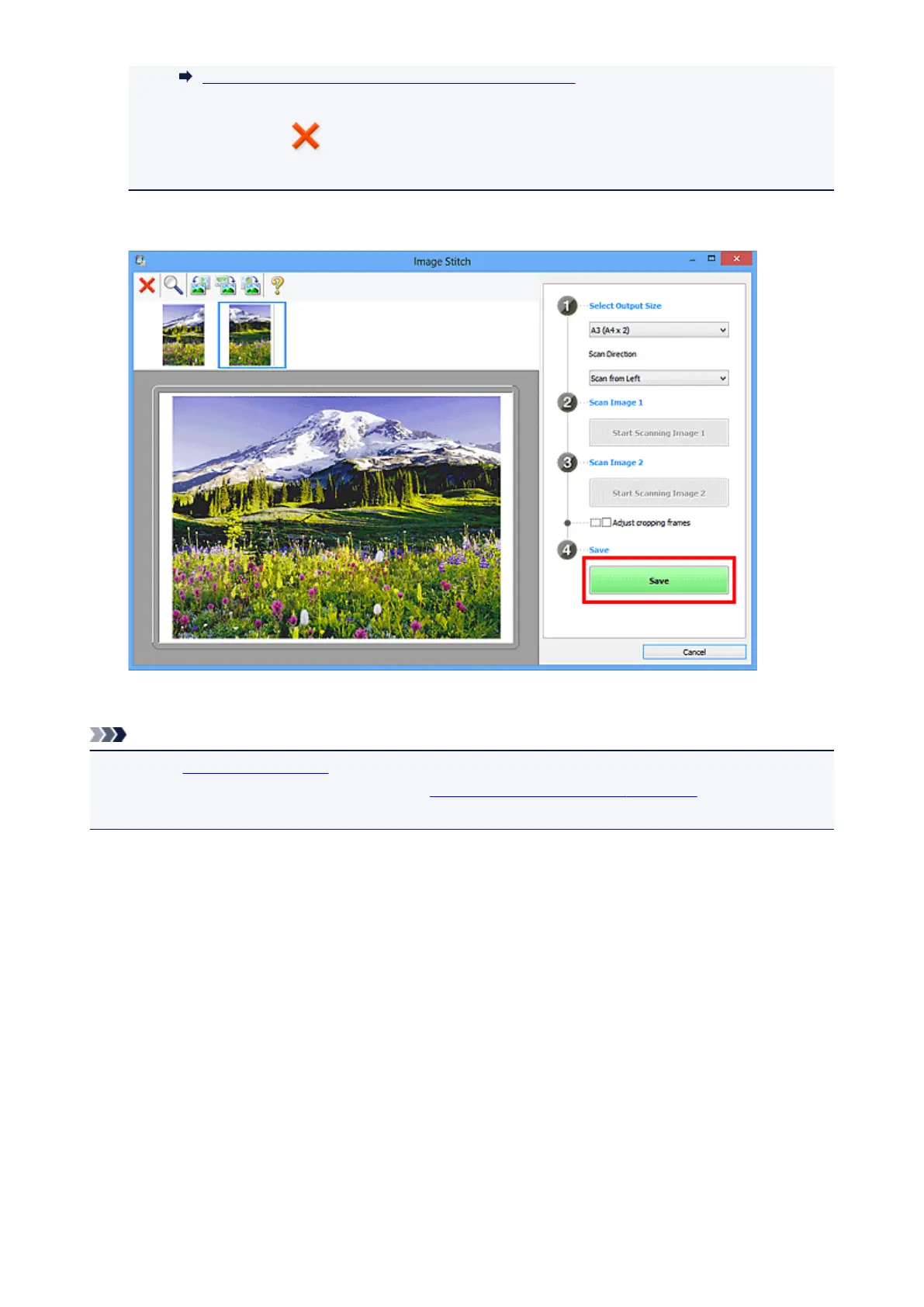
11. Click Save.
The combined image is saved.
Note
• Refer to "Image Stitch Window" for details on the Image Stitch window.
• You can make advanced scan settings in the Settings (Scan and Stitch) dialog box displayed by
clicking Settings....
429













 To Next Page