5.
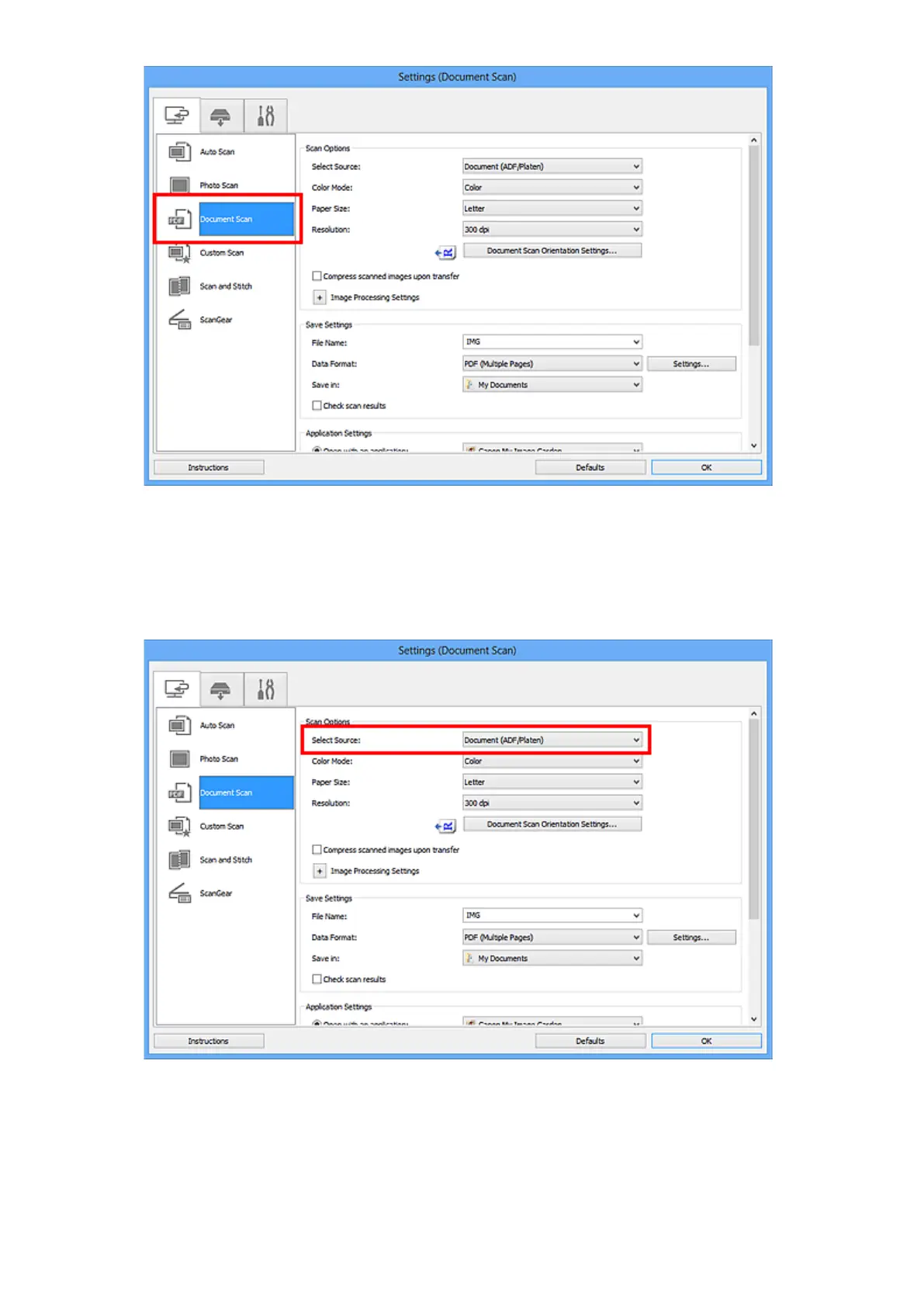
Select Select Source according to the documents to be scanned.
To scan only the front side of each document, select Document (ADF/Platen) or Document (ADF
Simplex).
To scan the front side then the back side of each document, select Document (ADF Manual Duplex).
6. Set the color mode, document size, and scanning resolution as required.
Click Document Scan Orientation Settings... to specify the orientation of the documents to be
scanned. In the displayed dialog box, you can specify the Orientation and Binding Side. How to
place the documents when scanning the back sides depends on the Binding Side.
When setting is completed, click OK.
434













 To Next Page