CHAPTER 4 IMAGE FORMATION SYSTEM
COPYRIGHT
©
1999 CANON INC. CANON PC800s/900s REV.0 AUG. 1999 PRINTED IN JAPAN (IMPRIME AU JAPON)
4-25
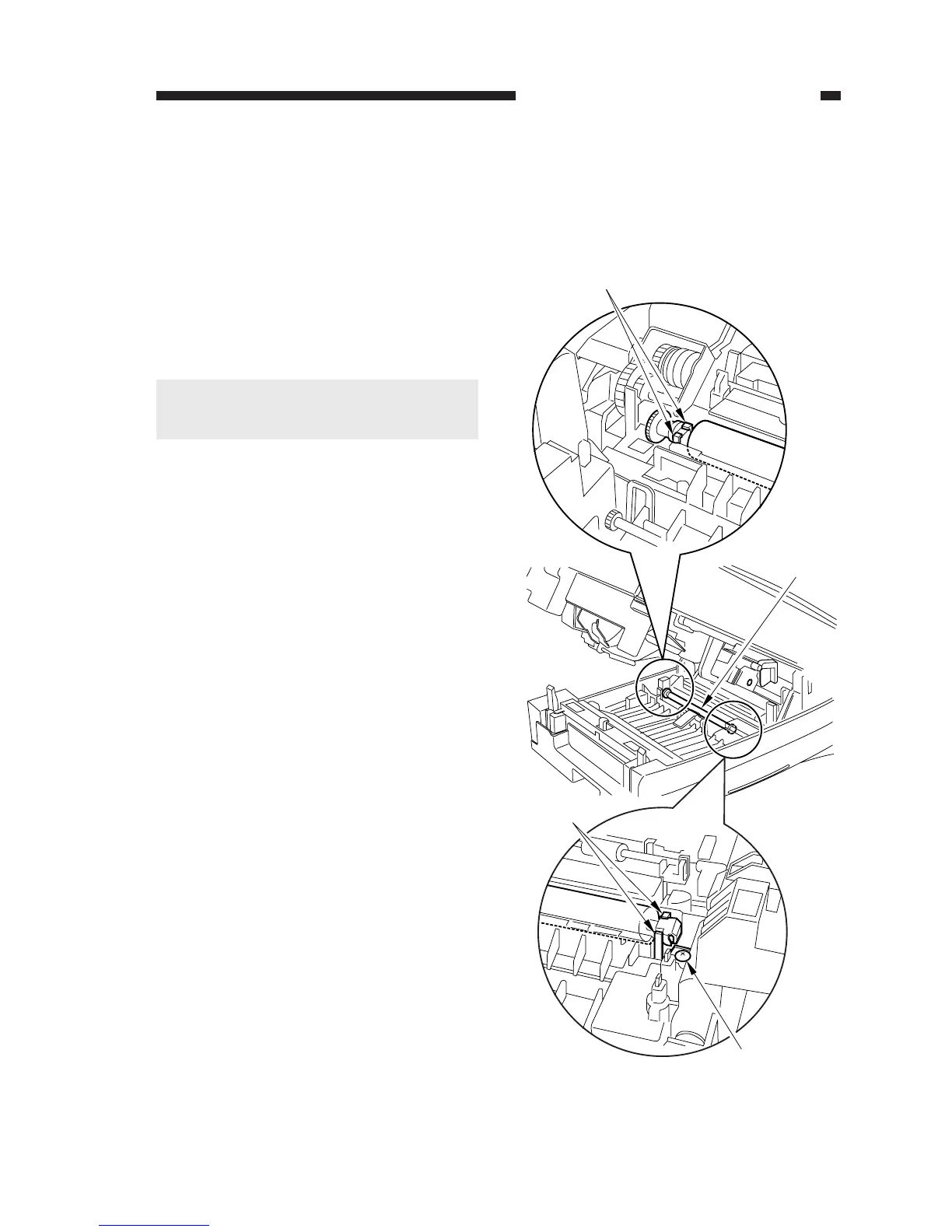
Figure 4-202
[1]
[2]
[2]
[3]
B. Transfer Charging
Assembly
1. Removing the Transfer Charging
Roller
1) Open the machine's top unit.
2) Remove the screw [1].
3) While freeing the claw [2] of the bushing,
detach the transfer charging roller [3].
Caution:
Do not touch the surface of the roller. Be
sure the surface is free of dirt.



 To Next Page