CHAPTER 7 EXTERNALS/AUXILIARY MECHANISMS
COPYRIGHT
©
1999 CANON INC. CANON PC800s/900s REV.0 AUG. 1999 PRINTED IN JAPAN (IMPRIME AU JAPON)
7-17
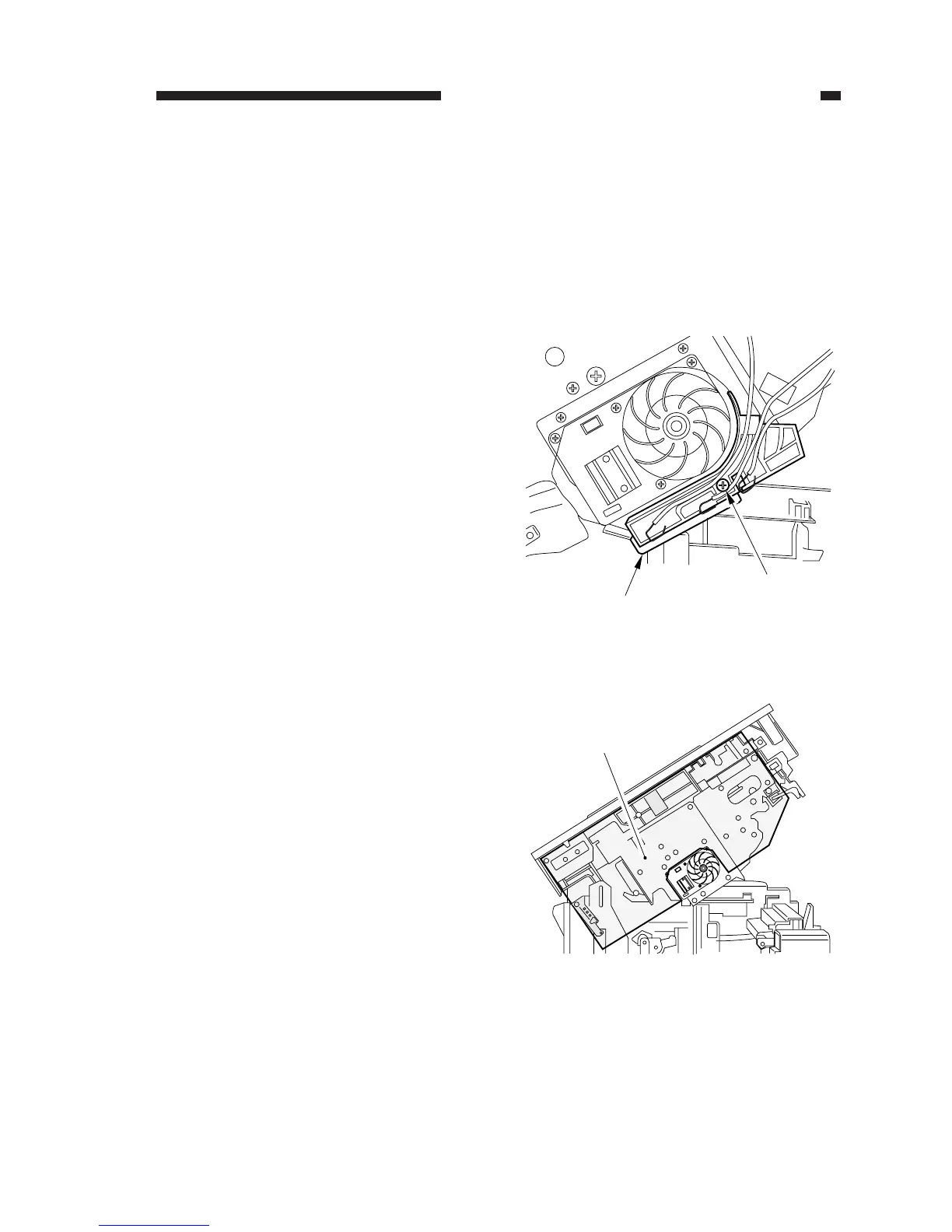
Figure 7-318
Figure 7-319
[1]
[2]
[3]
D. Main Motor/Main Drive
Assembly
1. Removing the Main Motor Unit
1) Remove the drum cartridge.
2) Remove the composite power supply
PCB.
(See E.2. “Removing the Composite
Power Supply PCB.”)
3) Remove the screw [1], and detach the
high-voltage PCB [2].
4) Remove the insulating sheet [3].



 To Next Page