CHAPTER 11 TROUBLESHOOTING
COPYRIGHT
©
1999 CANON INC. CANON PC800s/900s REV.0 AUG. 1999 PRINTED IN JAPAN (IMPRIME AU JAPON)
11-61
IV. TROUBLESHOOTING MALFUNCTIONS
A. Troubleshooting Malfunctions
1E0
YES/NO
YES
NO
Cause
----------------
Step
1
Checks
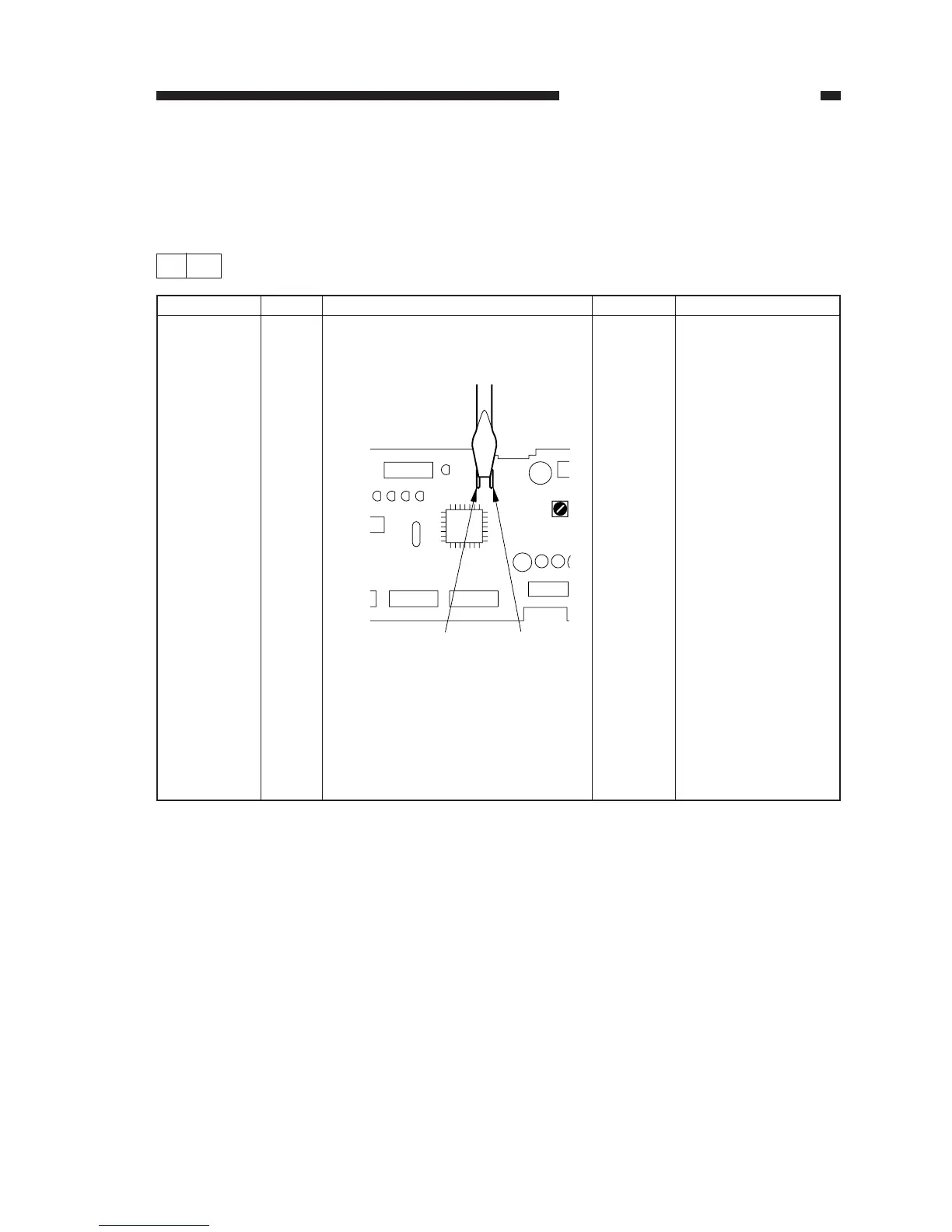
1) Turn off the power, and short JP101
and JP102 on the DC controller
PCB with a screwdriver.
Figure 11-401
2) While keeping the condition in step
1), turn on the power switch.
3) Is an error code indicated in re-
sponse to a press on the Copy Start
key?
Action
See the instructions
given for the respec-
tive error code.
End.
JP102
JP101
JP101
JP102



 To Next Page