CHAPTER 11 TROUBLESHOOTING
COPYRIGHT
©
1999 CANON INC. CANON PC800s/900s REV.0 AUG. 1999 PRINTED IN JAPAN (IMPRIME AU JAPON)
11-36
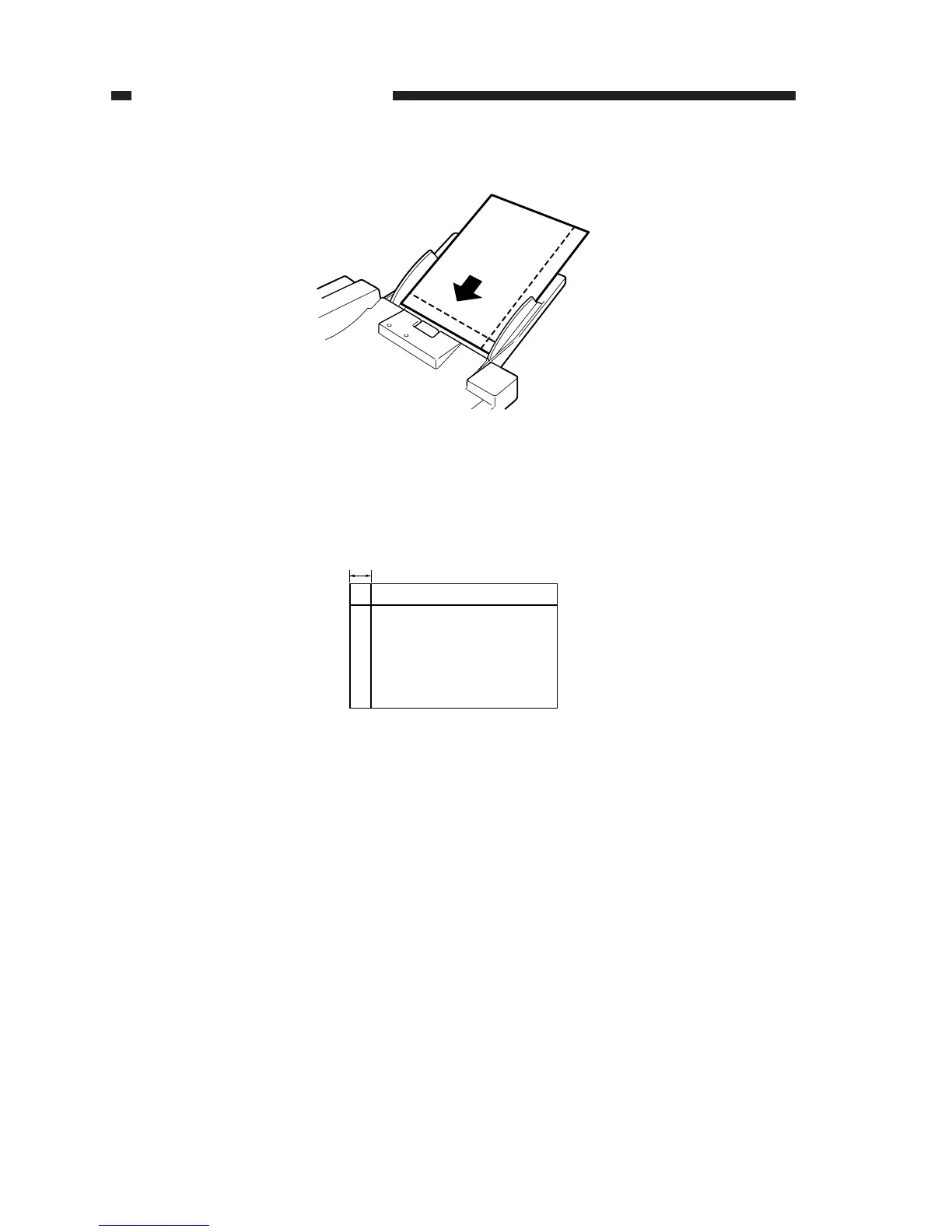
3) Turn on the machine, and place the test sheet prepared in step 1) on the original tray.
Figure 11-255
4) Press the Copy Start key to make a copy.
5) Check to make sure that the distance L4 on the copy image indicated is 10 +2.0, -2.5 mm
(standard) or less.
Figure 11-256
Copy image
L4
L4=10 ± 2.0mm


 To Next Page