Example Basket Configurations
Various positions are possible for the basket that collects the printed materials.
In this section, we present the following five positions as examples of using the basket. Switch the position
of the basket to suit to the media type and the print job.
Using Without roll unit (Position 1)
Using With roll unit (Position 2)
Printing on Large-Format or Easily Damaged Paper (Position 3)
Stacking Printed Materials (Position 4)
Moving Printed Materials to Next Work Area Immediately (Position 5)
For instructions on switching the basket position, see "Using the Basket."
Important
• If replacing the roll paper or using the roll unit as a take-up device, you must store the basket. For
instructions on storing the basket, see "Storing the Basket."
• If the printed materials collected are damaged or folded, select Eject cut in Cutting mode or use the
basket in a different position. (See "Specifying the Cutting Method for Rolls.")
Note
• For details on the printer dimensions when using the basket, see "Specifications."
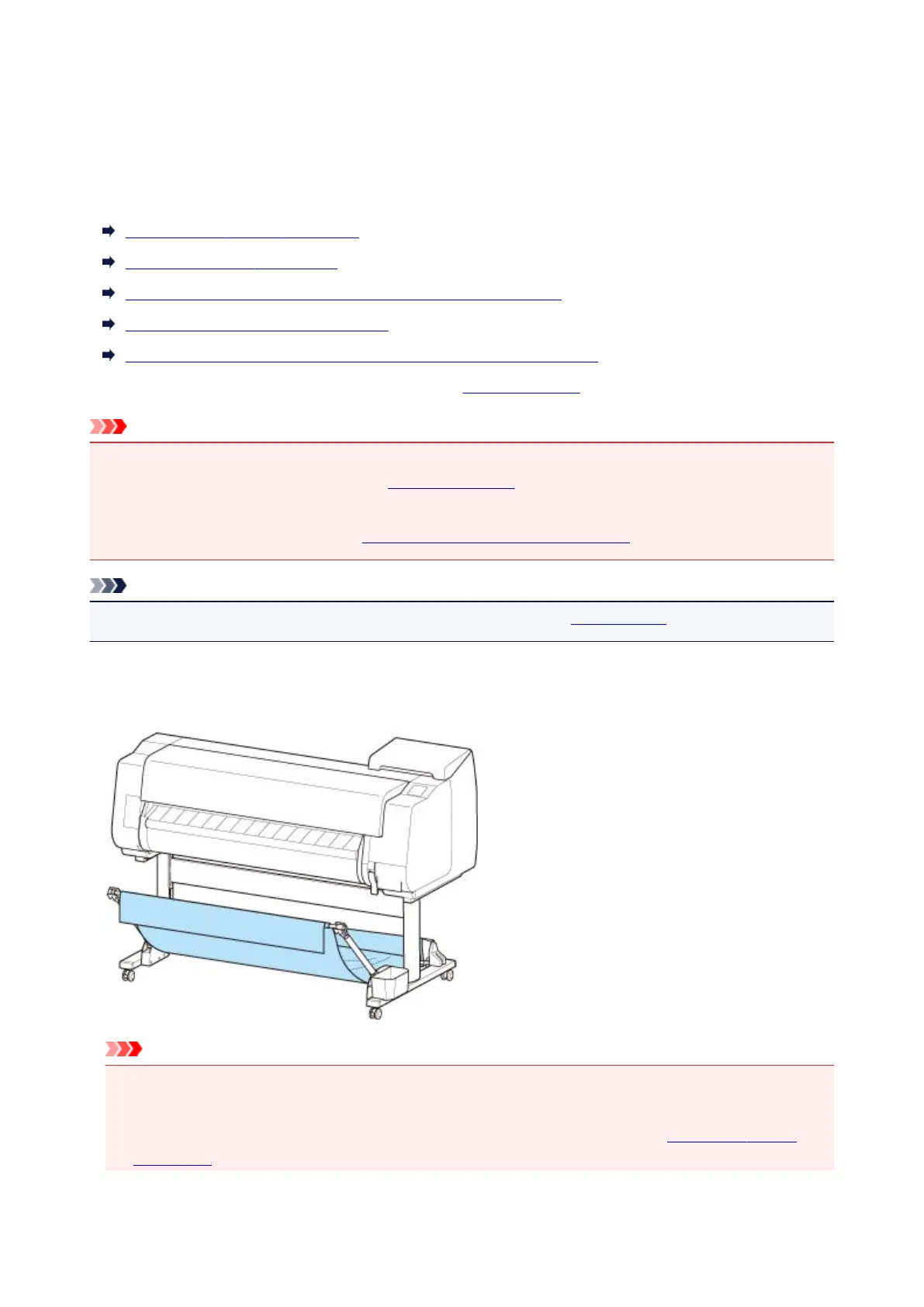
Using Without roll unit (Position 1)
You can use the basket in the following positions when not using the roll unit.
Important
• The number of sheets that can be collected in the basket is one. If printing multiple pages, print after
removing each sheet.
• If using the roll unit as a feed device, we recommend using it as described in "Using With roll unit
(Position 2)".
129



 To Next Page