Replacing the Cutter Blade
Compatible Cutter Blade
For details on compatible cutter blade, see Cutter Blade.
How to Replace Cutter Blade
1. Tap Maintenance on HOME screen.
Touch Screen
The Maintenance screen appears.
2.
Tap Replace cutter blade unit.
A confirmation message appears.
3.
Tap Yes.
The carriage moves and after it stops moving, instructions for the cutter blade replacement procedure
appear on the touch screen.
Note
• If you do not take action within 2 minutes, cutter blade replacement is canceled. In this case,
start over replacement from the beginning.
4.
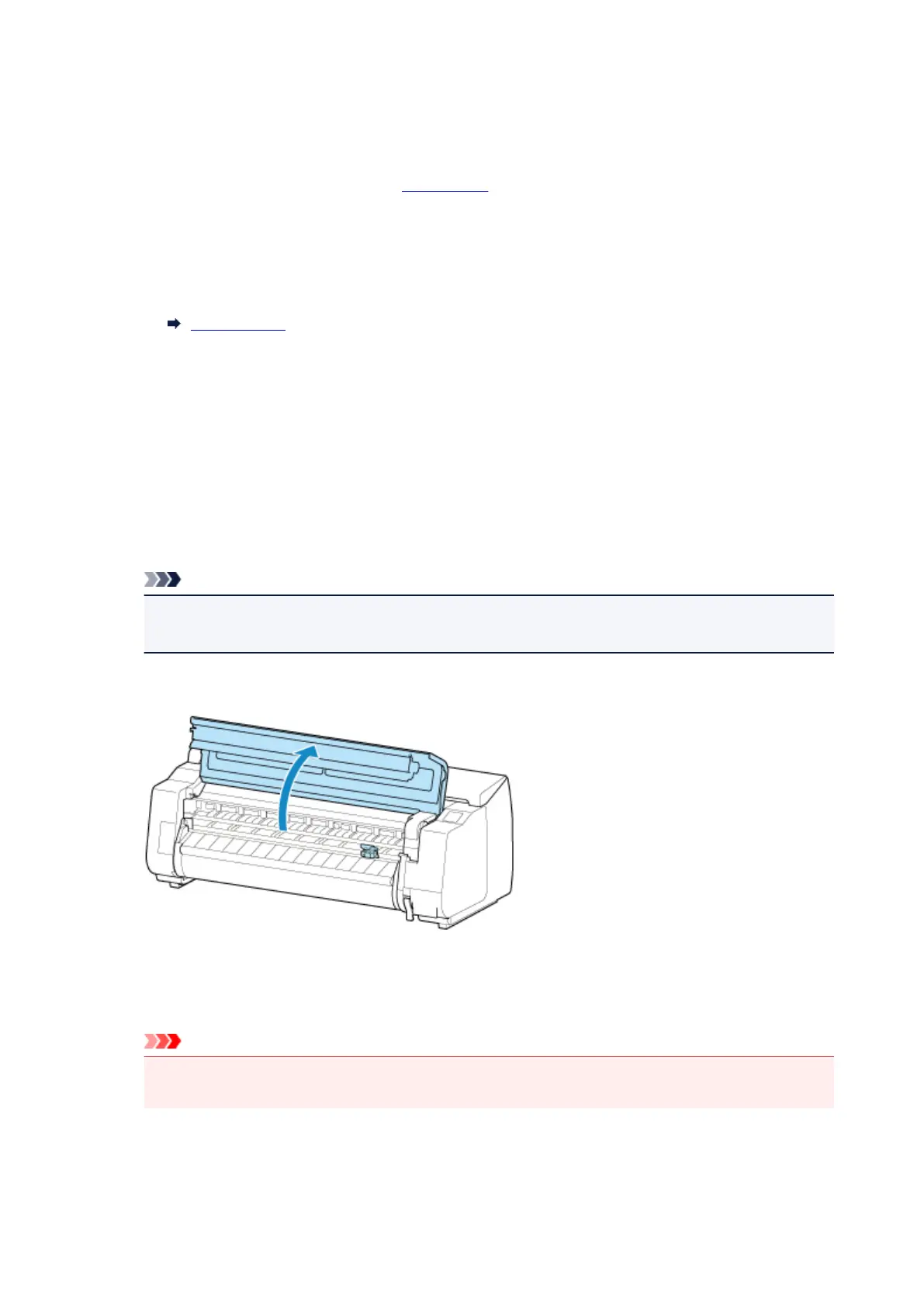
Open top cover.
5. If cutter blade is dirty, use damp cloth that you have wrung out completely to wipe it
clean.
Important
•
Do not touch the linear scale (A), carriage shaft (B), or ink tube stabilizer (C). Touching these
may cause malfunction.
452



 To Next Page