Smooth
Makes arc drawing smoother.
Select this setting item from Device settings > Print settings > HP-GL/2 print settings > Line
management.
• Software (Initial setting)
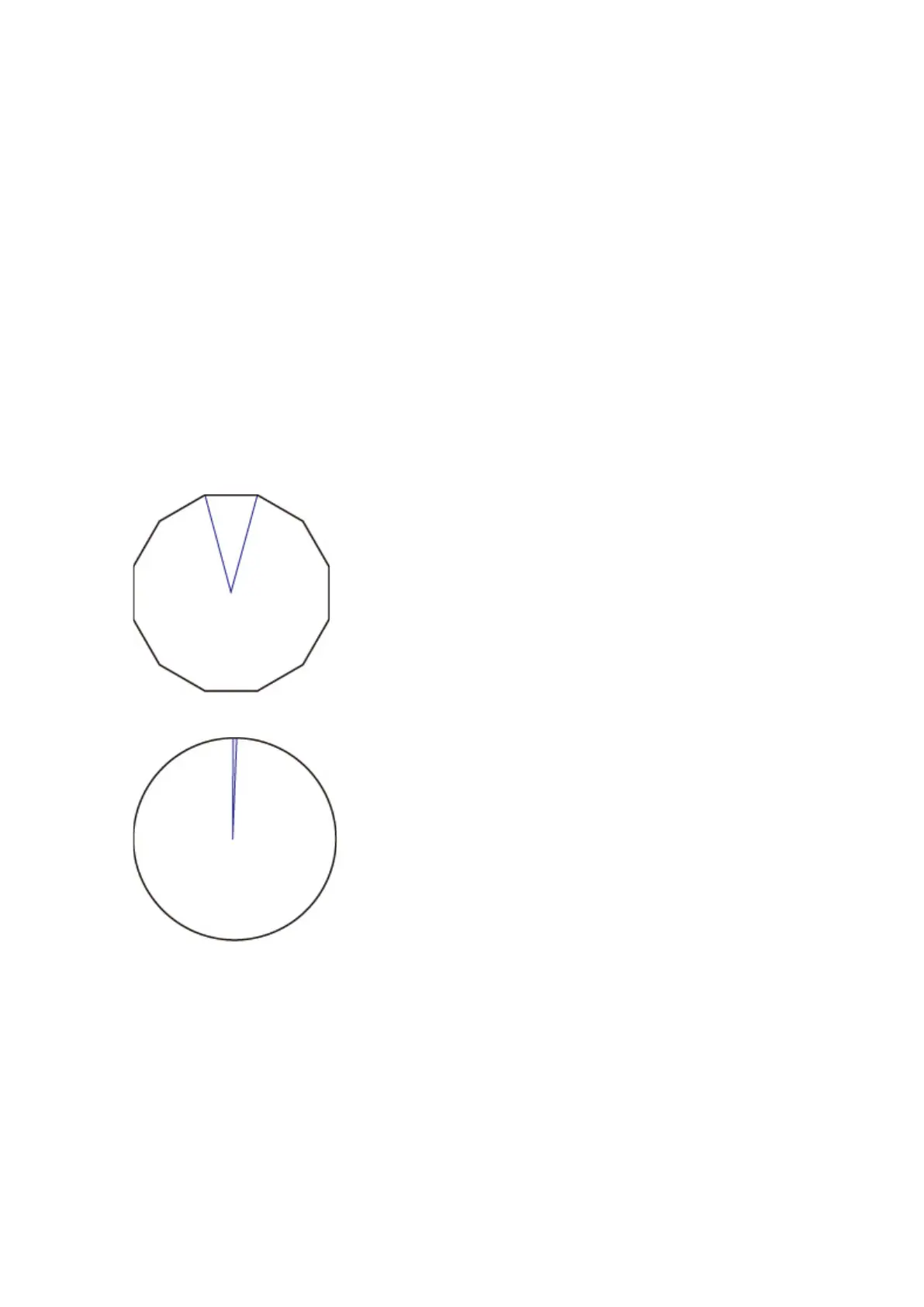
Draws arcs using HP-GL/2 data settings.
Default value of the central angle of an arc in HP-GL/2 is 5° (Regular 72-sided polygon) if the angle is
not specified using a HP-GL/2 command.
• Smoothing
Draws curves that are smoother than arcs with a central angle of 1°.
SMOOTHING EXAMPLES
• When Software is selected:
• When Smoothing is selected:
247



 To Next Page