Menu Operations
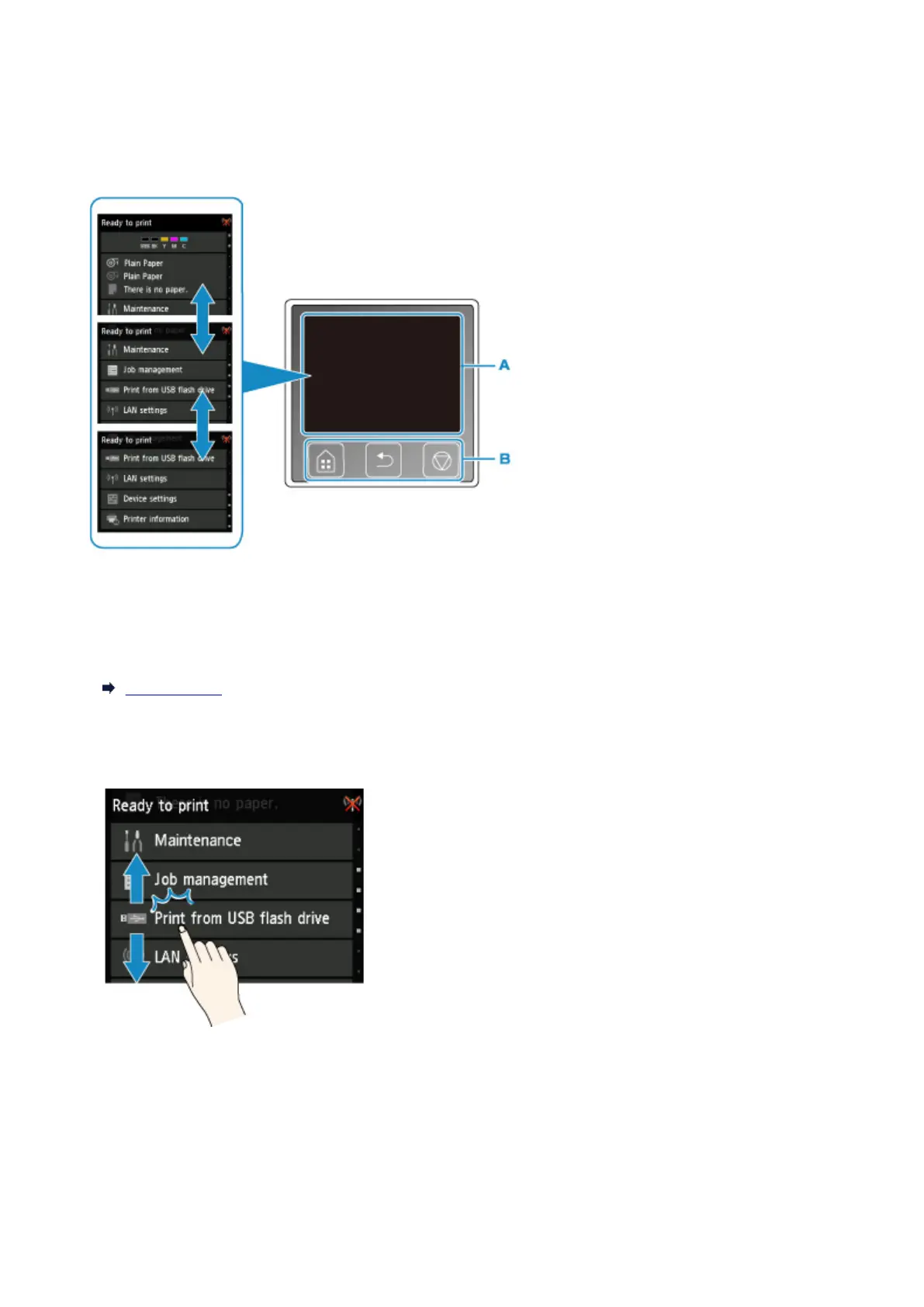
The operation panel features a touch screen (A) and buttons (B).
Touch icons on the touch screen's HOME screen to select menus.
A. Touch screen
B. Buttons on the operation panel
For more on the touch screen operations:
Touch Screen
Example of Using Touch Screen
These touch screen operations are available when you print data on a USB flash drive.
Drag up or down, and then tap an item to select it.
168



 To Next Page