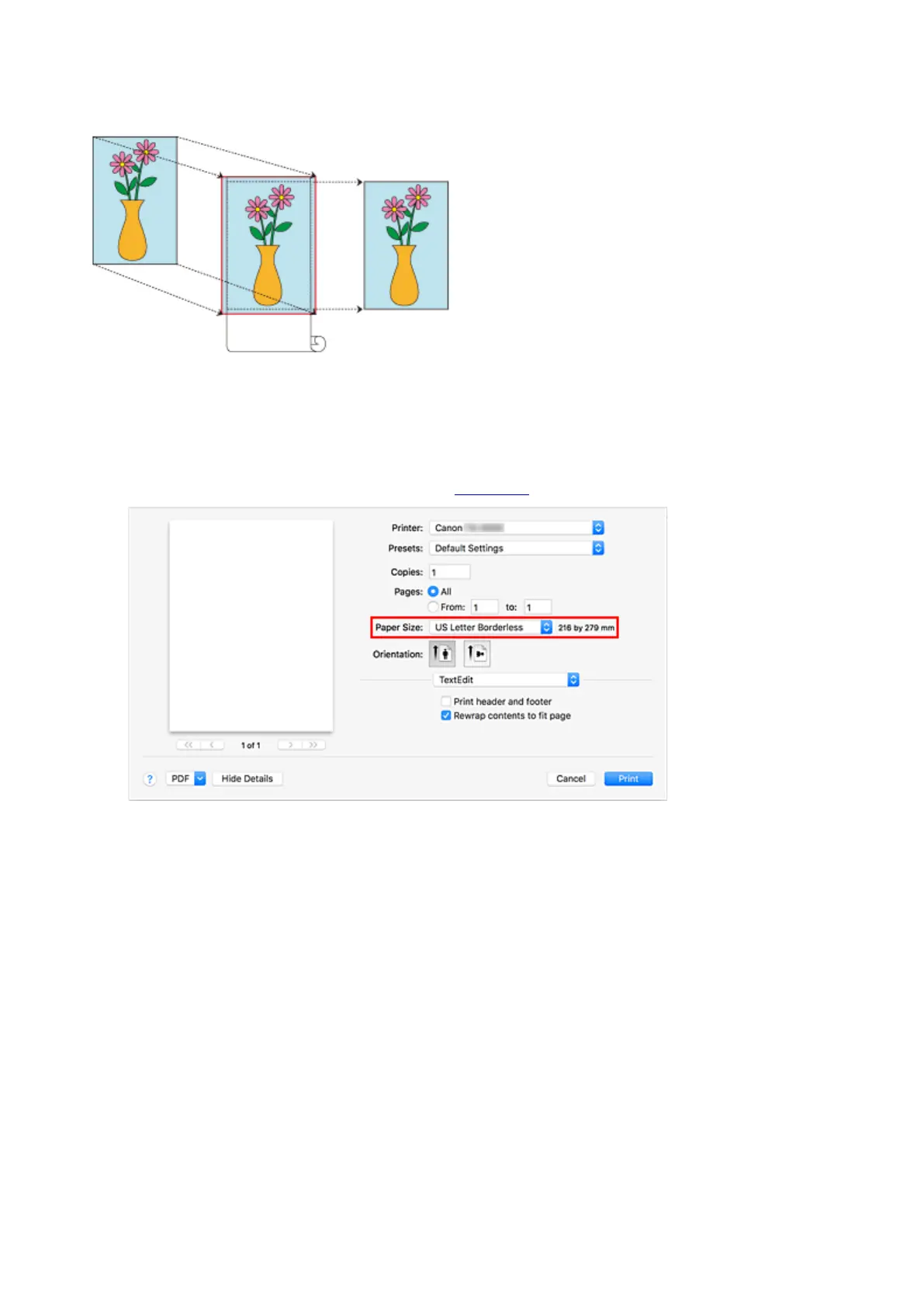
Printing without Margins to Match Roll Paper Width
Procedure for printing borderless (without white margins around the edges) by enlarging/reducing
documents to match roll paper width.
1.
Select the paper size for whole-surface borderless printing
Select "XXX Borderless" from Paper Size in the print dialog.
2.
From the pop-up menu, select Page Processing
3. Select roll paper width
For paper roll width, enter the same value set in the printer under Roll Paper Width.
4. Select a method for printing on roll paper
In Fit Roll Paper Width, select On (Borderless).
5. Determine by how much you want the image to exceed the size of the paper
Adjust Borderless Extension as needed.
Dragging the slide bar to the right will increase overflow, while dragging it to the left will reduce it.
The second position from the right is recommended for most cases.
586



 To Next Page