Enlarge/Reduce (Specify scaling) and Auto rotation
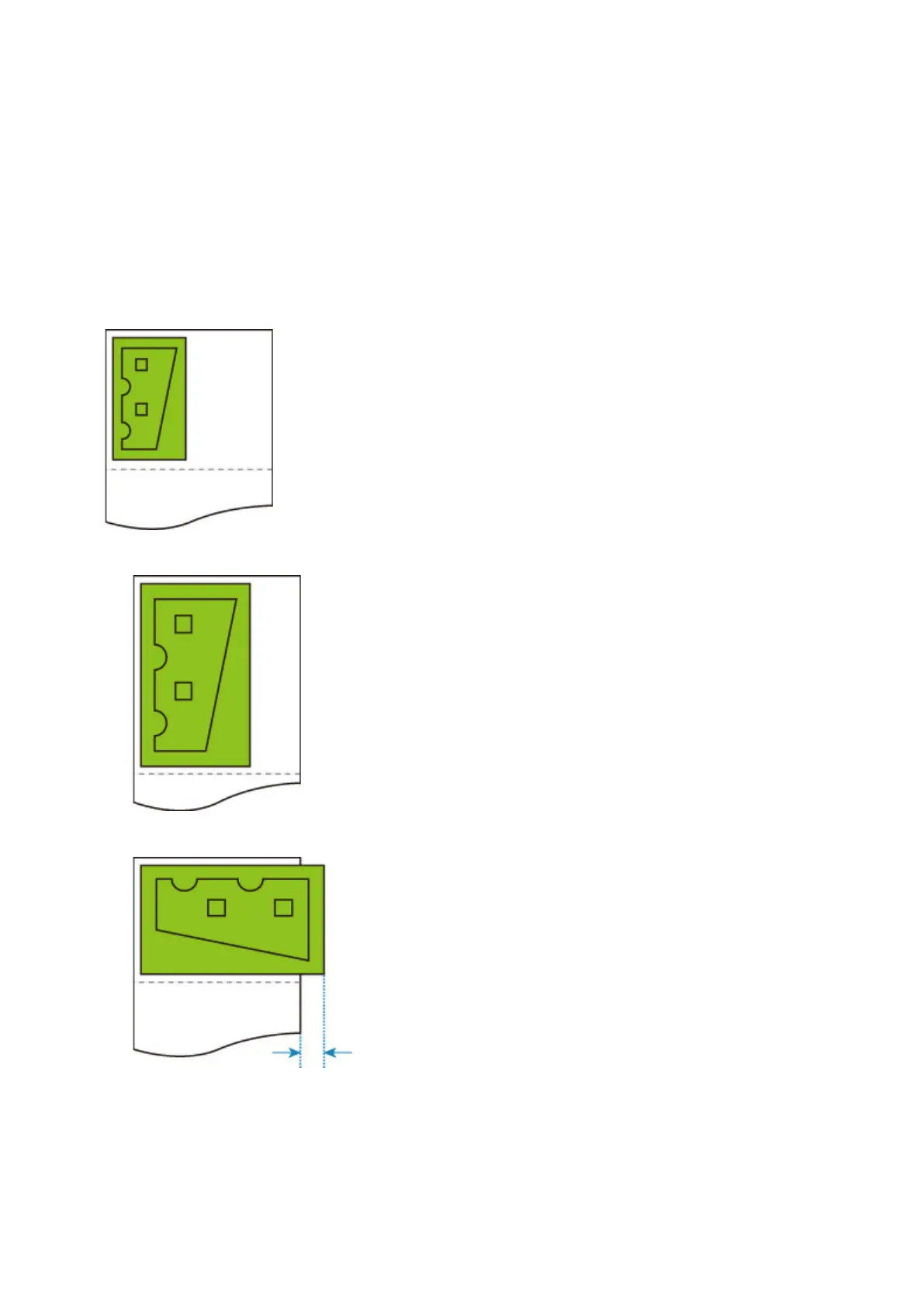
When both Enlarge/Reduce (Specify scaling) and Auto rotation are specified, Enlarge/Reduce (Specify
scaling) is done first and then Auto rotation is done to determine if printing is possible.
Printing is done without Auto rotation if the size of the image after doing Enlarge/Reduce (Specify scaling)
would cause the image to run off the edge of the paper were Auto rotation executed.
Enlarge/Reduce (Specify scaling) AND Auto rotation EXAMPLE
Print data (image drawing range)
• Printed image with Enlarge/Reduce (Specify scaling) only.
• Printed image when the image runs off the edge of paper.
Auto rotation is not performed.
260



 To Next Page