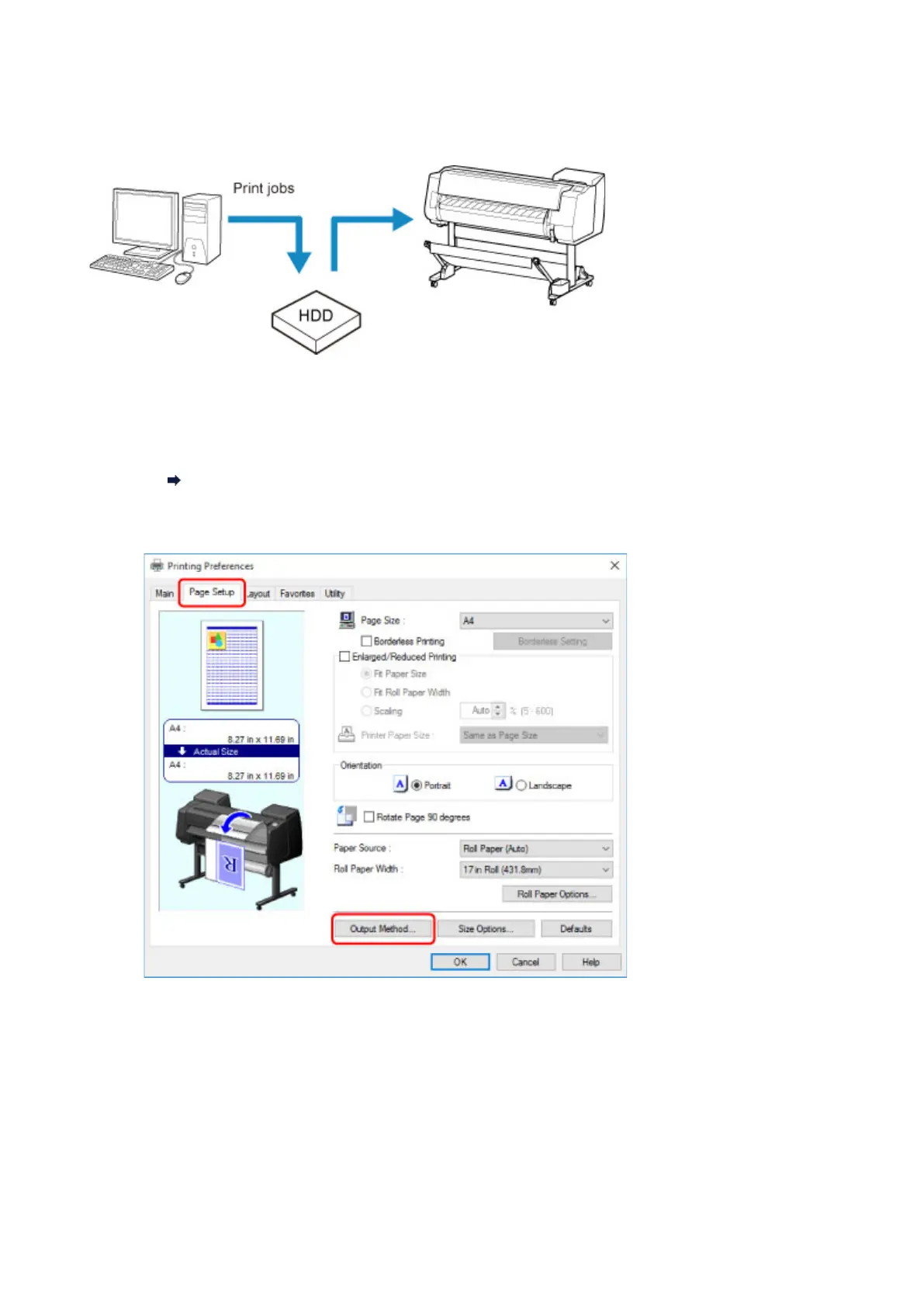
Saving Print Jobs on Printer Hard Disk
To save print jobs on the printer's hard disk, configure the printer driver.
Configuring Printer Driver (Windows)
1.
Open printer properties dialog box.
How to Open the Printer Driver Setup Window
2.
Access Page Setup sheet.
3. Click Output Method to display Output Method dialog box.
666



 To Next Page