Feeding Roll Paper Manually
After feeding the roll paper, you can move it forward and back.
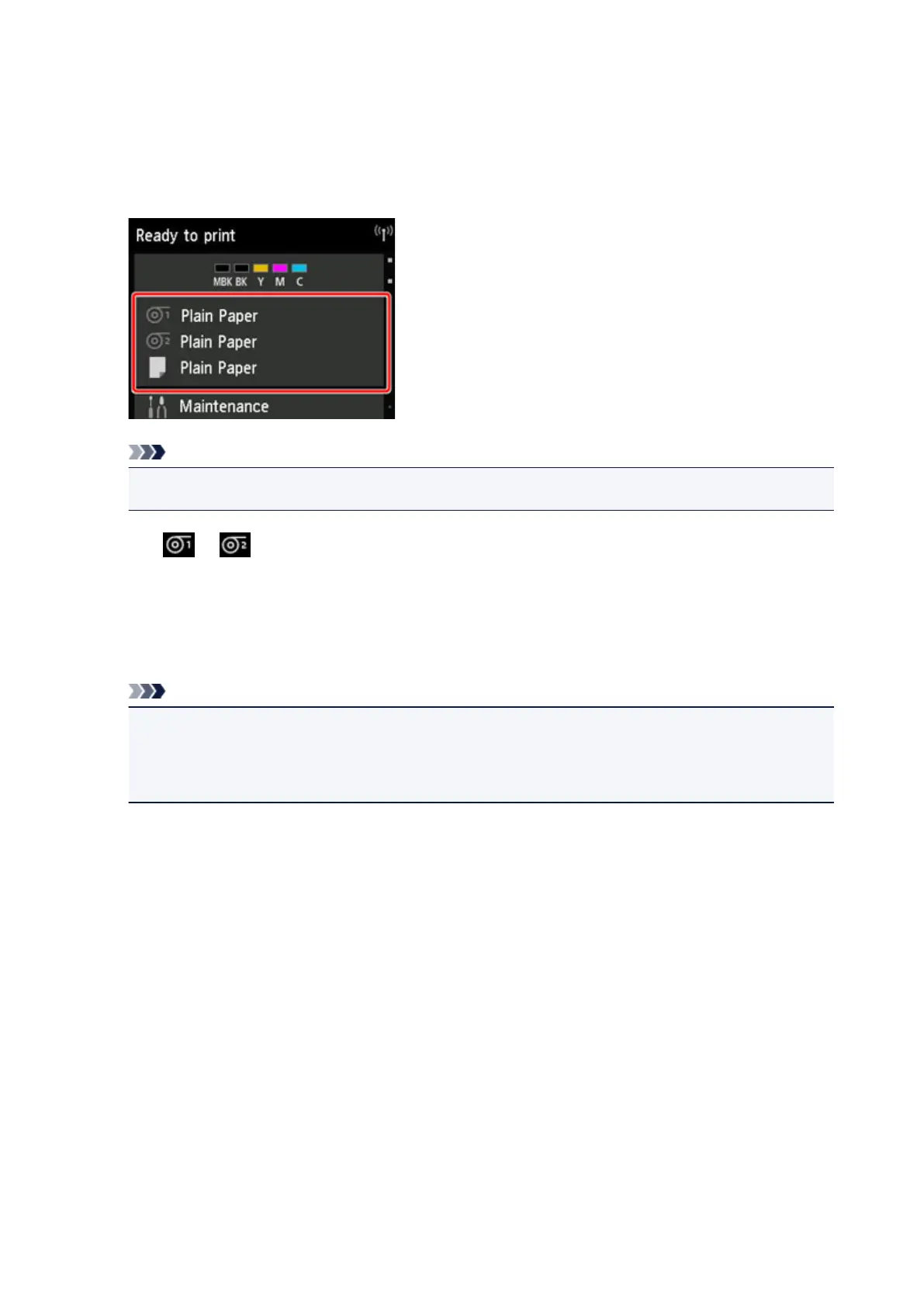
1. Tap paper settings display area on Home screen of touch screen.
Note
•
If the Home screen does not appear, tap the HOME button.
2.
Tap or area.
3.
Tap Feed/cut.
4.
Tap or touch Advance and Rewind to move roll paper forward or back.
Note
•
Tapping Advance or Rewind moves the roll paper approximately 0.04 inch (1 mm).
Touching Advance or Rewind moves the roll paper until you release the key. If "Cannot advance
the paper any more." appears on the touch screen, release the key.
5.
Tap OK when you have determined position of roll paper.
82



 To Next Page