Print cut lines
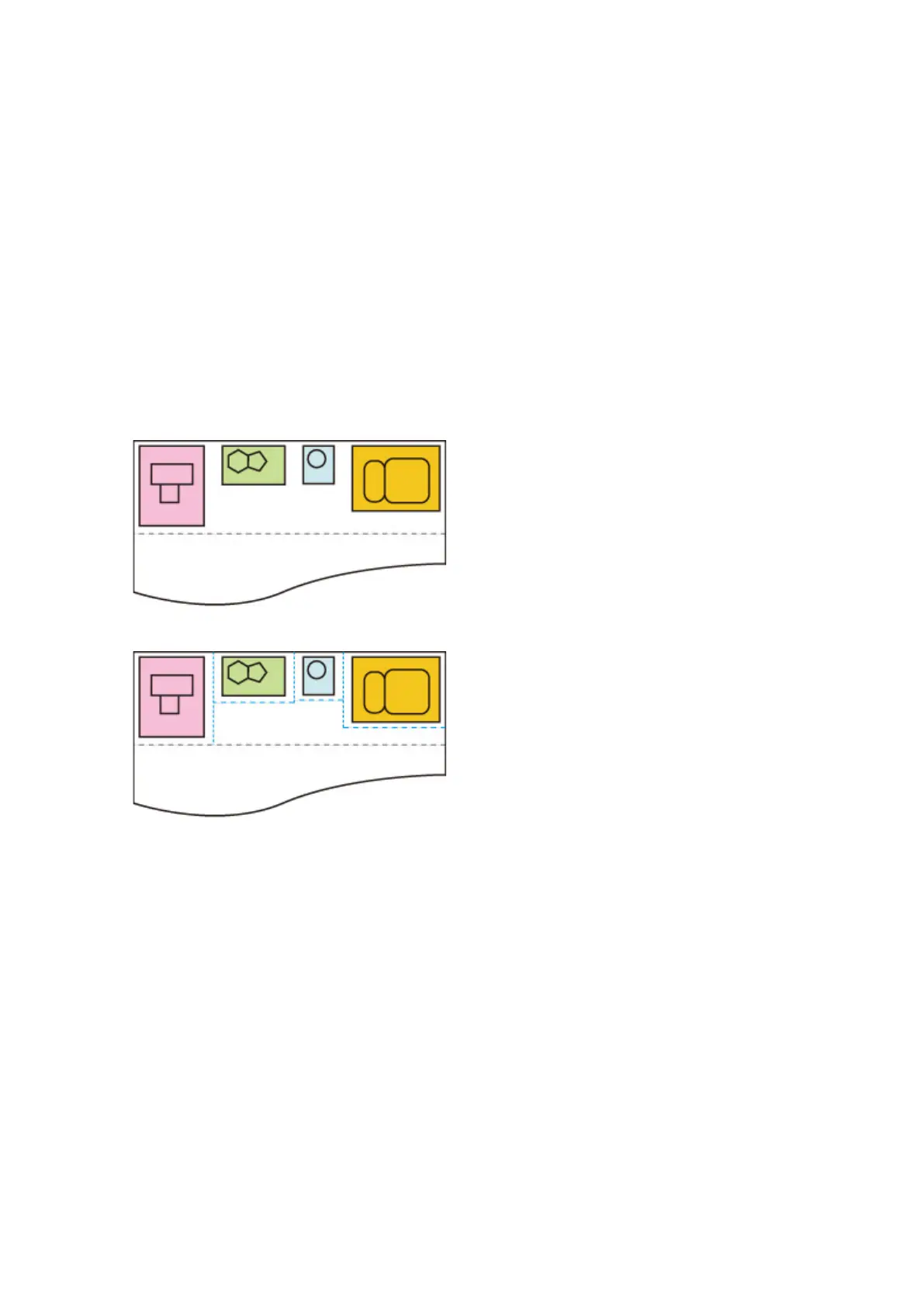
Prints cut lines to separate nested data.
Select this setting item from Device settings > Print settings > HP-GL/2 print settings > Paper settings
> Nesting.
• Disable (Initial setting)
Cut lines are not printed.
• Enable
Cut lines that separate pages are printed.
CUT LINES EXAMPLE
• When Disable is selected:
• When Enable is selected:
245



 To Next Page