Cleaning the Printer Exterior
Clean the printer regularly to maintain better printing quality and help prevent problems.
To ensure a comfortable working environment, clean the printer exterior about once a month.
Important
• When the sensor of the feed slot is dirty, the printer might not perform auto feeding properly. Even if the
sensor seems clean, we recommend cleaning it because it may have paper dust on it.
1.
Turn printer off.
Turning the Printer On and Off
2.
Unplug power cord from outlet.
Caution
•
Always turn off the printer and unplug the power cord before cleaning or maintenance.
Accidentally leaving the printer on poses a risk of injury if you touch moving parts inside the
printer.
3.
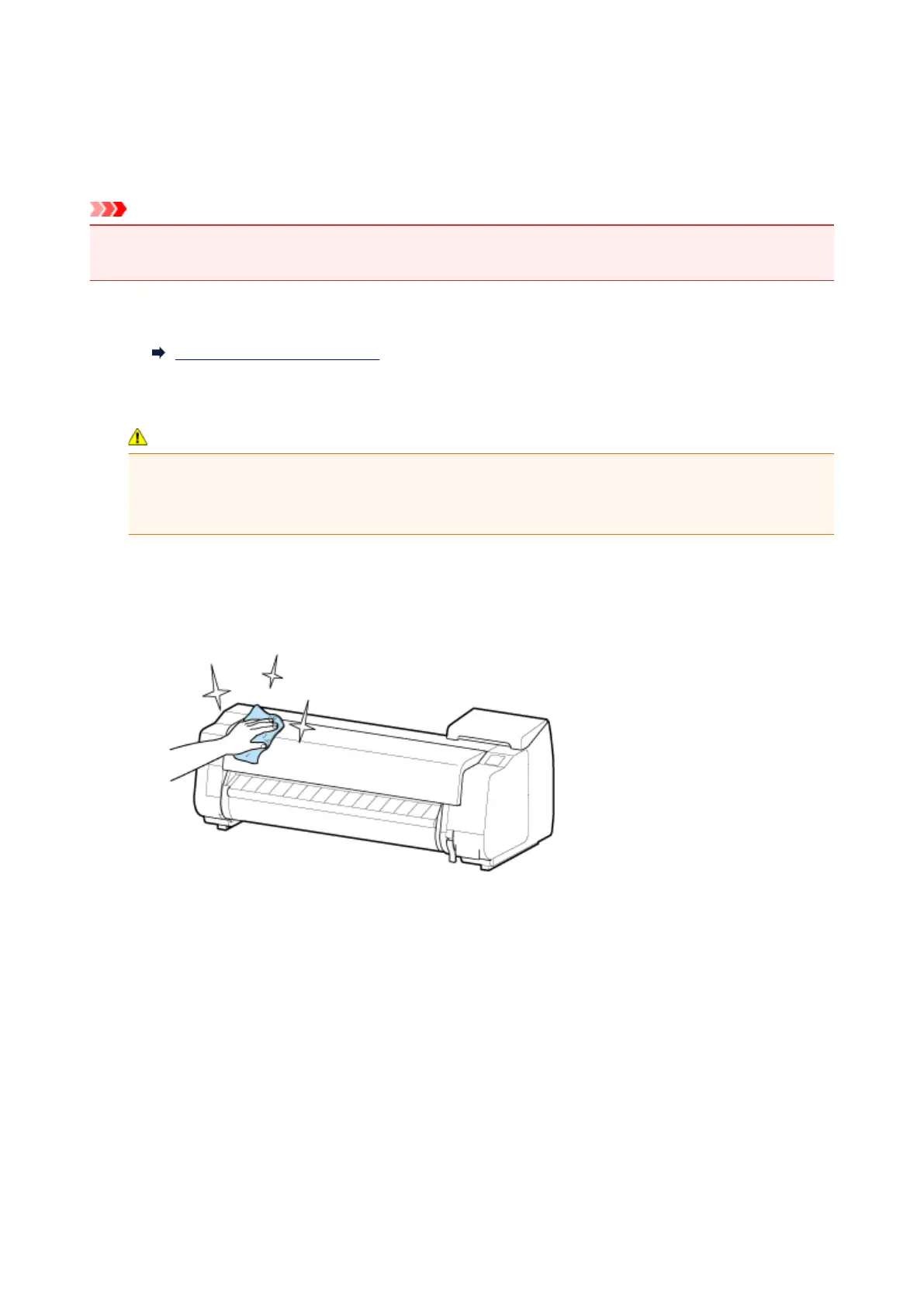
Wipe away any residue and paper dust with damp cloth that you have wrung out completely
and wipe dry with dry cloth.
• Clean the printer exterior and the power cord plug.
•
Open the top cover and output guide and clean parts that come in contact with paper (A, B) and
sensor (C).
463



 To Next Page