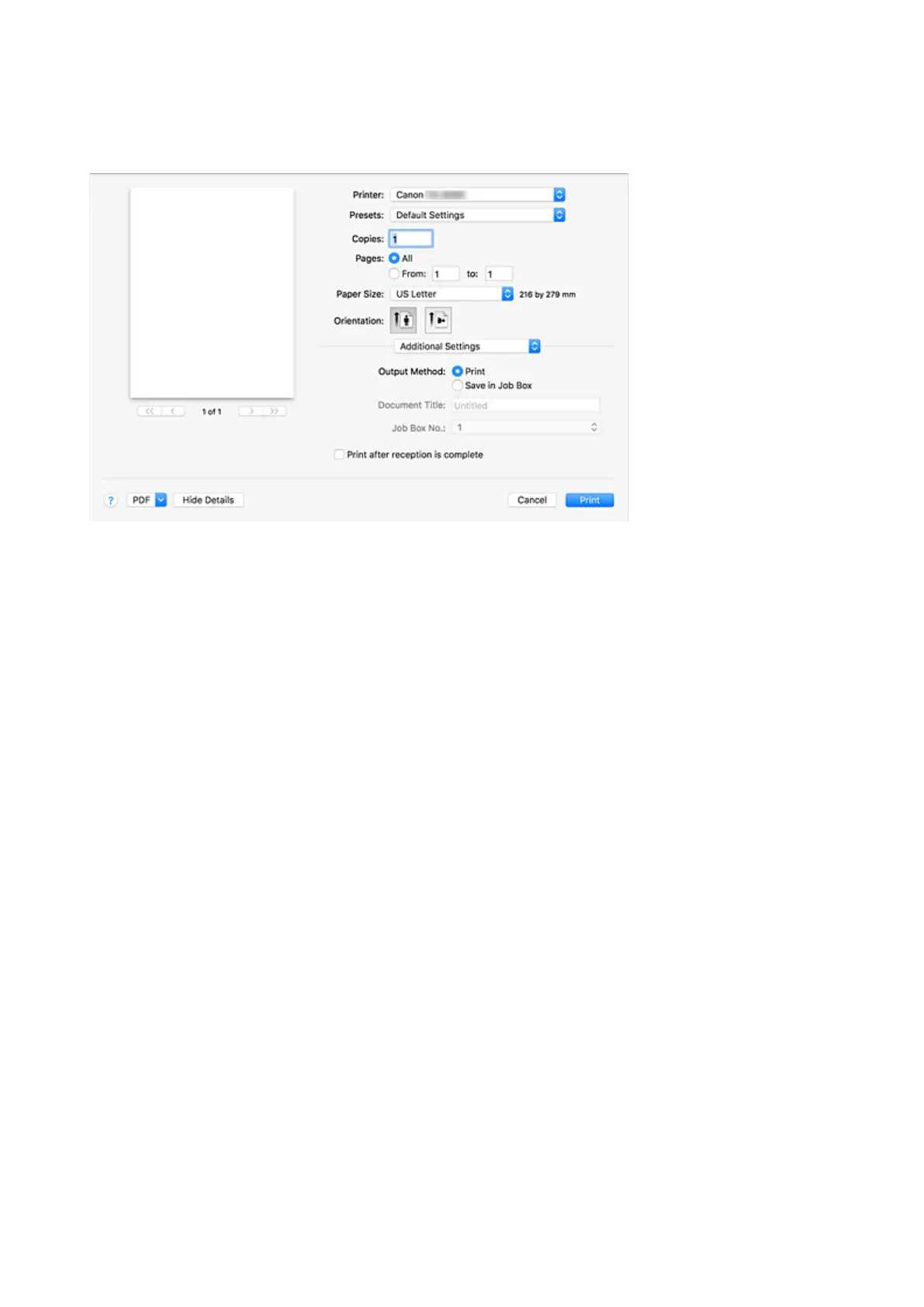
Additional Settings
Use this dialog to set the output method.
Output Method
Perform the settings to save the print job to the hard disk of the printer.
Print
Save the print job to the hard disk of the printer after printing is complete.
Save in Job Box
Save the print job to the hard disk of the printer. When selecting Save in Job Box, select the
individual box to save to from the Job Box No. list.
Document Title
This can be set when selecting Save in Job Box.
Input the name of the document you wish to save.
Job Box No.
This can be set when selecting Save in Job Box.
Select the box number from the list.
Print after reception is complete
This can be set when selecting Print.
Checking this prevents a decrease in print quality due to the printing being suspended when receipt of
the print job is interrupted.
653



 To Next Page