Cut to standard size
Specifies standard size as the output page size when printing on roll paper.
Select this setting item from Device settings > Print settings > HP-GL/2 print settings > Paper settings.
• If OFF (Initial setting) is selected:
Cutting according to standard size is not performed.
• If ON is selected:
Cuts to standard size in accordance with the roll paper width.
When there are two lengths/widths applicable for a given roll paper width, the optimum size is selected
automatically.
Note
• Nesting cannot be performed while ON is selected.
• If ON is selected for Conserve paper and there is blank space above/below the image, the size will
not be standard size.
• When ON is selected for Print centered, printing will be in the center of the standard size.
• If there is no standard size corresponding to the roll paper width, operation is the same as if OFF is
selected. No message is displayed.
• When there are multiple width/length candidates in the roll 1 (upper) and roll 2 (lower) in a double-
roll printer model, the optimum standard size is selected automatically under the following
conditions.
• When any of the candidates accommodates the output page size, the standard size closest to
the minimum image range is selected for efficient printing.
• When none of the candidates accommodates the output page size, the largest standard size is
selected to expand the print range.
• For information about supported standard sizes, see the appendix at the back of this manual.
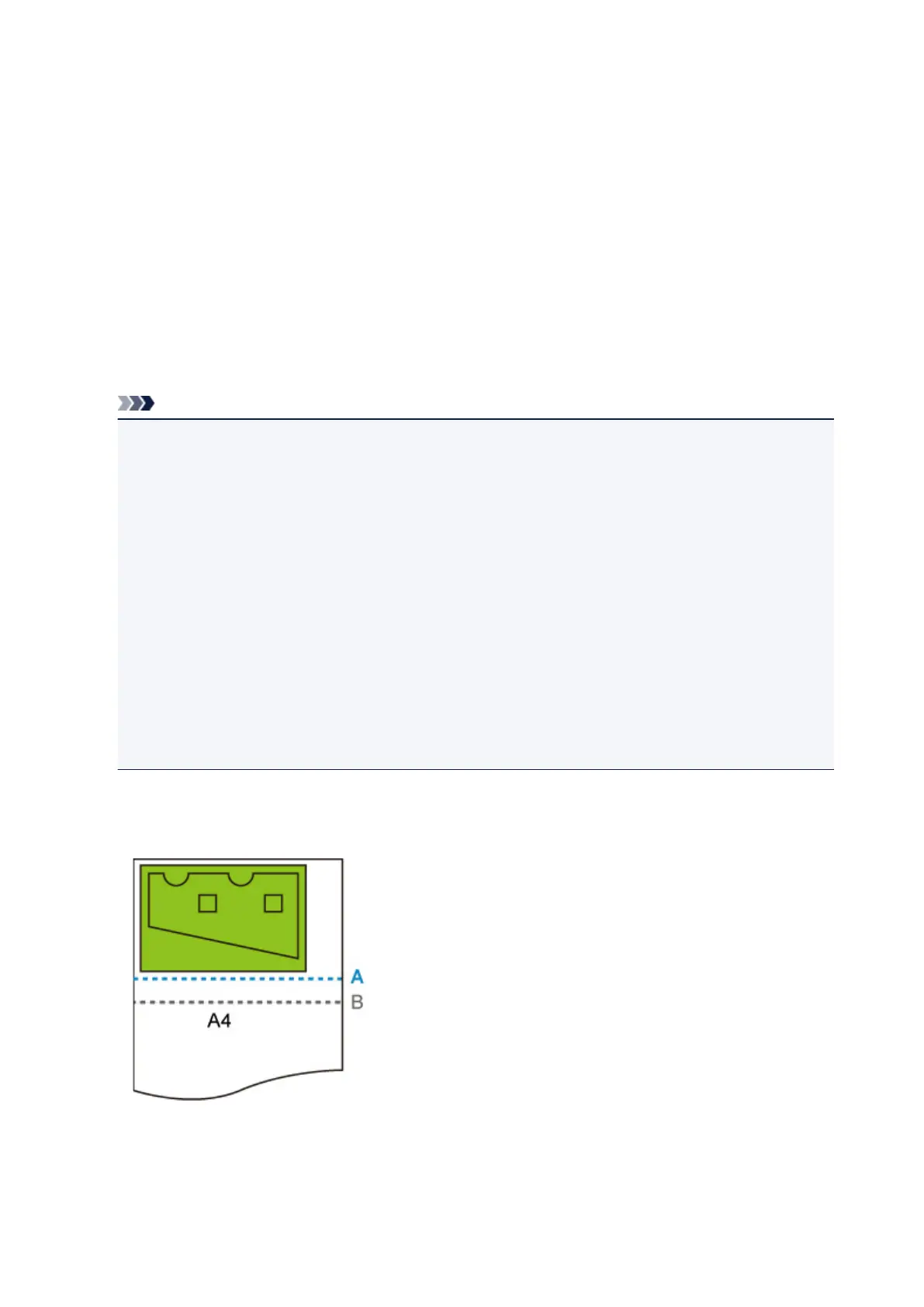
STANDARD CUT EXAMPLES
• A3-size width roll paper
A. Position of cut when OFF
B. Position of cut when ON
• A3-size width roll paper
240



 To Next Page