Naming Personal Boxes
For easier identification, you can assign names to personal boxes.
This operation is available using Remote UI.
1. Display printer status on web browser.
2.
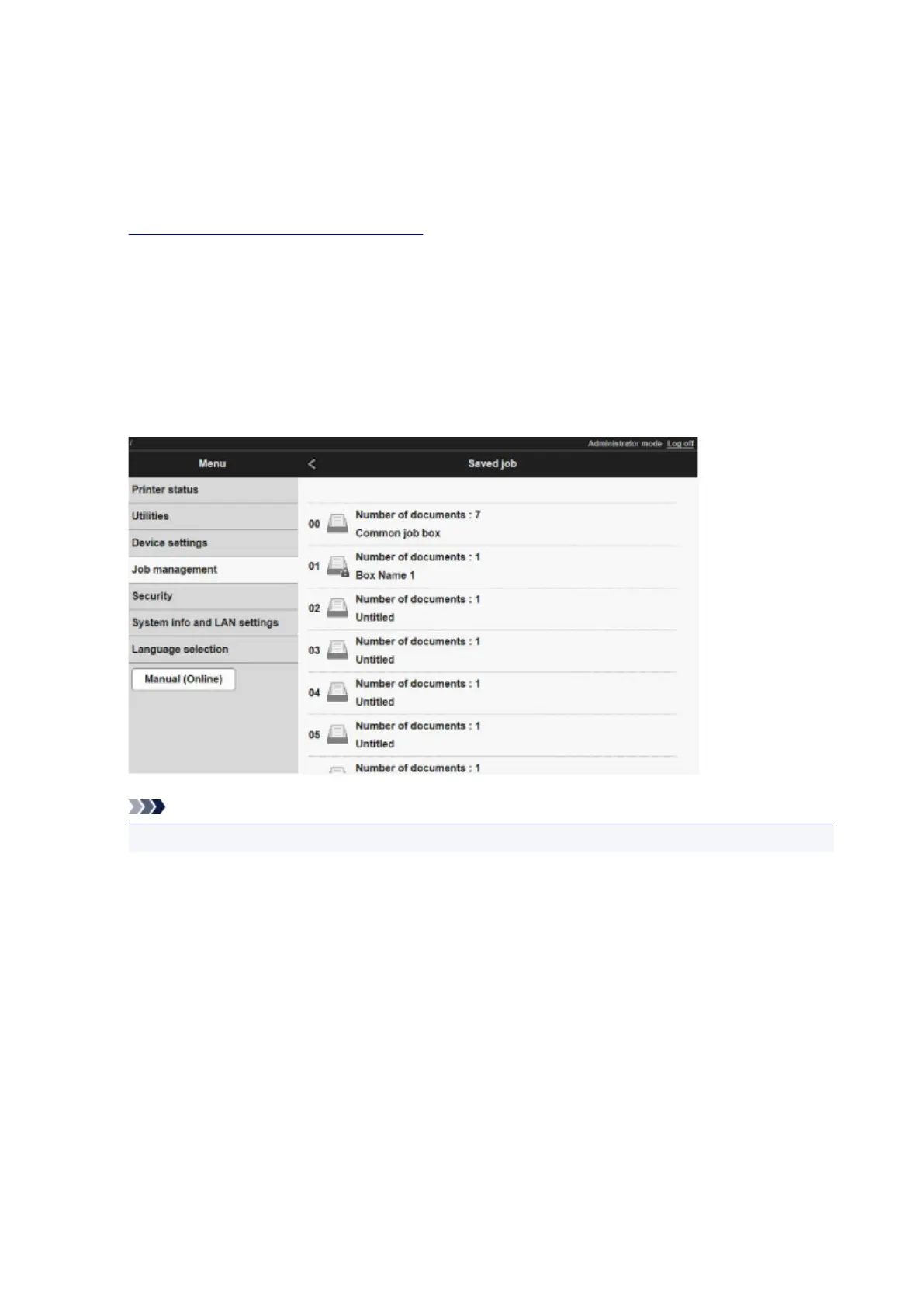
On Menu page, select Job management.
3.
Select Saved job.
The saved job list appears.
4.
On Saved job page, select box.
Note
• Enter the password if it is enabled for a saving box.
690



 To Next Page