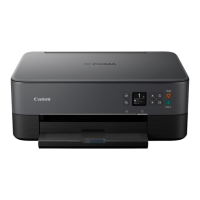
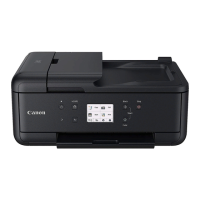
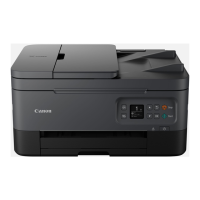
• Do not press the touch screen with an object other than your finger (such as a ballpoint pen,
pencil, fingernail, or other object with a sharp tip).
• Do not operate the touch screen with wet or dirty hands.
• Do not place objects on top of the touch screen.
• Do not place a protective film over the touch screen. Removing it can damage the touch screen.
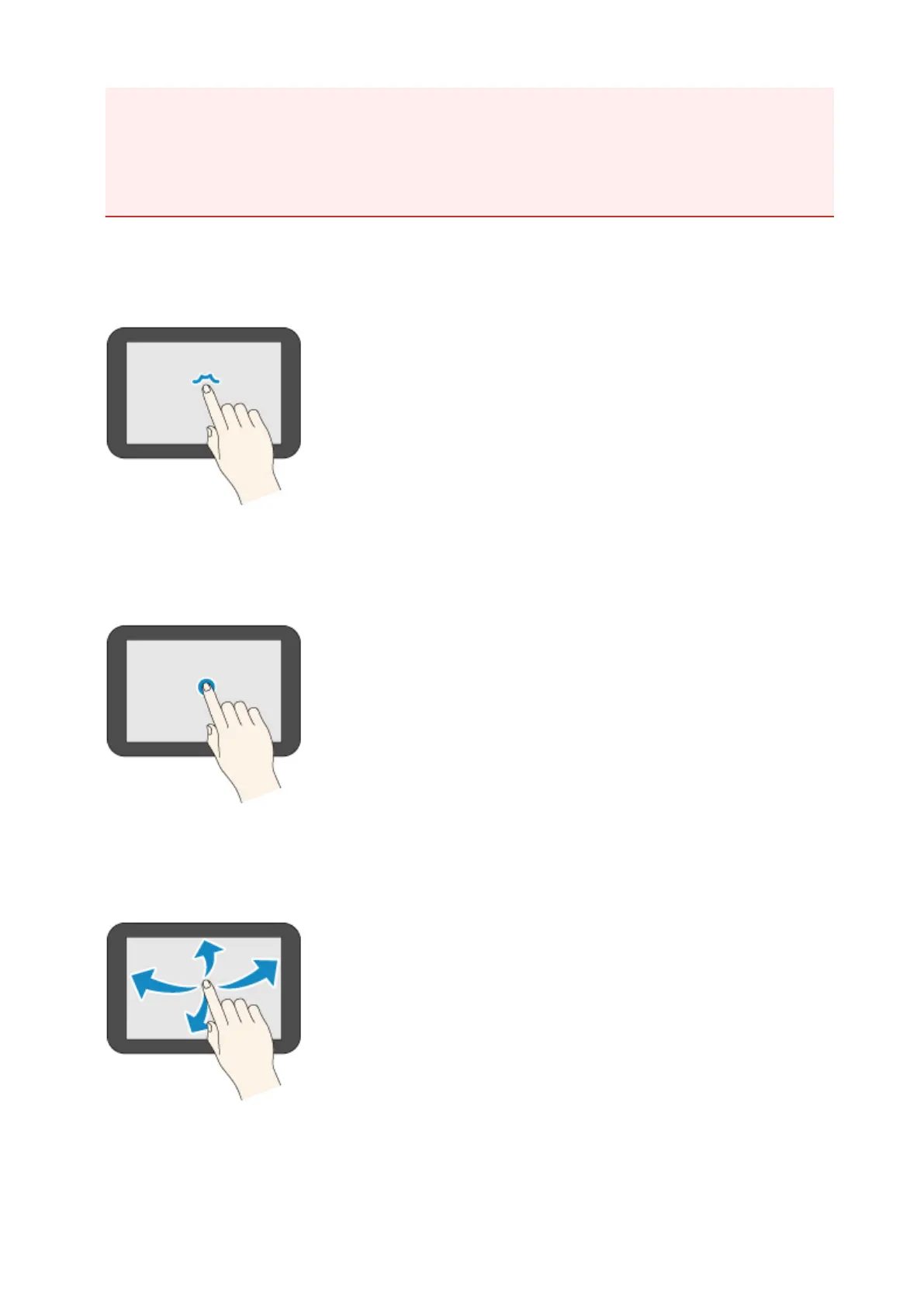
Tap
Gently touch with your fingertip and then release.
Use this when selecting an item on the screen.
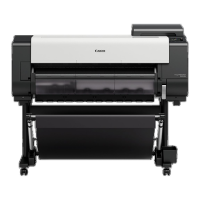
Touch
Gently touch with your fingertip.
To go (or return) to a menu or list, touch the directional mark.
Flick
Drag and release your finger up, down, left, or right.
Use this to quickly scroll through a menu or list.
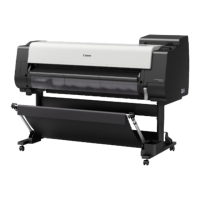
Drag
Move your finger up, down, left, or right while gently keeping it in contact with the touch screen.
161


 To Next Page